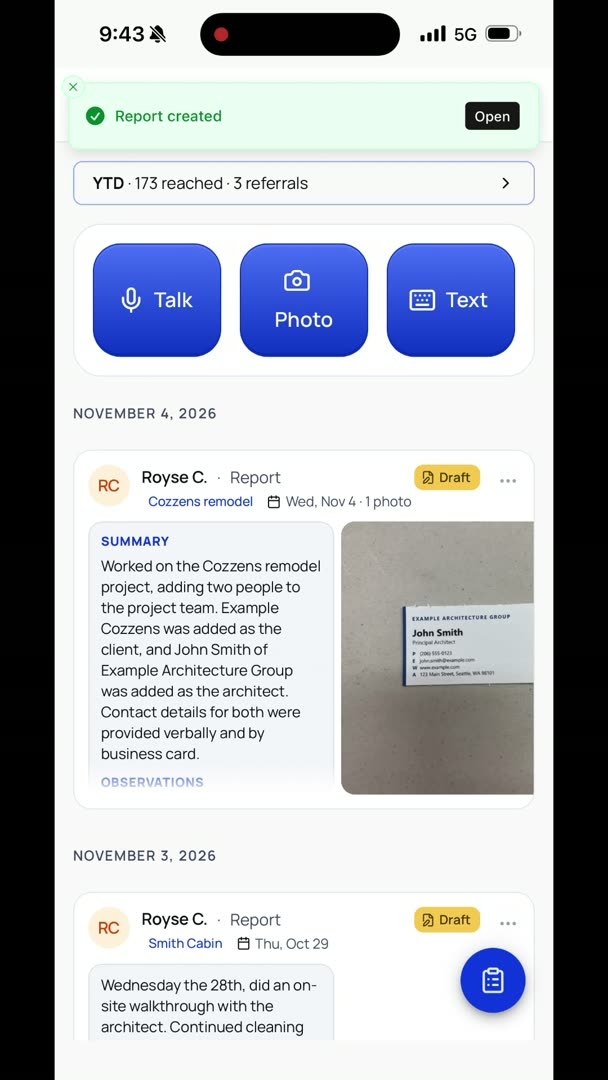
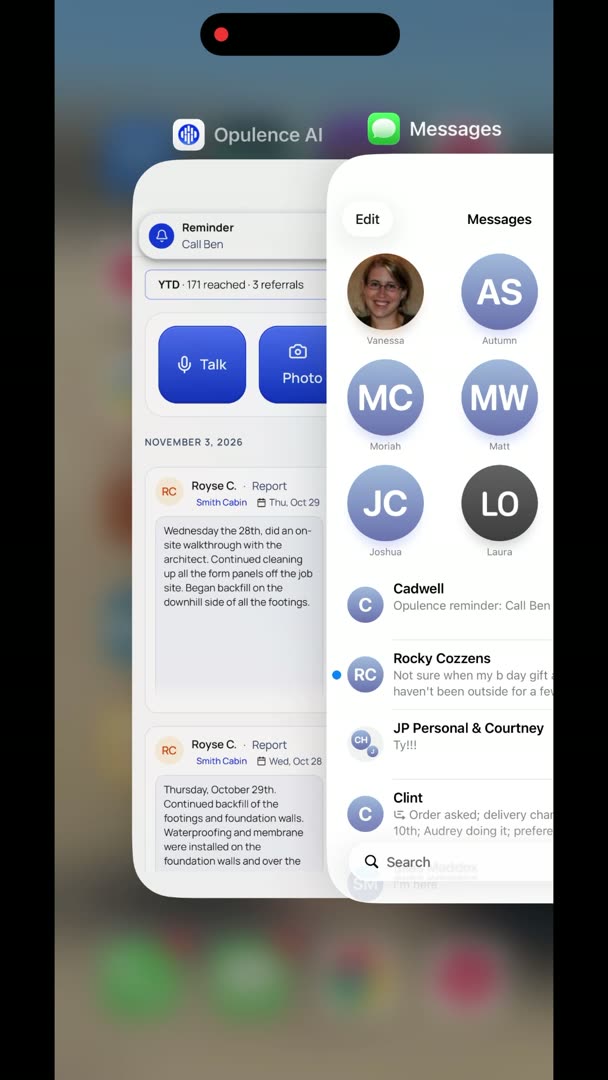
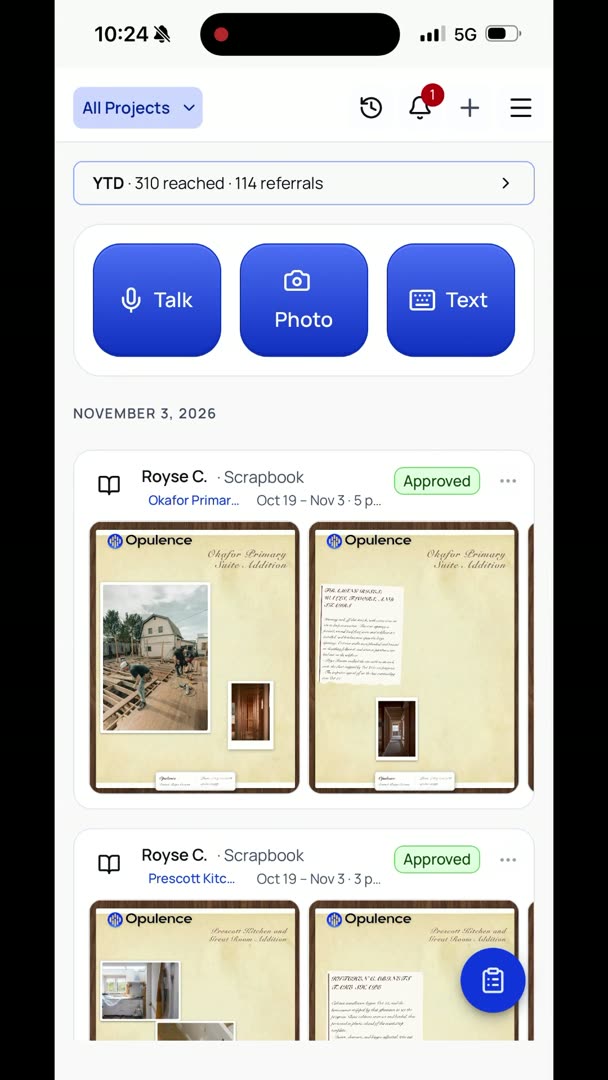
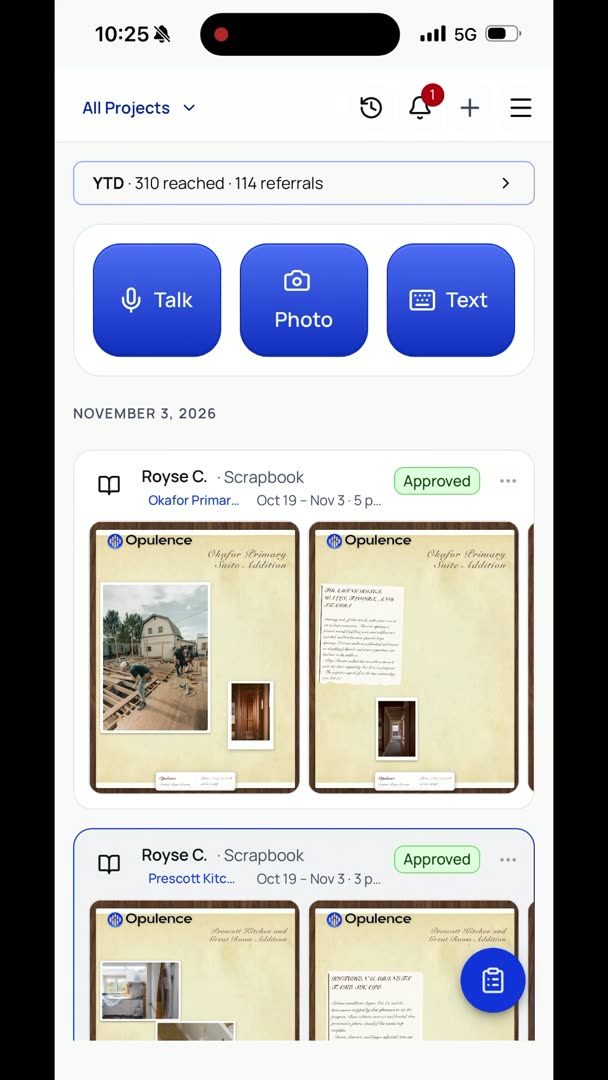
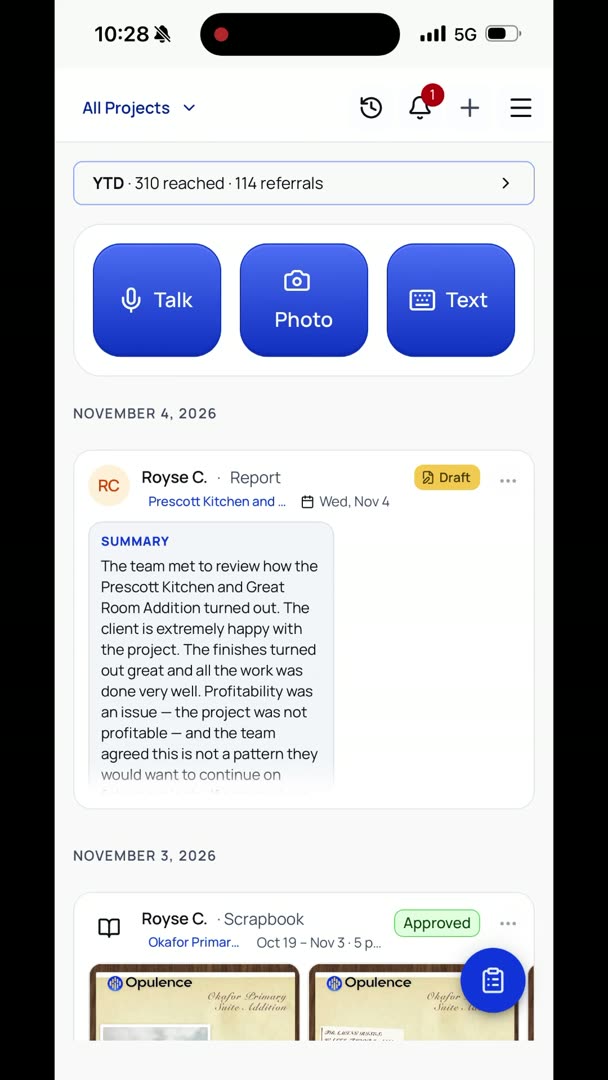
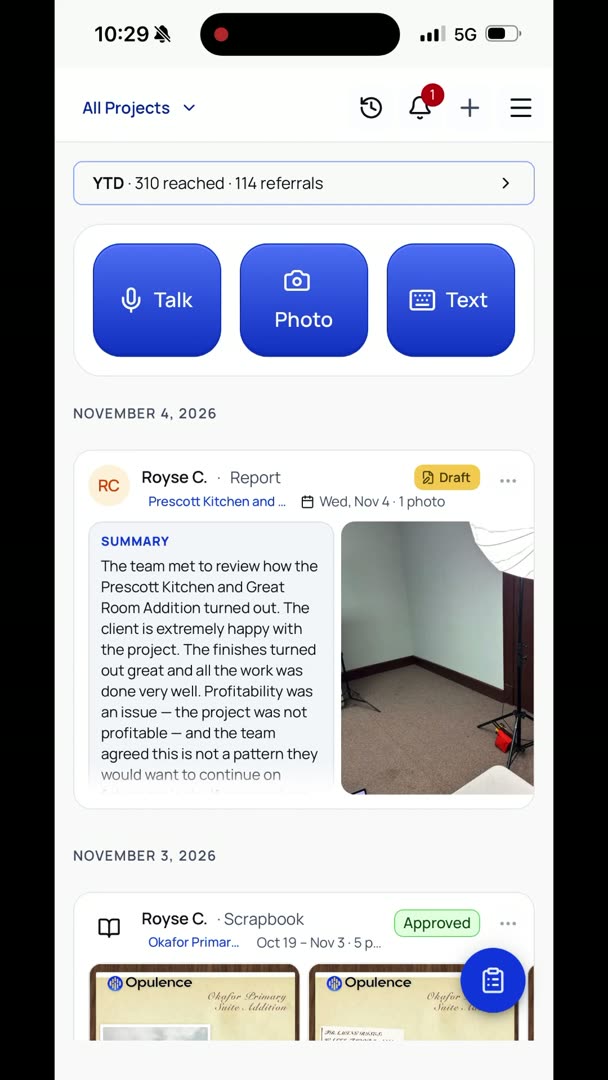
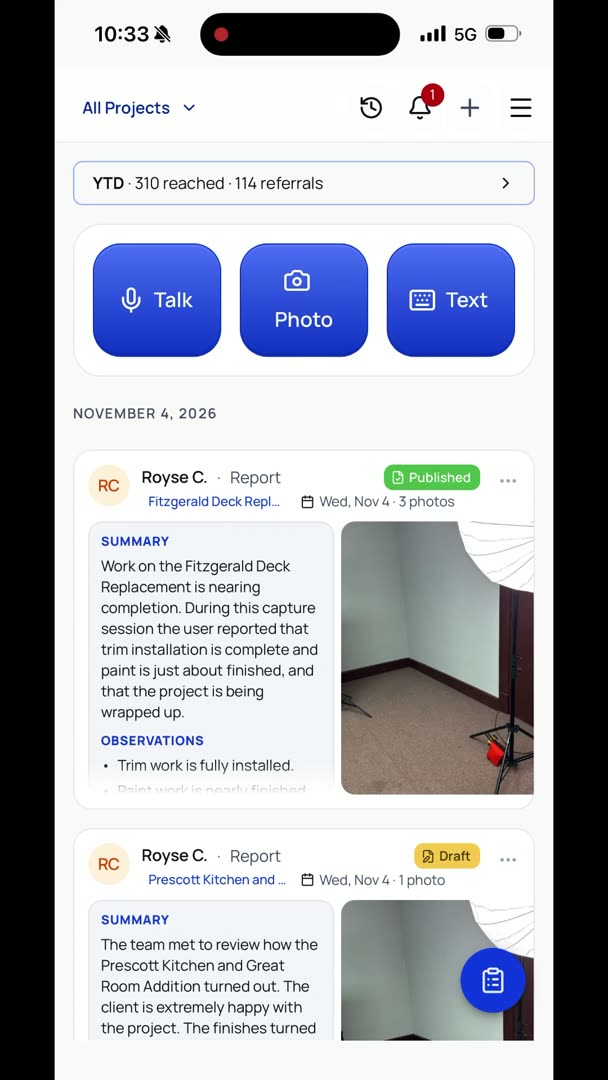
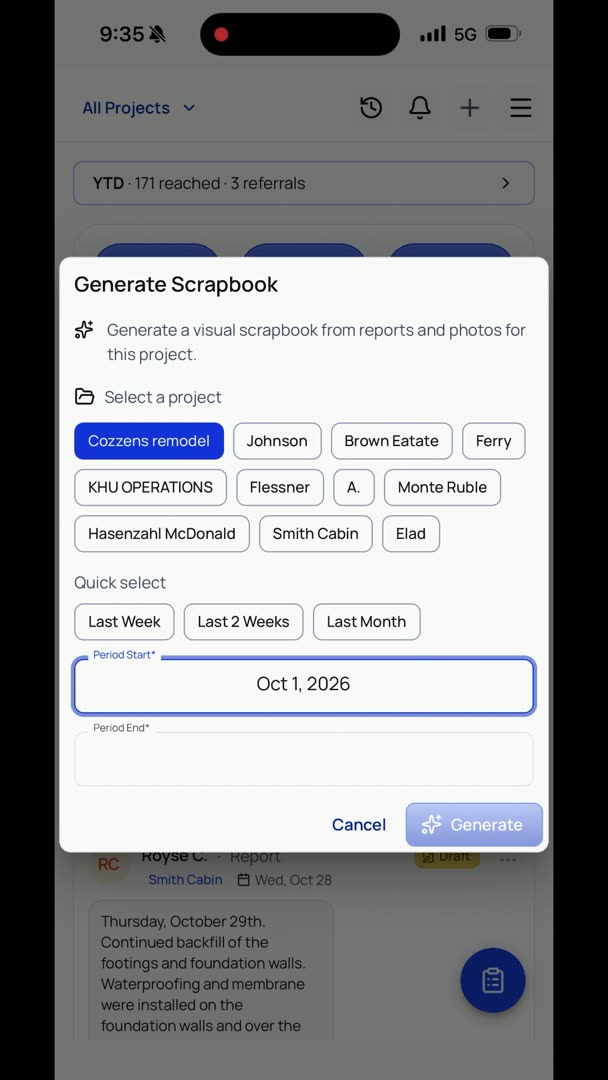
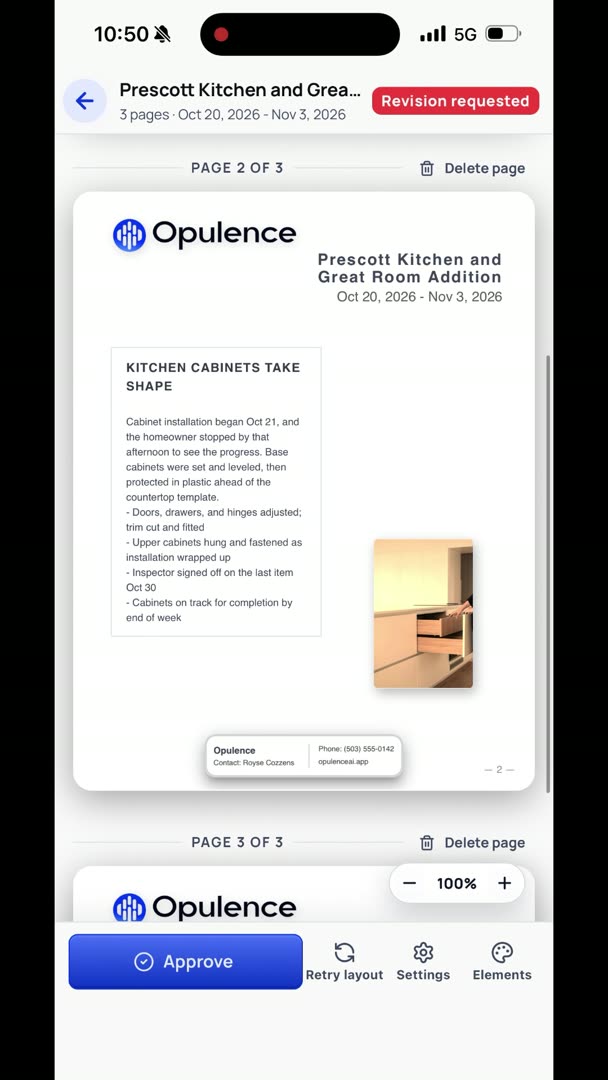
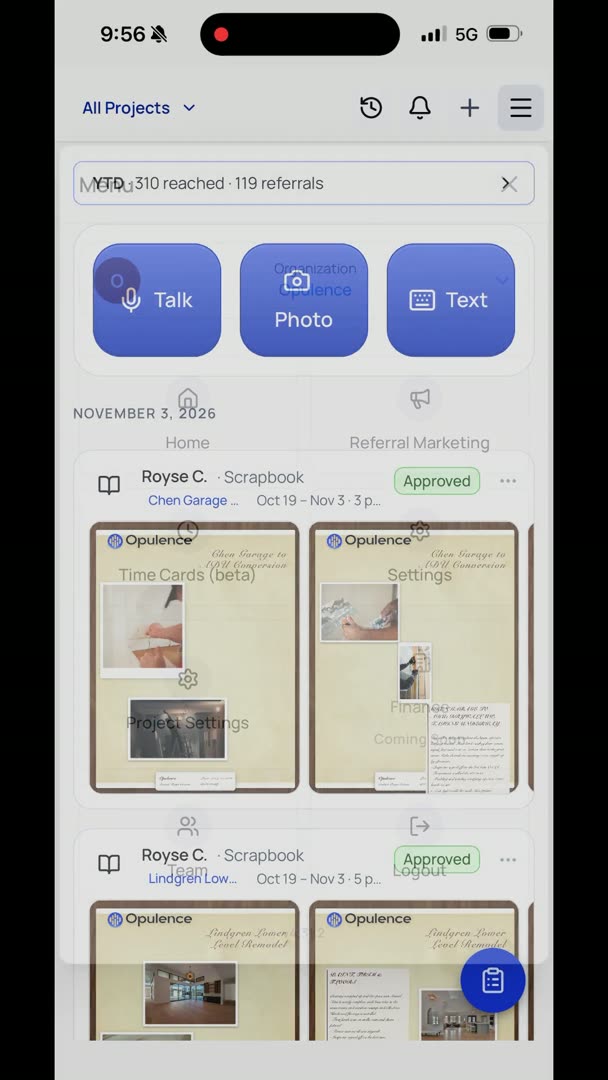
So we're going to take a look at the feed right now. This is basically your home screen. At the top you have Talk, Photo, Text, really easy to access all the functions that you normally use. As we scroll through, you can see the scrapbooks that it just created, and this is all just test data. And then in here you have all of your daily logs, or what we call reports.
So if I have any reports that are just drafts and they're not actually approved yet, I can just click that button, Publish it, if I want to send it. I have all those options right here in the three buttons. You can click Send, Export, I can convert it if I want to, or I can Edit it. So if I want to edit a report, I just go up to these three buttons, it's right there at the top, hit Edit. So I can change the project that it's on, adjust the date if I want to, adjust my layout, or I can come in here and actually say, let's say the observation, I actually want to say the trim is filled and caulked, and I just want to edit it.
Bam, it's that simple, and I'm going to hit Save.