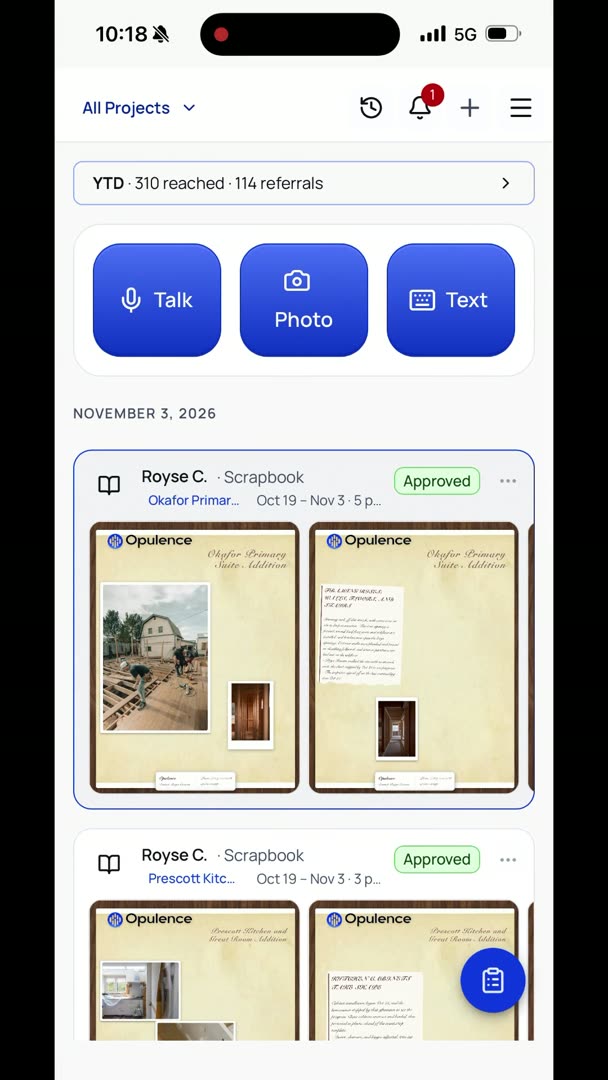
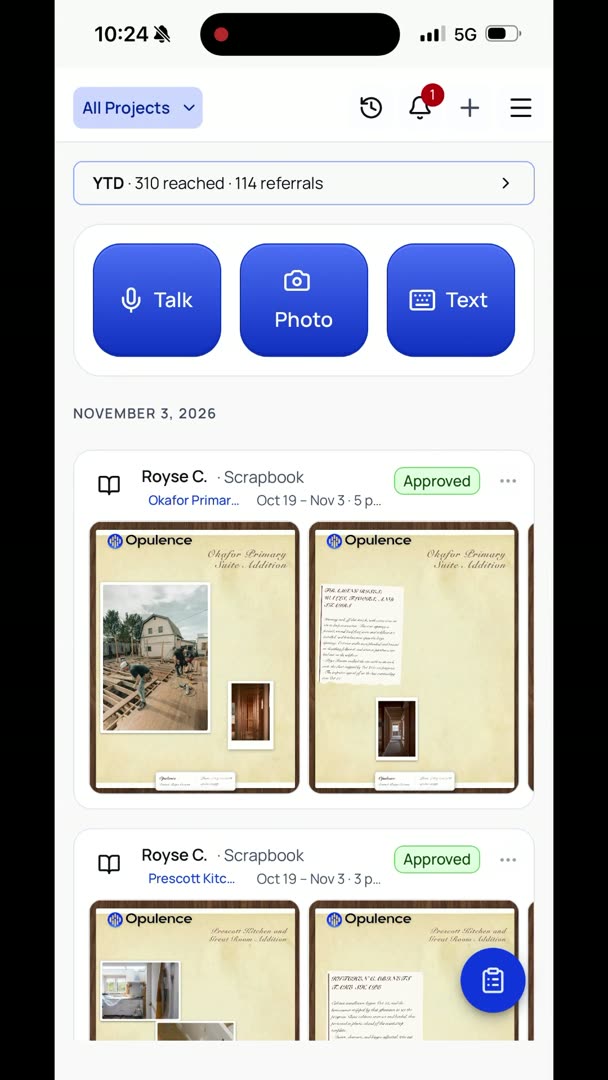
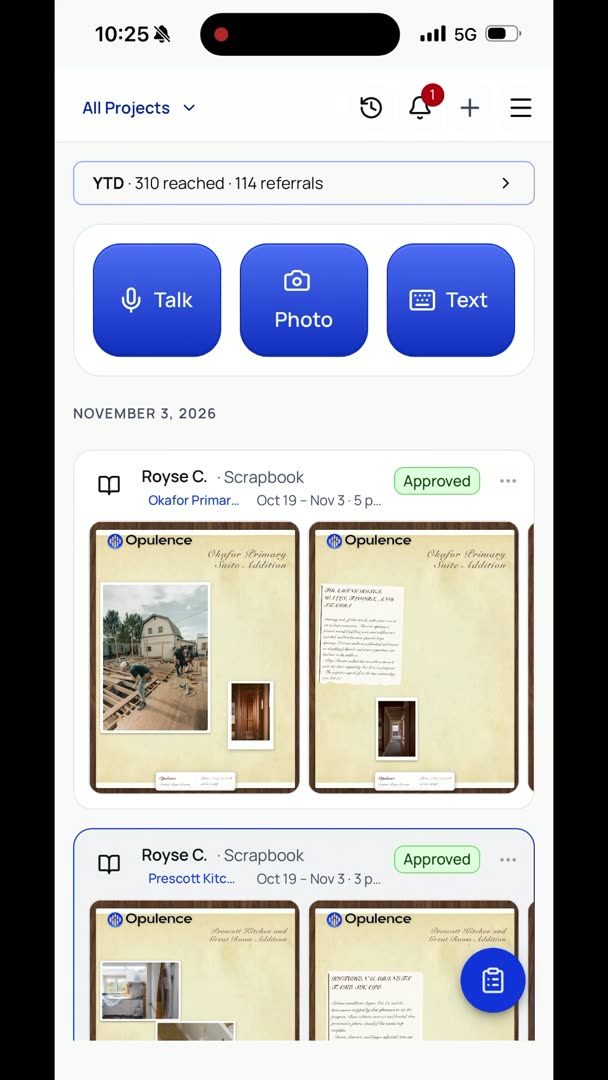
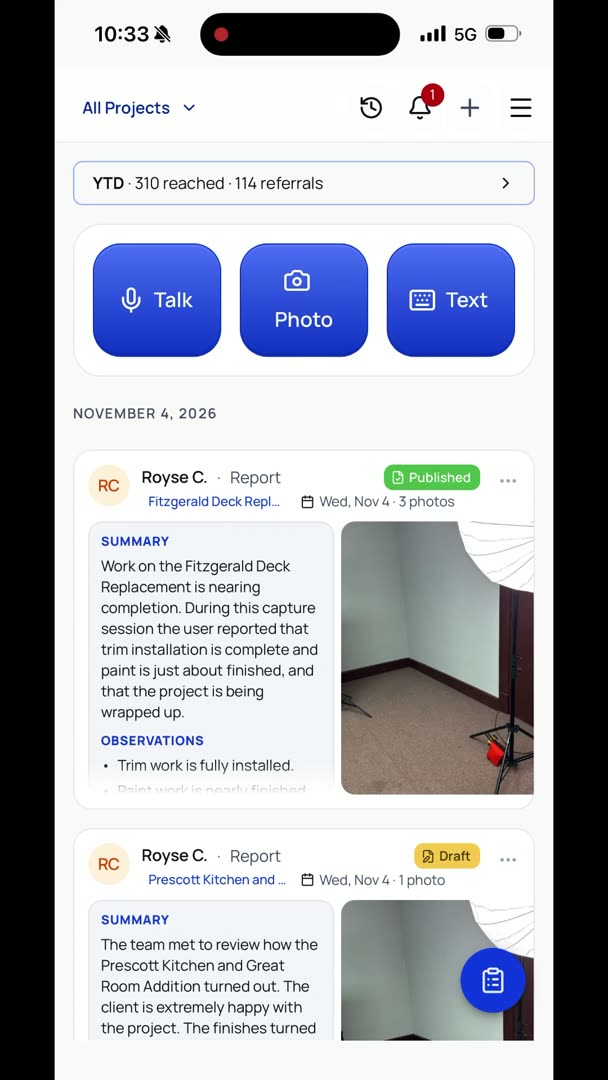
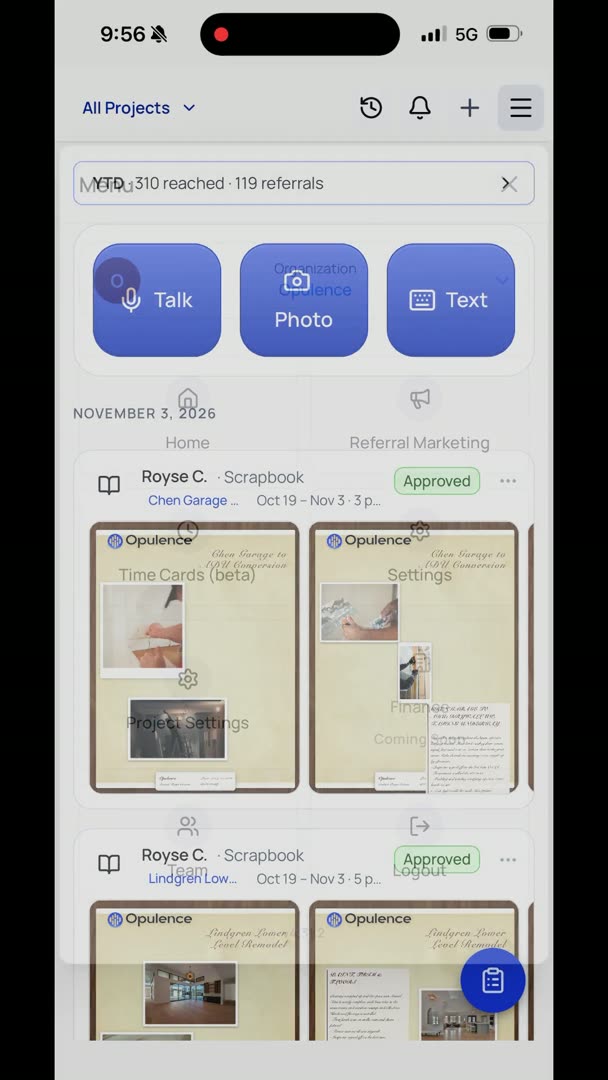
So here I clicked on Camera. I'm in camera mode. I can switch between photo or video. And so a nice part about them is I can basically be walking around talking, so it's not required that I have it on Talk in order to do this. So we're just going to do photo, and in the lower right-hand corner here, you can see I've got some options with the camera, but in the far right I've got a microphone icon that I'm going to click on and do a report.
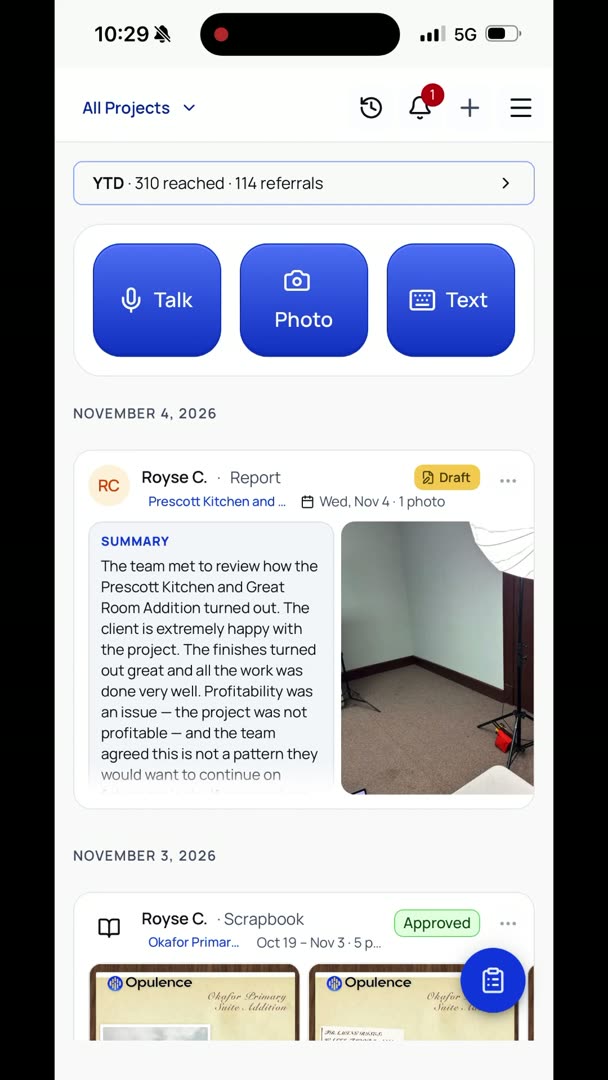
"So I'm here on the Fitzgerald project, and you can see that we're getting completed with everything. Trim's all in, carpet's down, paint's just about finished, and we're wrapping up the project."
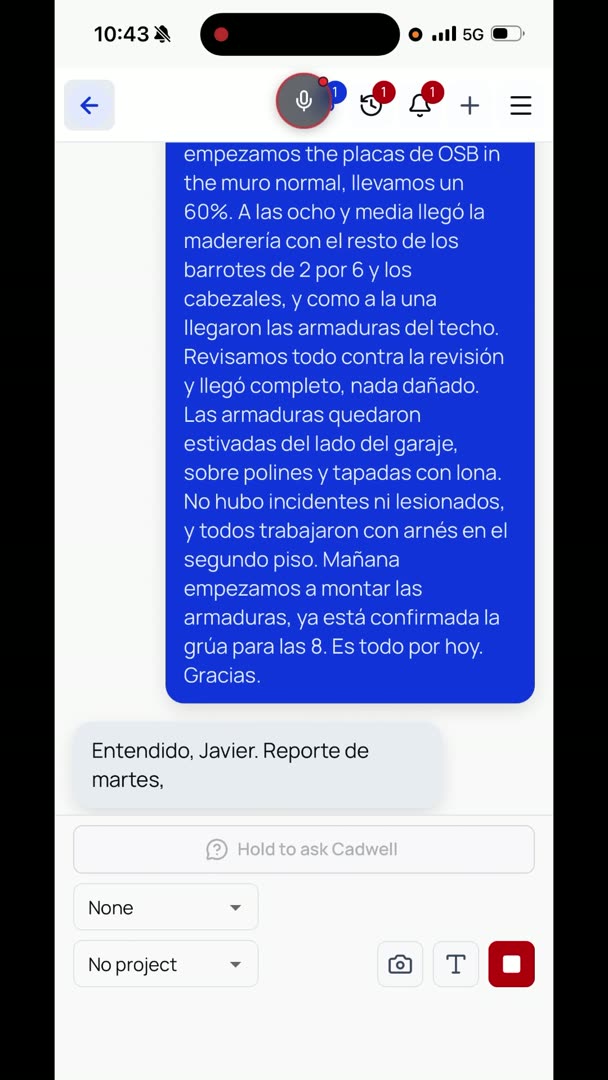
Hit the microphone icon when you're done, and as soon as you're done with it, all you got to do is hit back. It does the rest.
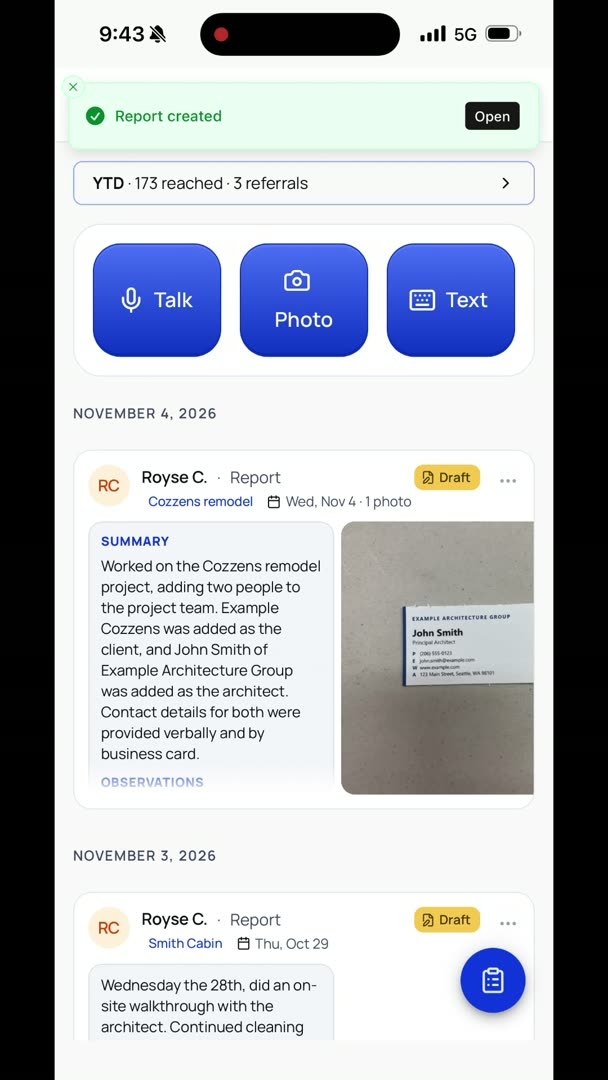
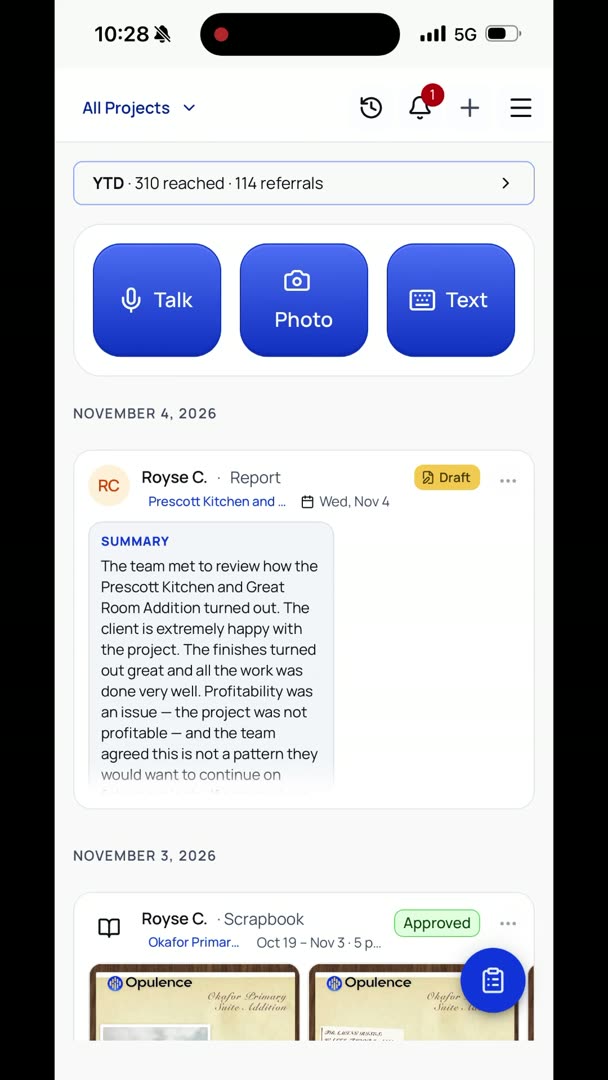
"I'm going to turn this into a report unless you tell me not to." So it automatically picked Fitzgerald Deck Replacement as the project name, and all I got to do is hit back, and it's going to do the rest.