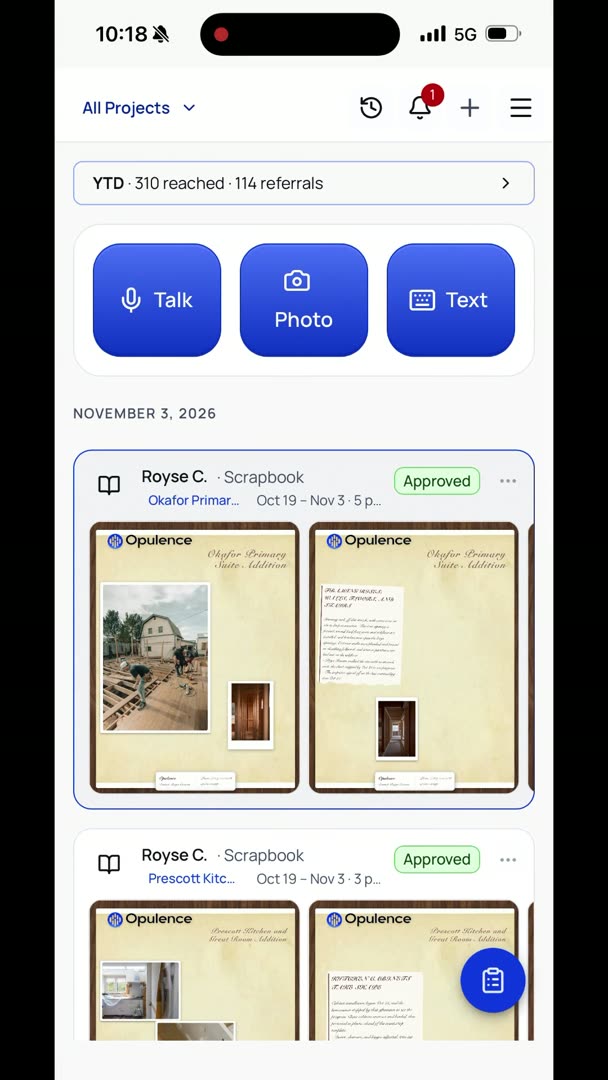
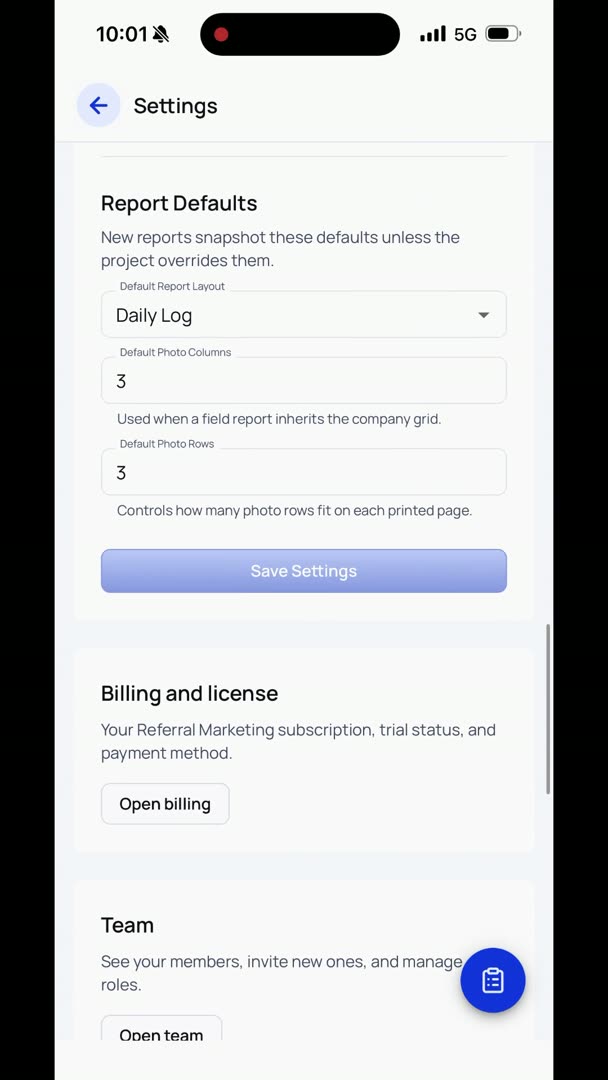
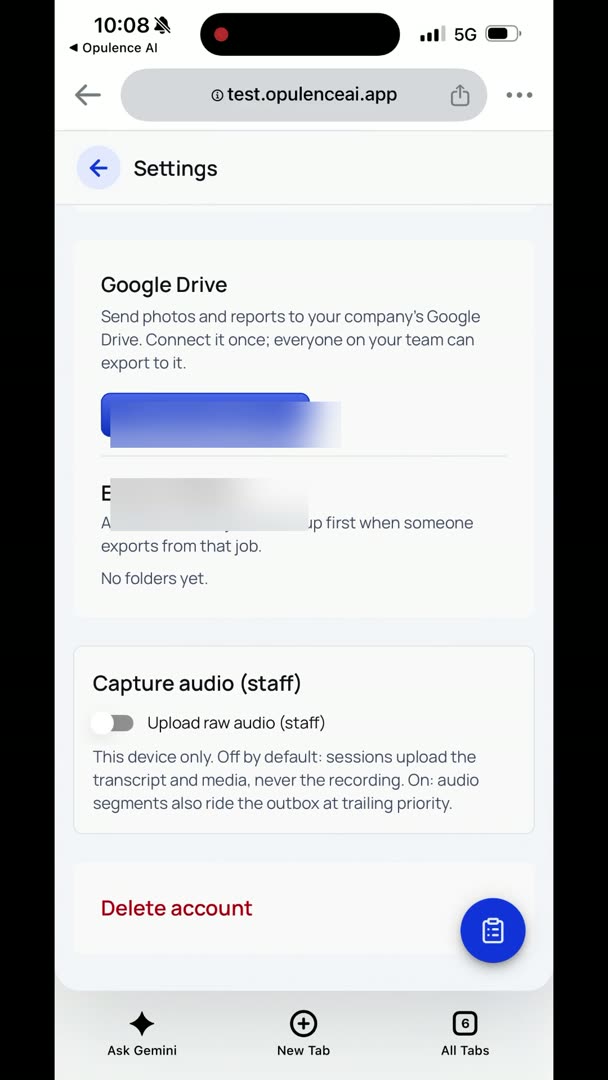
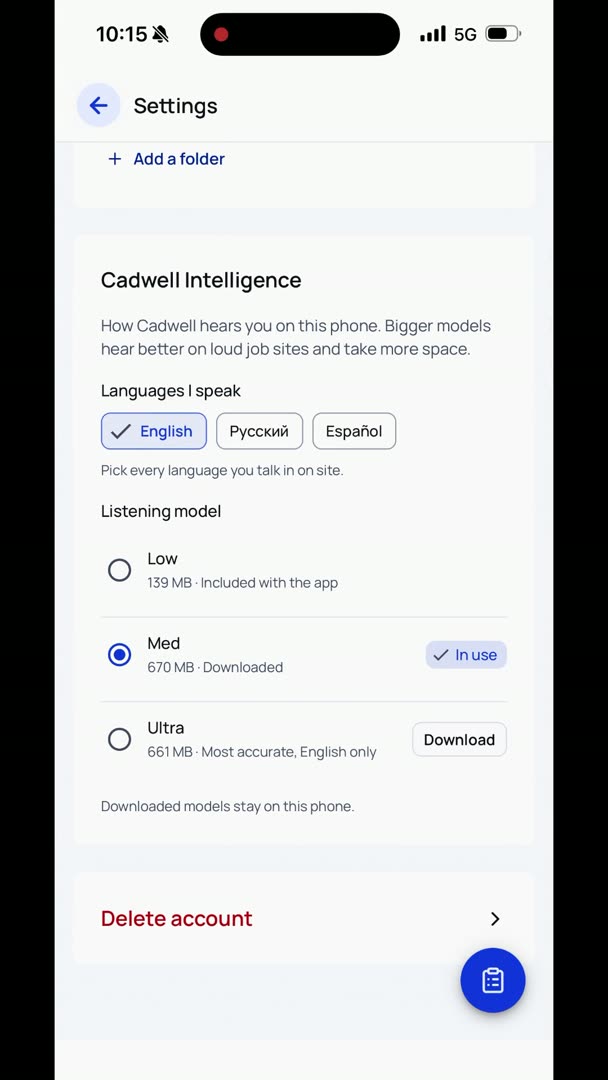
So, your company settings. If you want to change any of the company settings, go to the hamburger up in the upper right-hand corner and go to Settings. Notice that there's a Settings, and then there's also Project Settings. All your company settings, obviously, are going to be under Settings, not the project. So here is where you can adjust your name, your organization's name.
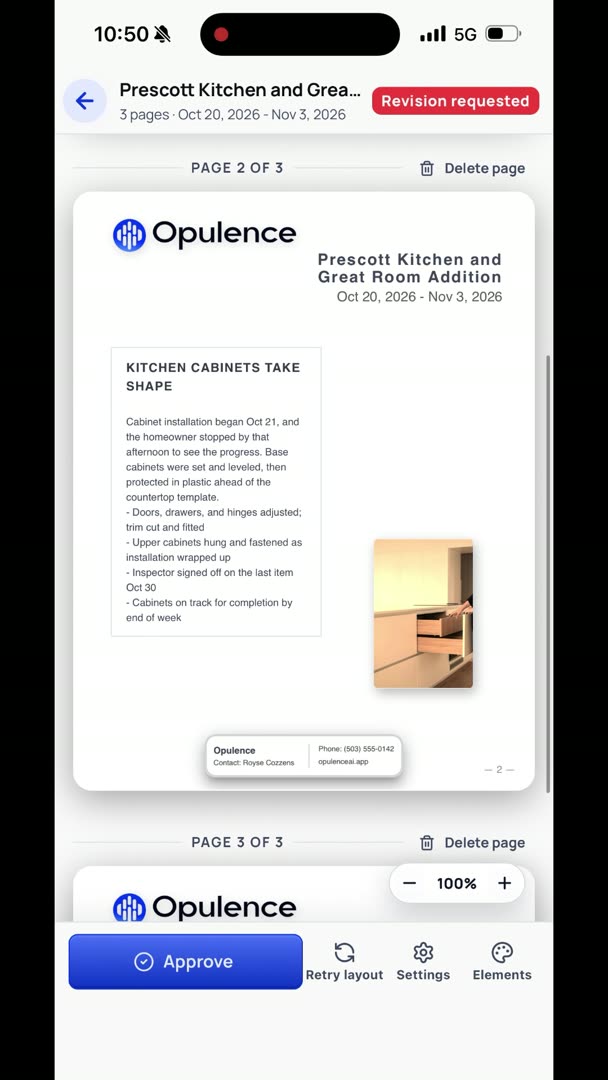
So let's say your company contact, you don't necessarily want it to be you. Maybe you say an office, an admin person, or something like that. Maybe you want to change it to the office number. Make sure to put your company website in there. Both the number and the company website are hyperlinked in the scrapbooks.
So let's say somebody gets it on their phone and they're flipping through. They're like, "Oh, sweet. I'll give them a call." Bam. All they have to do is just click it, and it opens up their phone app.
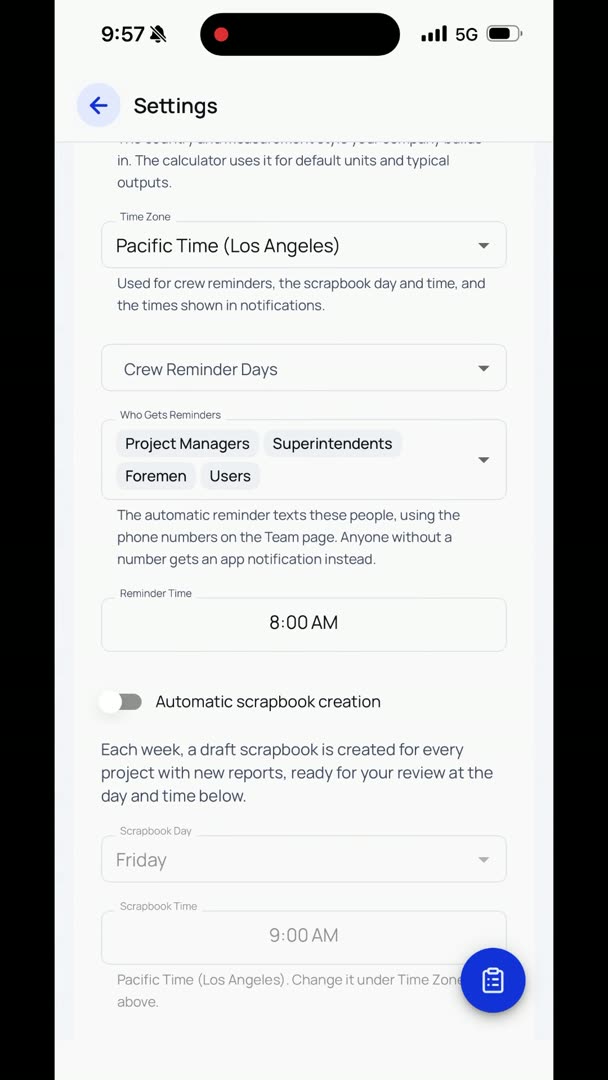
So in here, you can set your time zone.