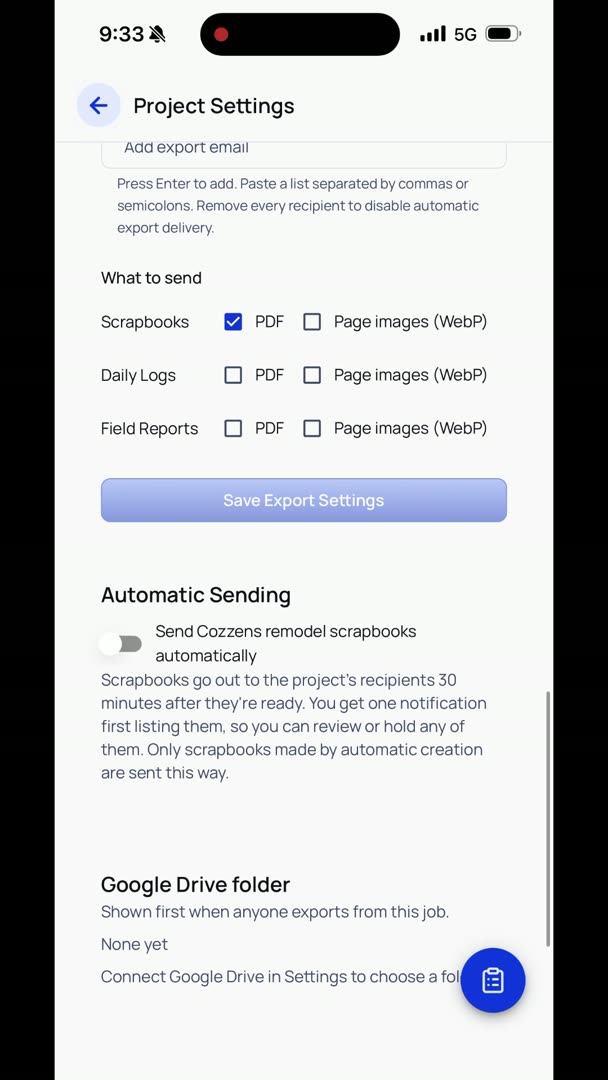
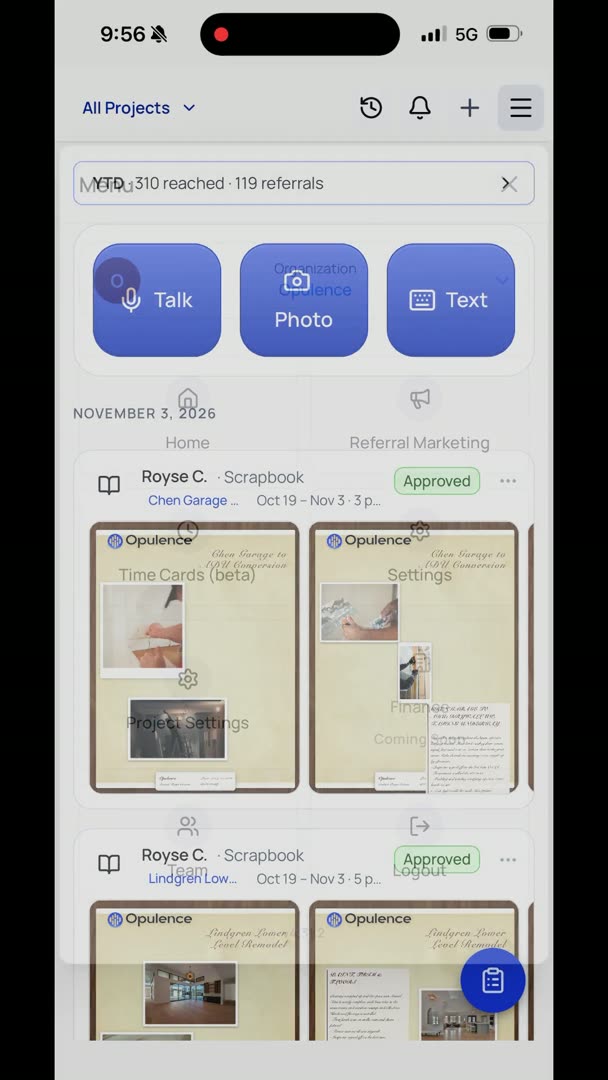
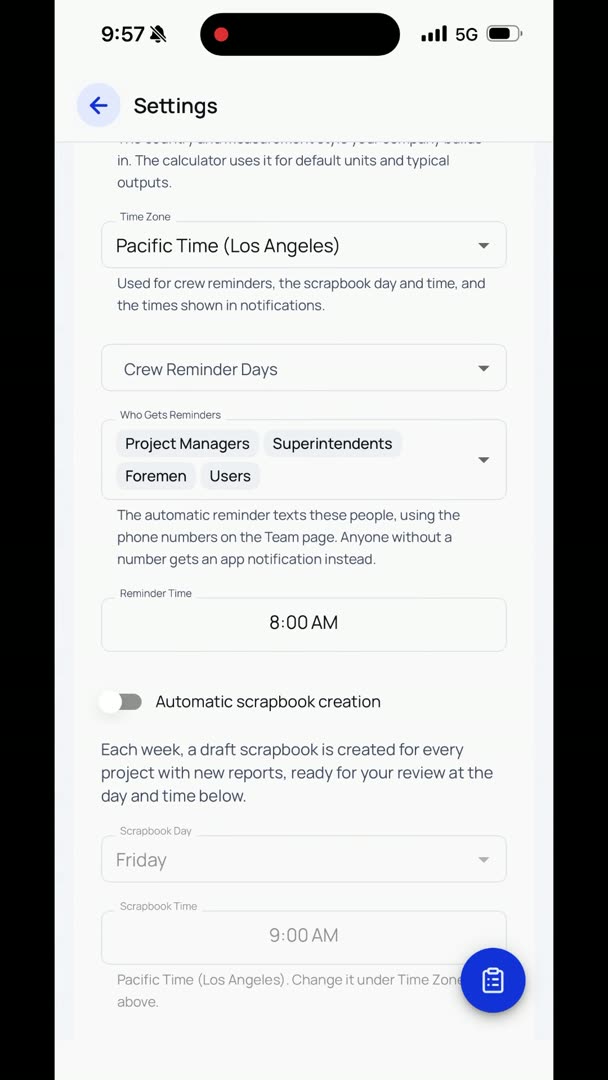
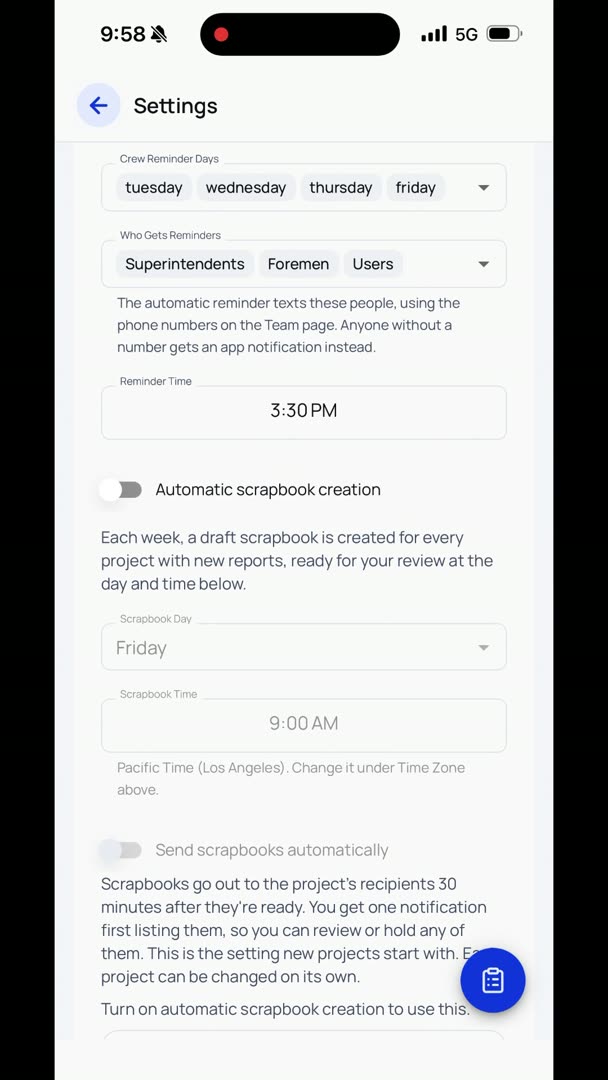
So here under Settings, we're going to connect to Google Drive. This way you can choose your account, and you can always upload your photos to wherever it is that you want to put them. So it says Google hasn't verified this app, so you have to click Advanced here. And then at the very bottom it says "Go to Opulence AI," and continue.
When you allow this, they'll be able to access all this. You have to hit Continue. Now it's connected.
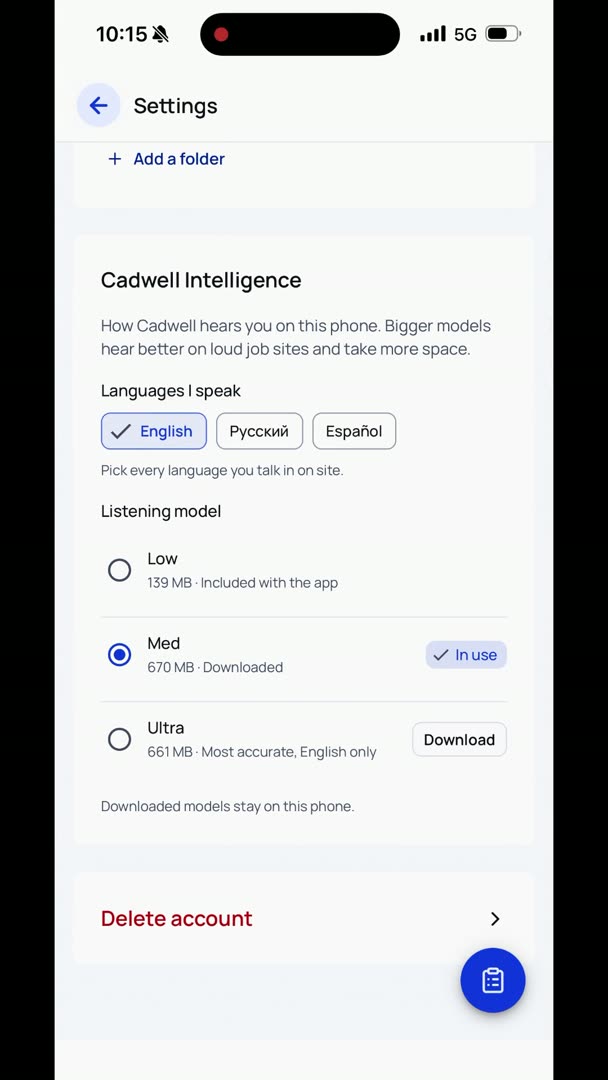
So now if I want to go and export photos, I'm going to hit Select, select the photos that I want to export, and I'm going to go down to the bottom and click this Export button here. So now that I'm connected and I'm within my Google Drive, now I'm going to add a folder. New folder, add folder, and export here.
So it's going to keep happening in the background.