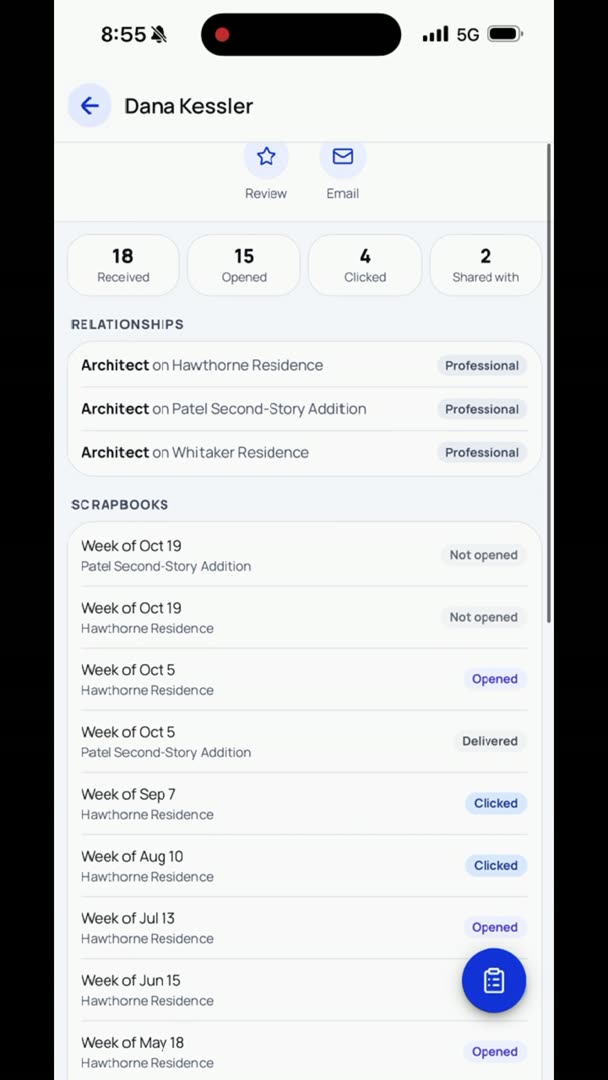
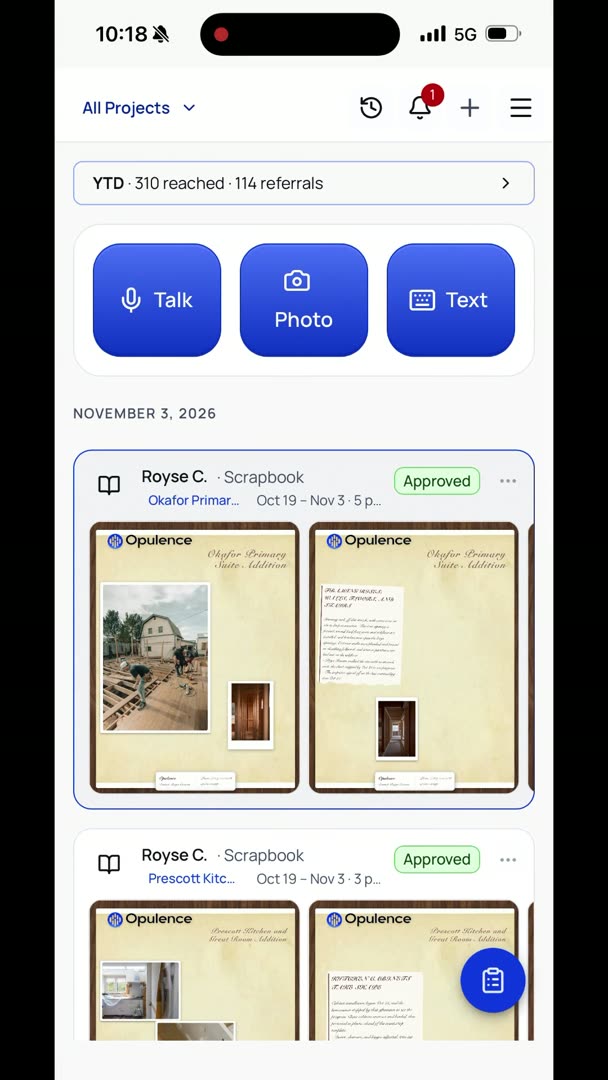
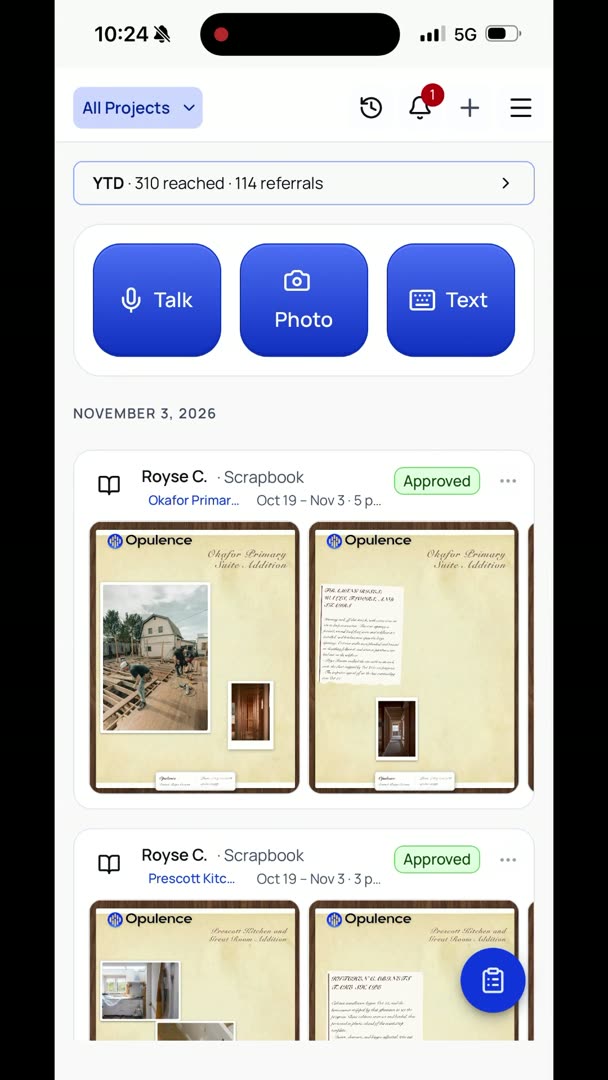
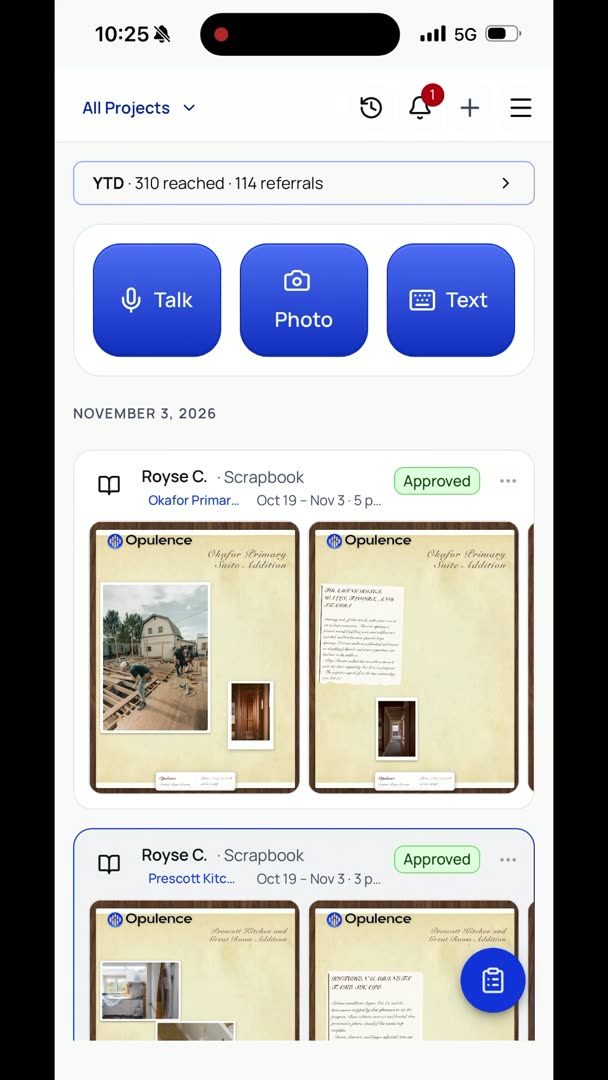
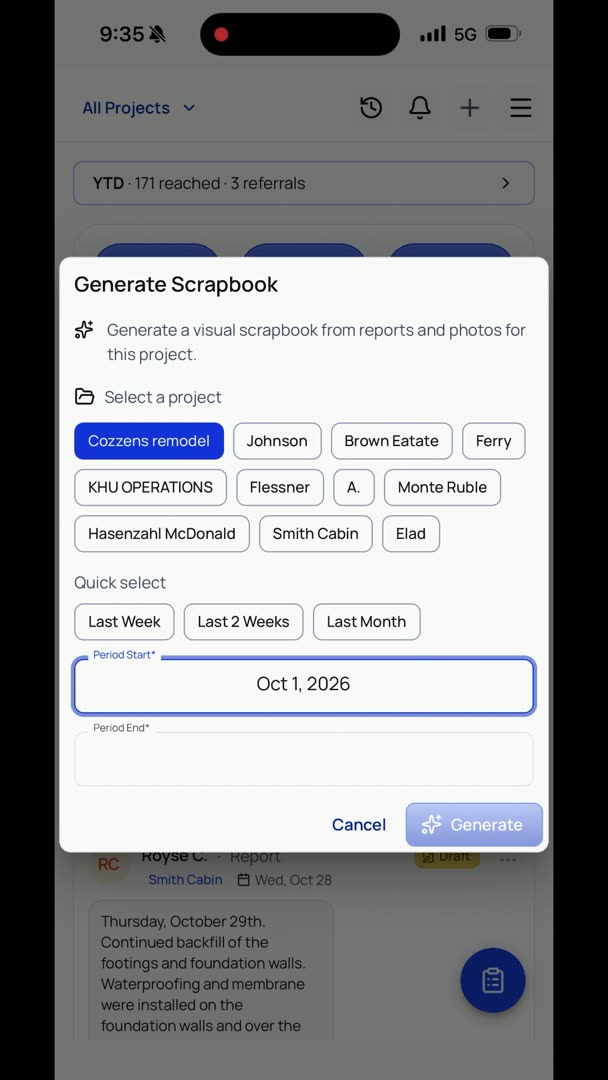
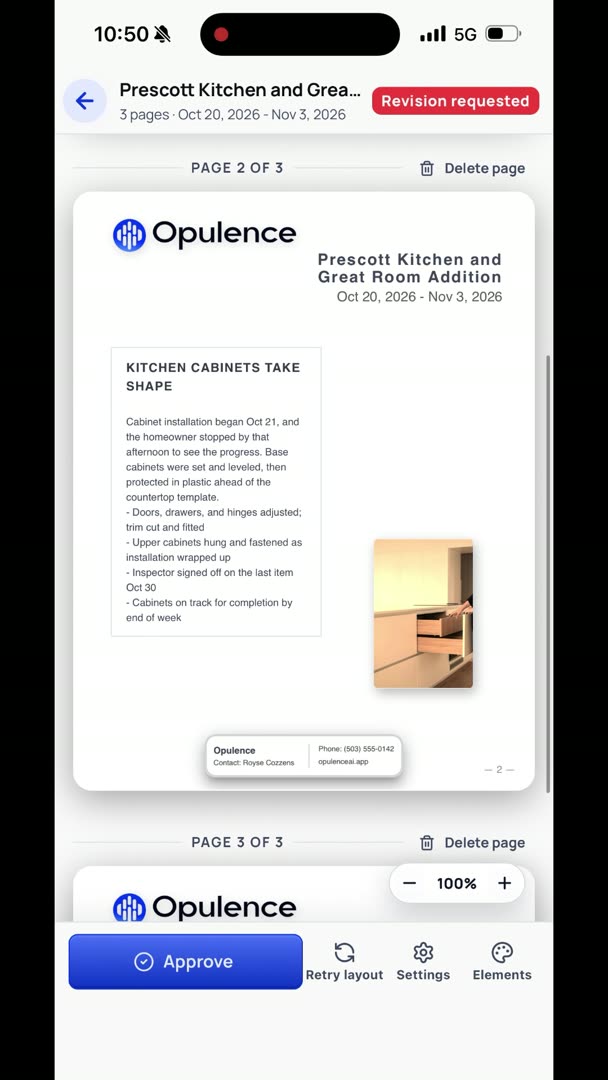
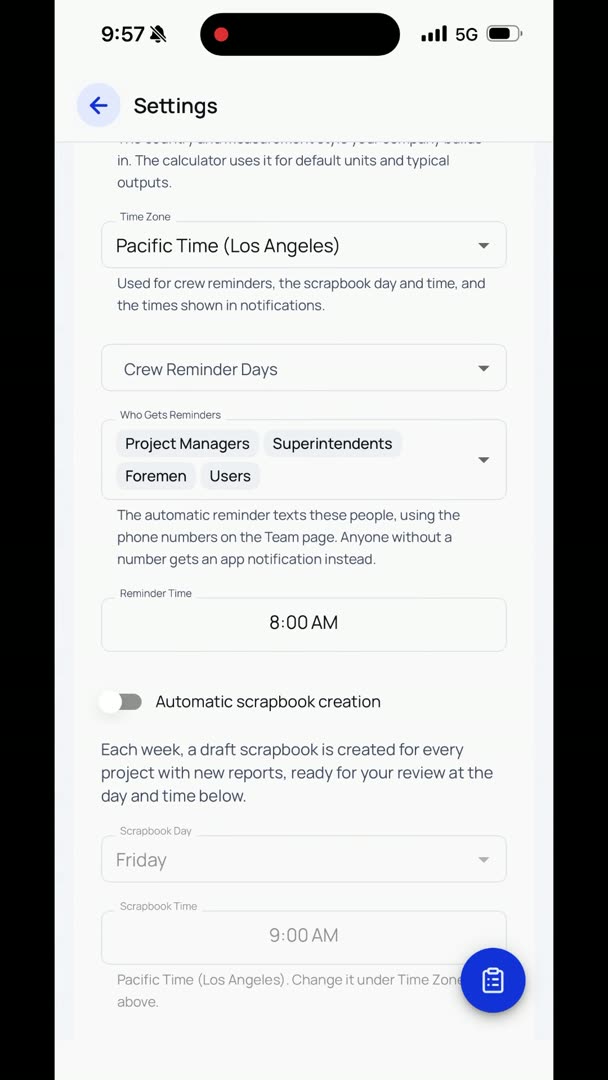
So under here, you can have it set to automatically create the scrapbook. We suggest doing these automatic things, and the reason why is that human nature is to put off the little things until you just forget about doing them. The more automatic we can make something, the easier it is to do. So automatic scrapbook creation, we're going to turn that on, pick your day, pick your time. So let's say Friday at 5 p.m.
Everybody should be off work. Everybody should have done all their stuff. But the nice part about this too is that it still goes out on a Friday. It's pretty consistent. It gets created, and you can review it.
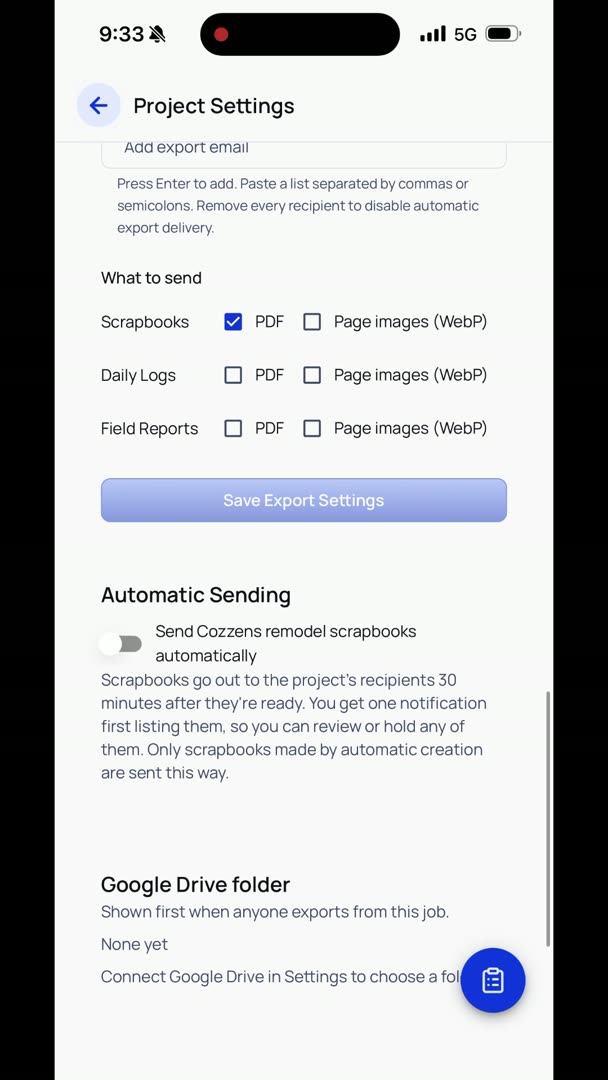
So if you're the type of person that wants to review absolutely everything that goes out to your client, totally get that. You don't want to send scrapbooks automatically then. That's fine. We suggest that you do, because just that consistency, and you not having to add the manual step, makes sure that it actually gets done. So turn on for new projects automatic scrapbook sending.
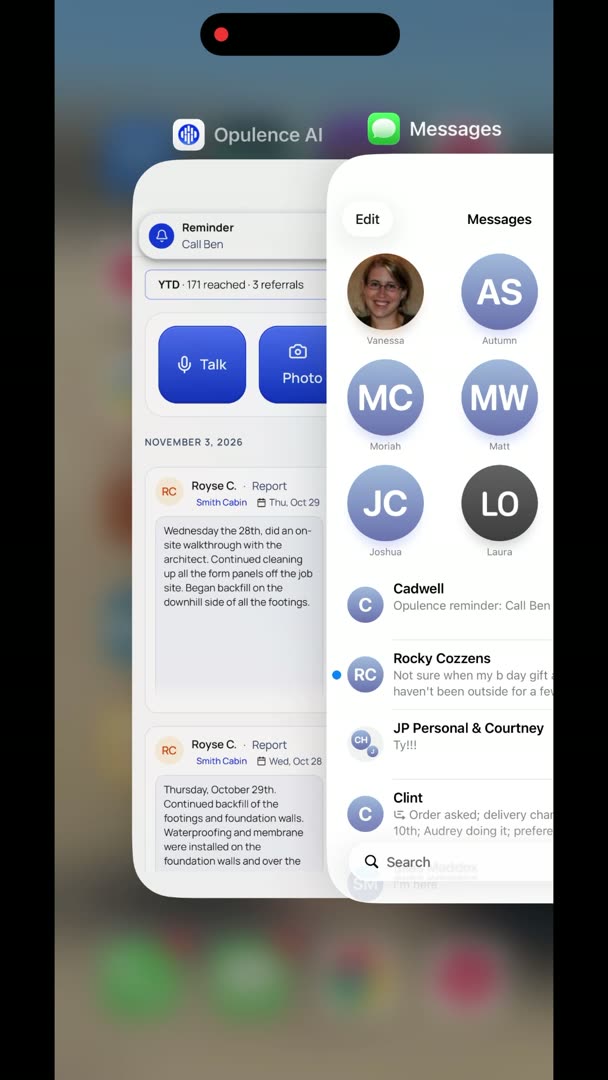
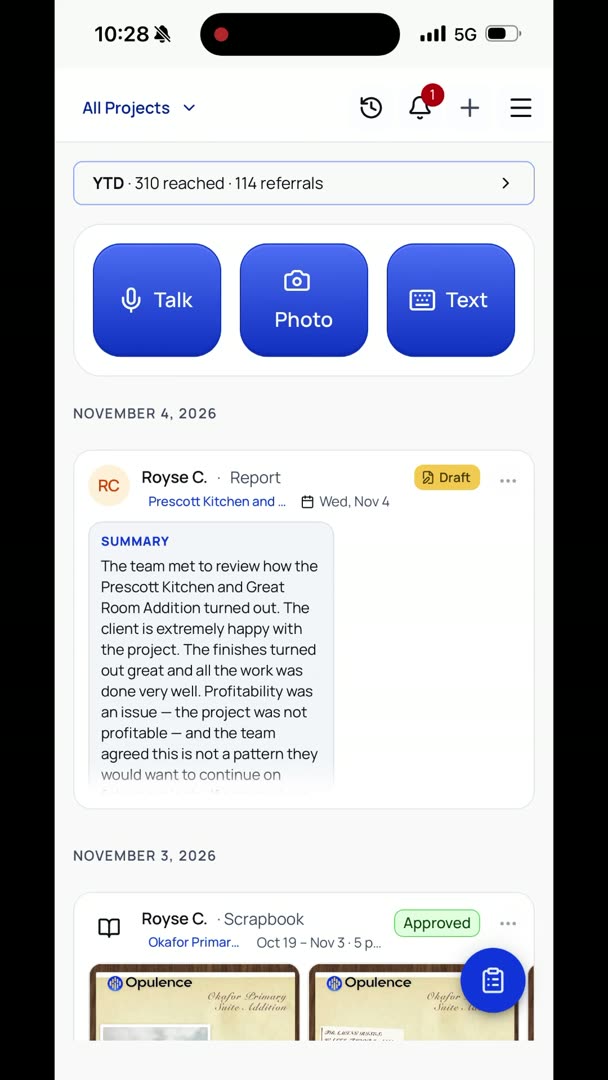
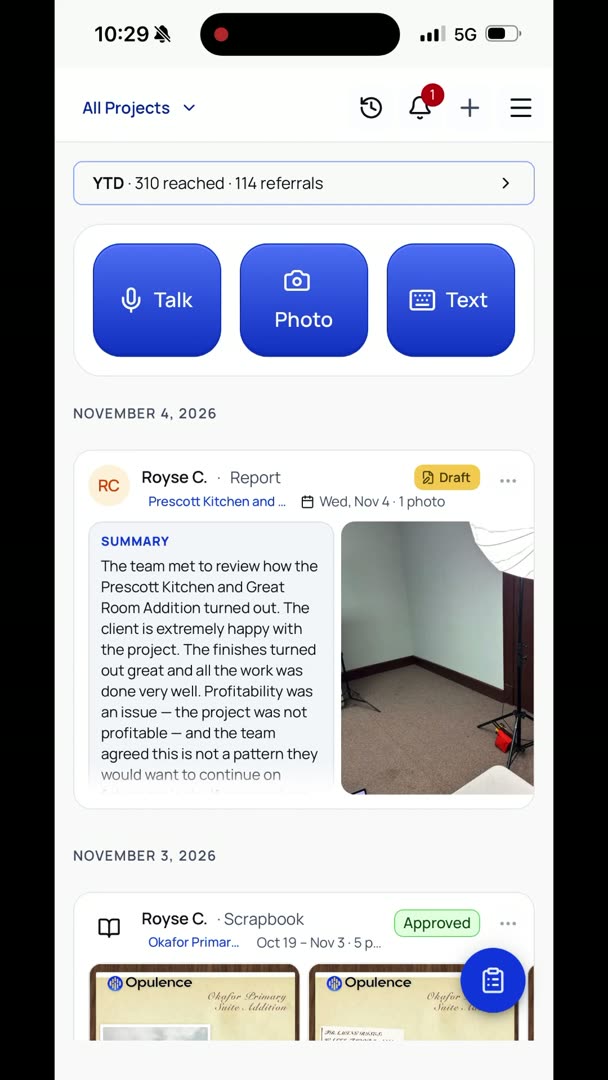
So basically how this is going to work: if you have it turned on to automatic sending, 30 minutes before the scrapbooks get created, it shoots out a notification. And then 30 minutes before it gets sent, which is basically 30 minutes after it's created, then it's going to send you another notification, just to confirm, like, "Hey, we've created these scrapbooks. We're going to send all of these. Do you want to hold any of them?" And it actually sends you a text notification.
So it's not just some random notification off in some app somewhere that you're never going to see. Because any time that you interact with a client, I feel like it's pretty important that it actually texts me and notifies me.