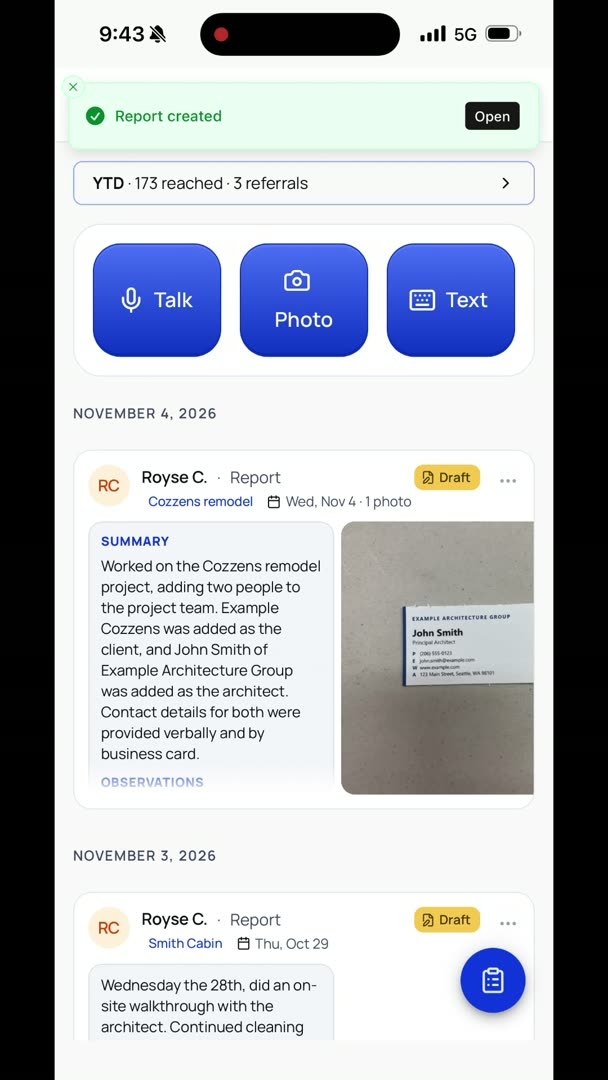
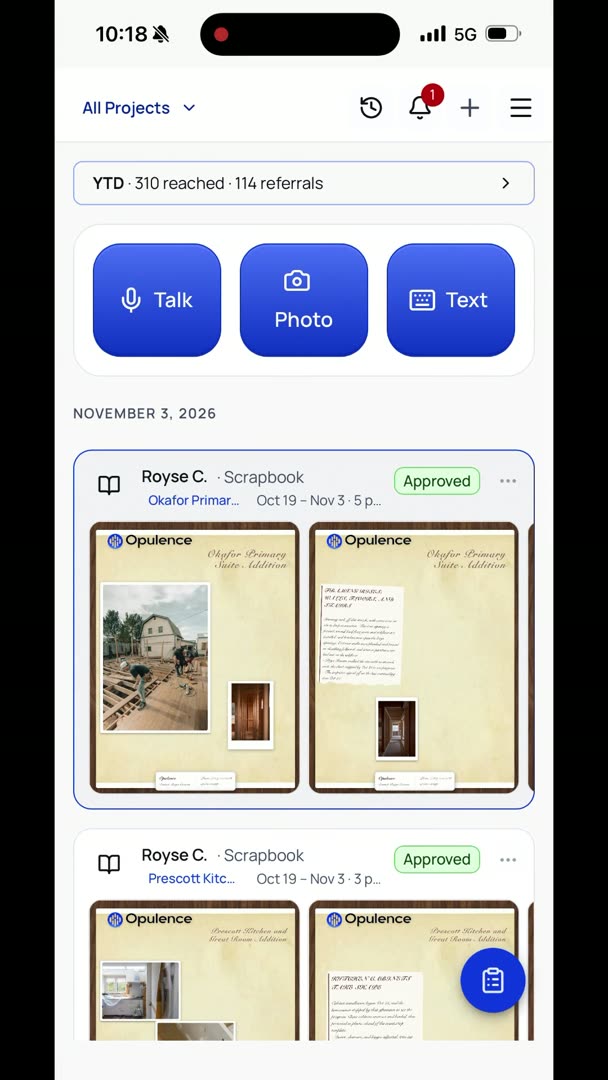
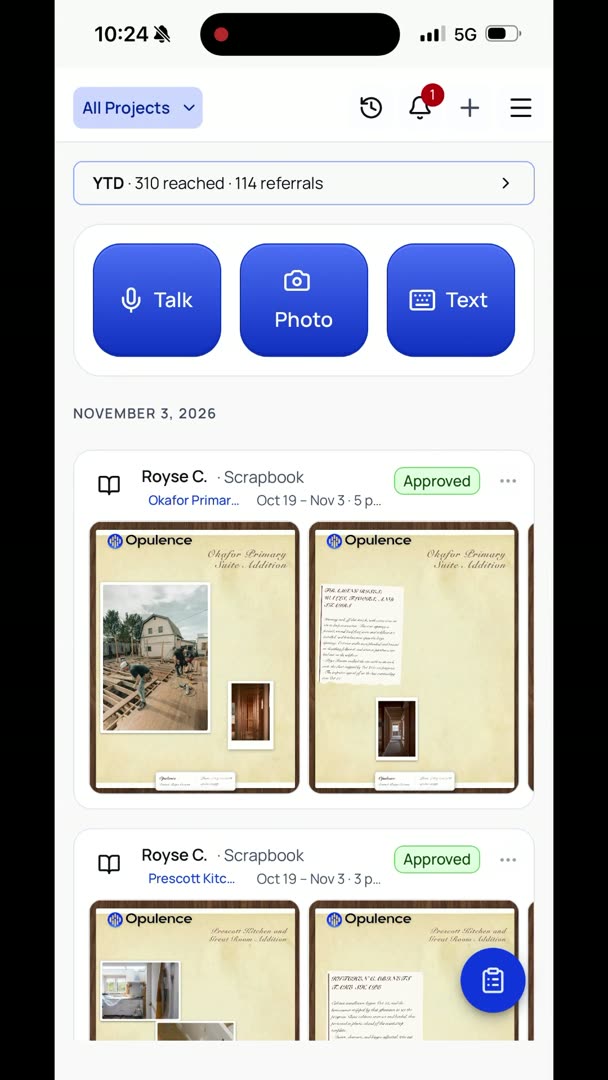
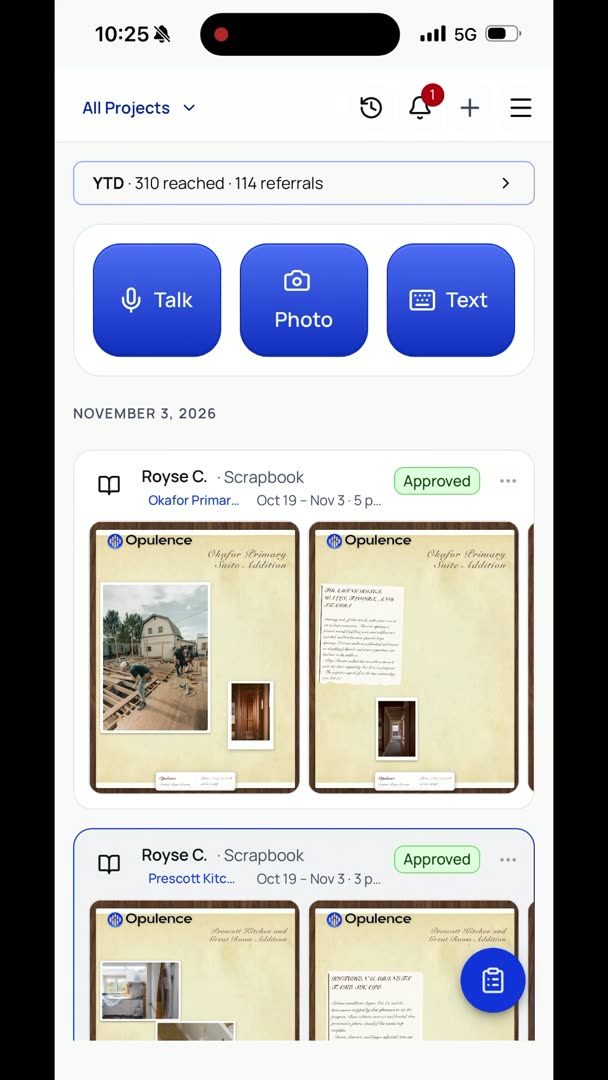
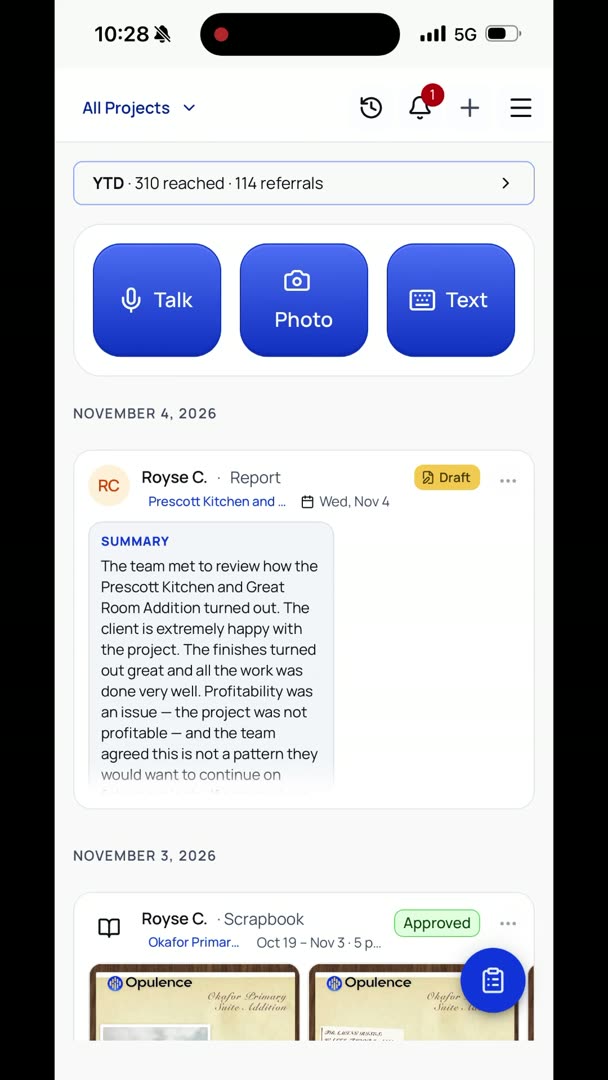
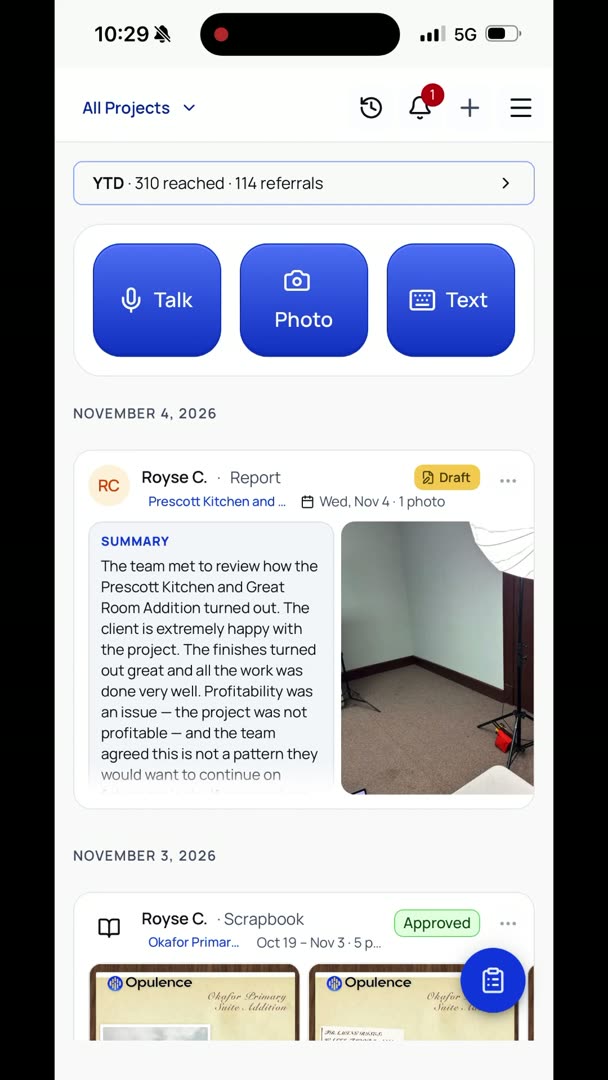
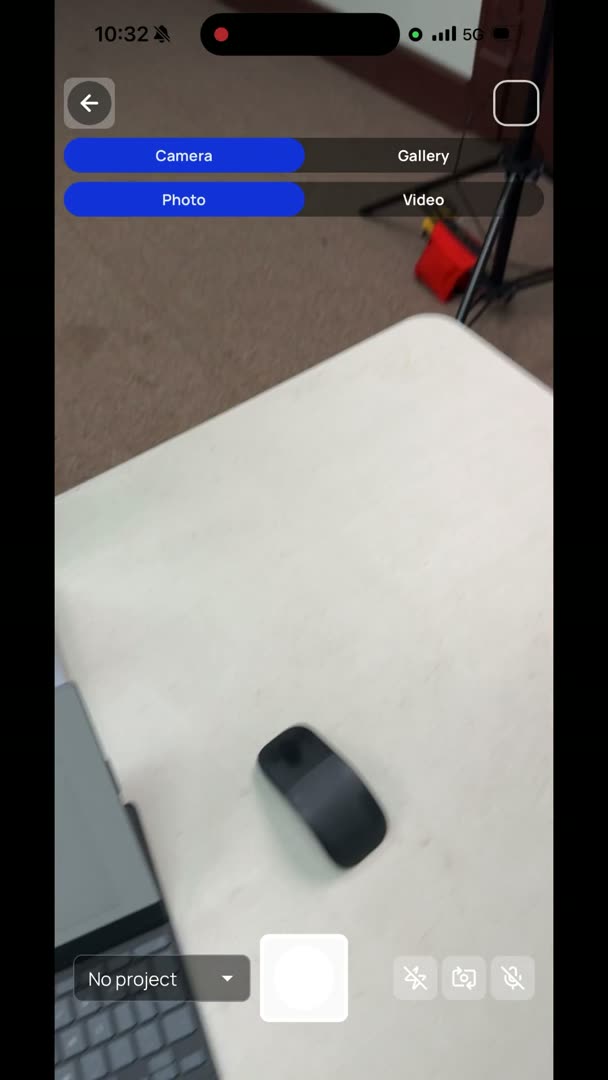
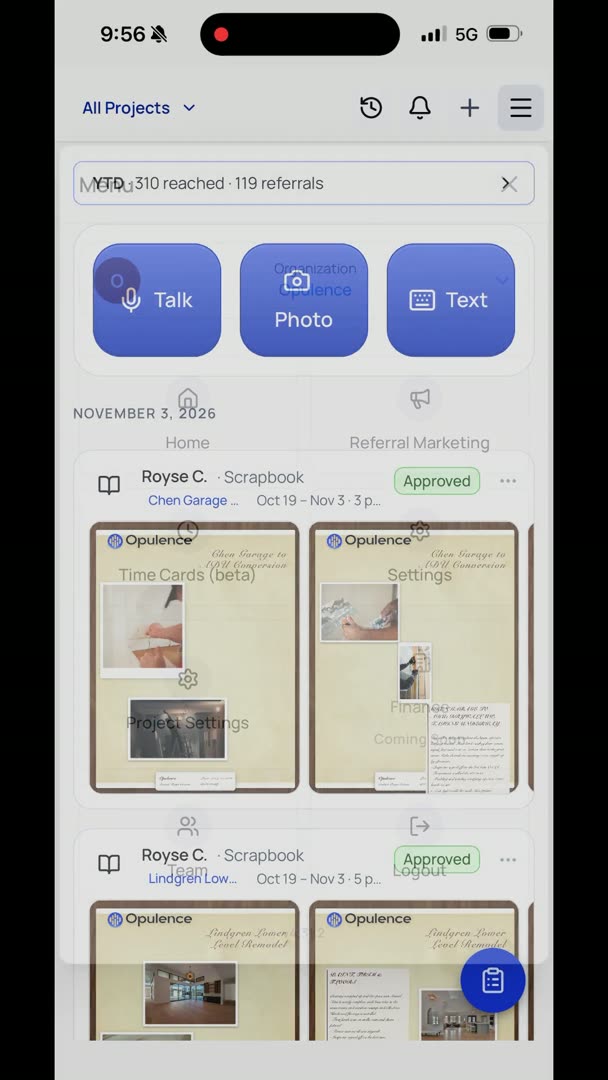
Let's say I'm in a place where I can't really talk very much. I'm just going to go to Text in the top of my feed, and so I can just sit here and do the same exact process that I'm doing, except with text. I can still add photos to this, and if I don't want to wait for it, I just hit back, and everything happens in the background. When it gets done, it sends me a message, and I can choose to open it or not.
"Ask me about punch list items if I want to continue with that." I don't. So now I can just see the report that I created right there.