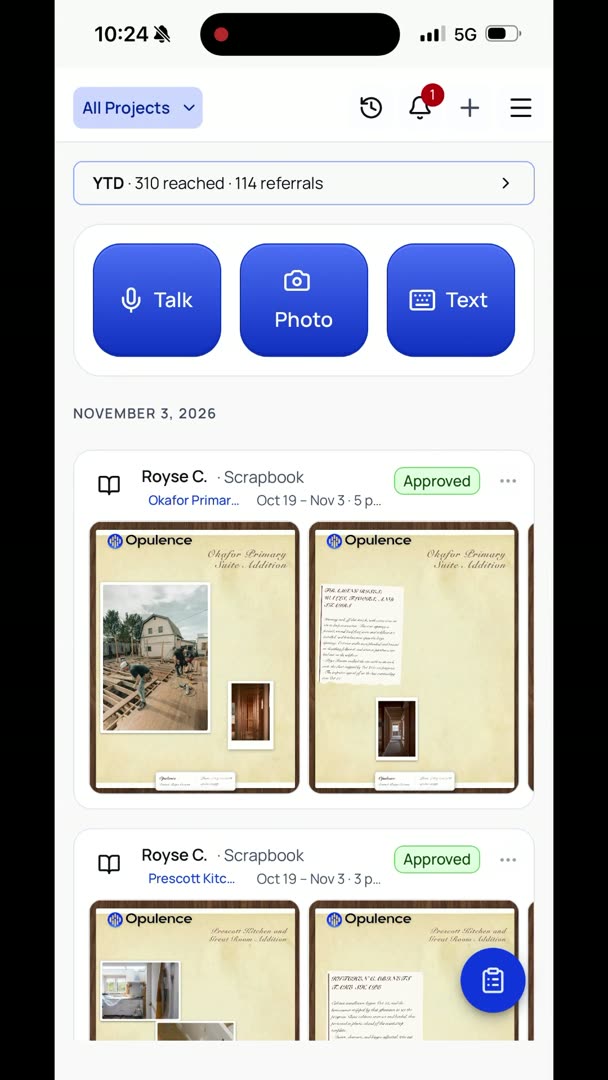
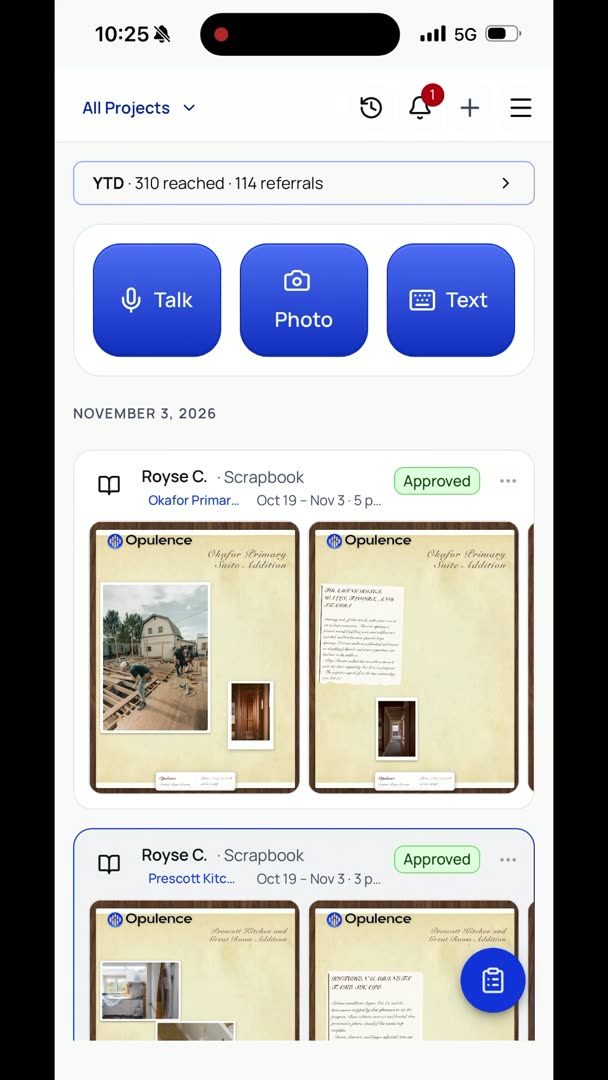
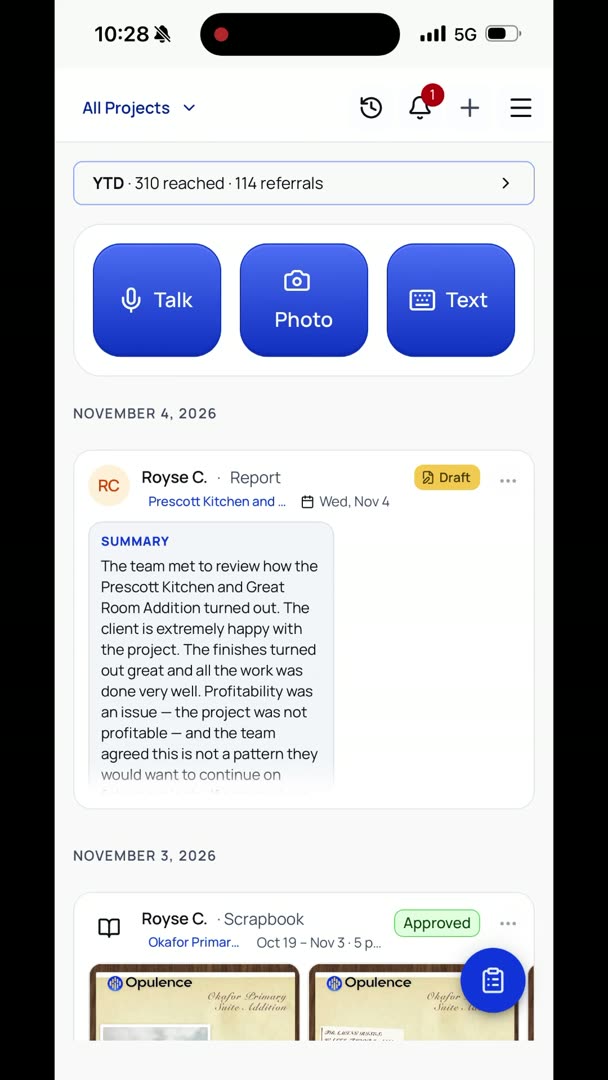
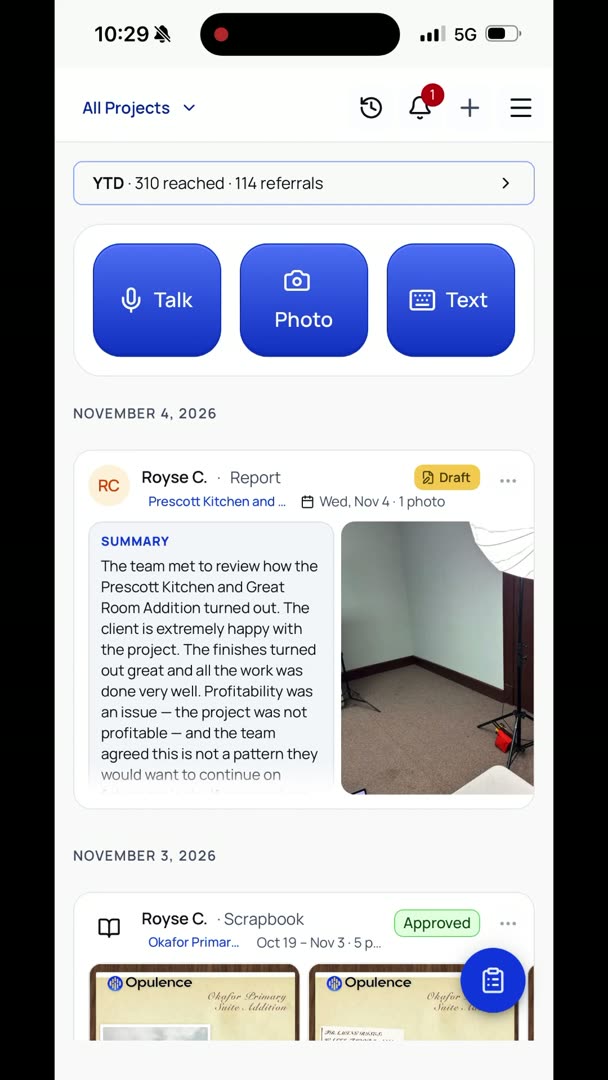
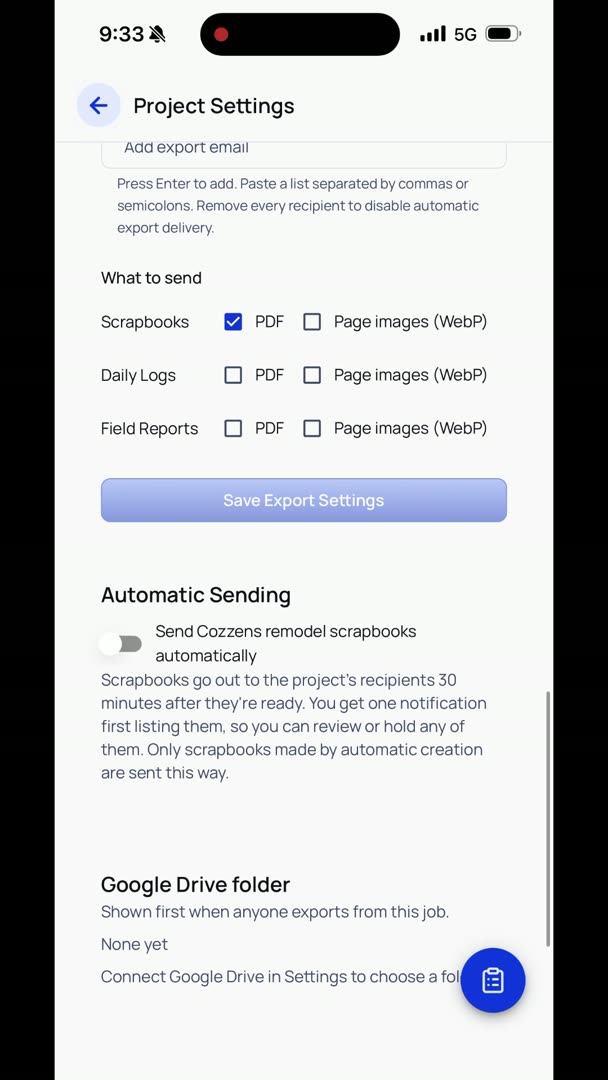
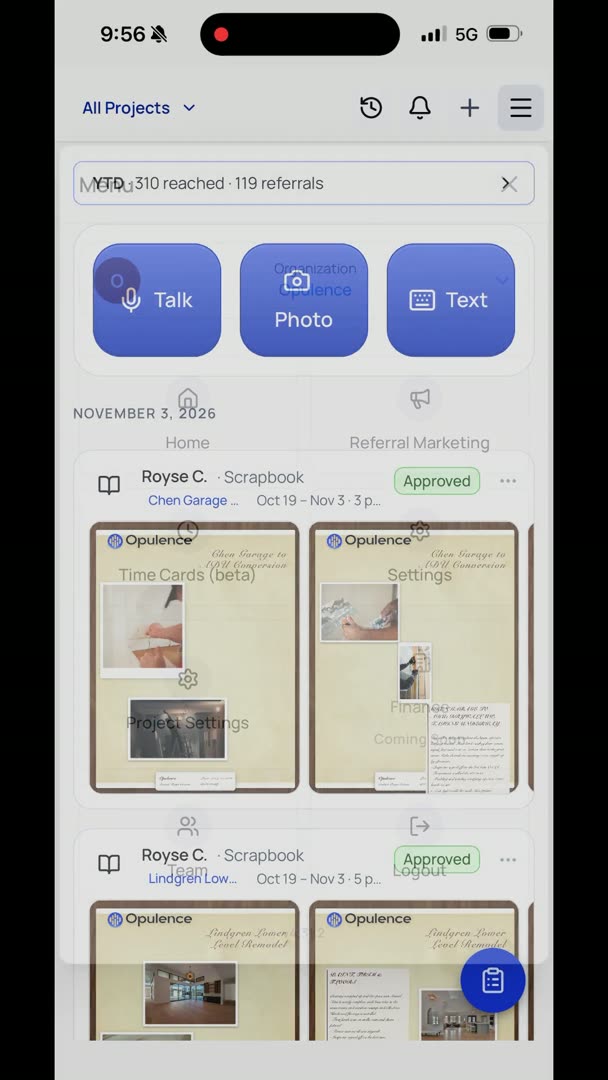
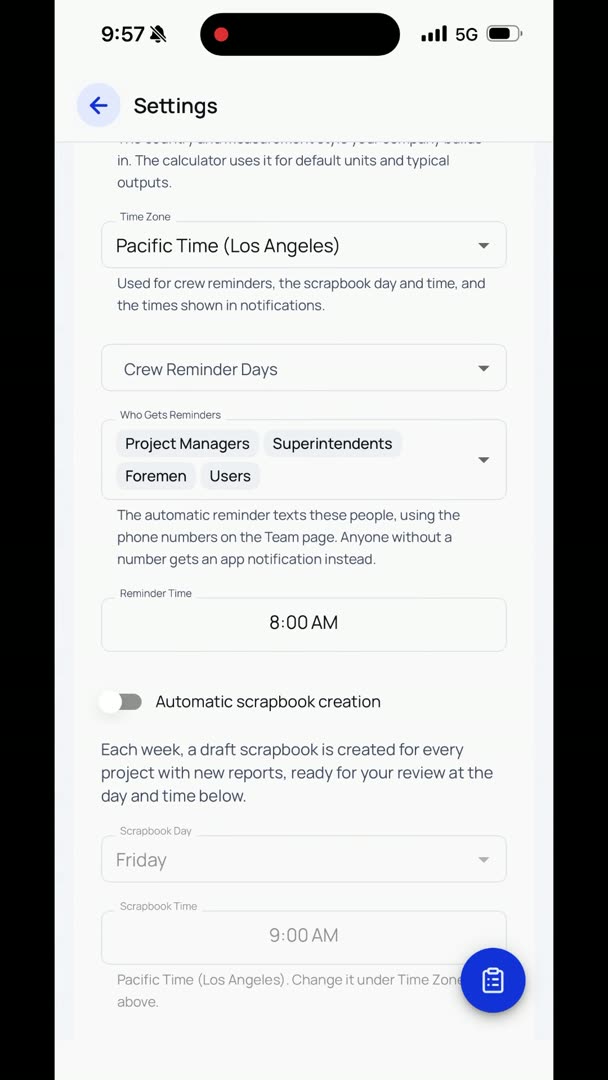
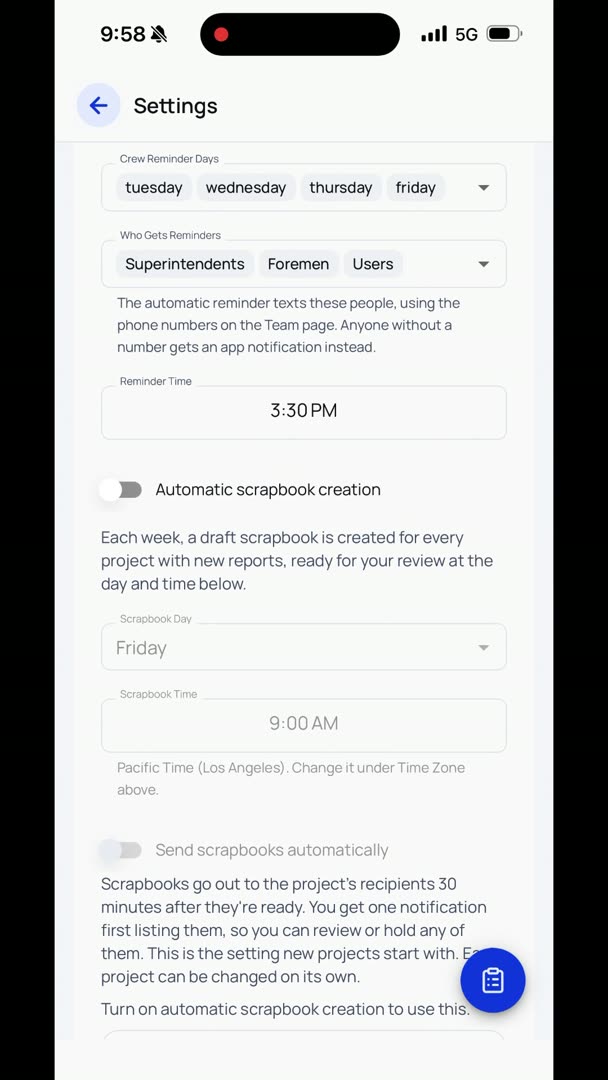
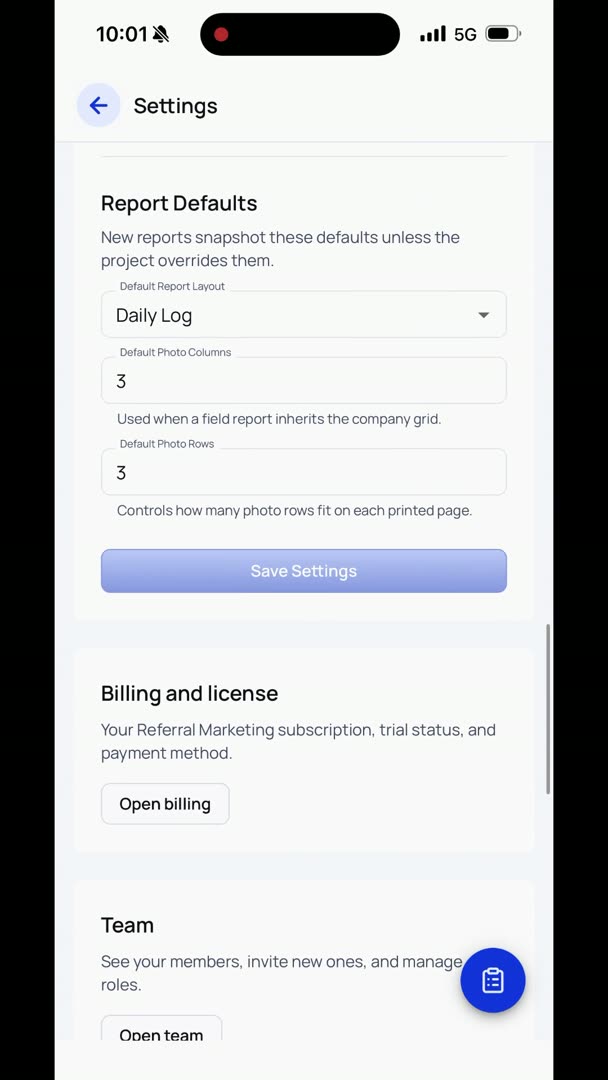
So how do you create a scrapbook? There are two really, really easy ways to do it. Basically, we can do it manually, or again, we can set it up to where it's automatic and it just happens weekly. Let's take a look at the automatic part. So if I go into Settings, what I want to do is I basically just want to say Automatic Scrapbook Creation, and we say, when do we want to do this?
We can do it Saturday morning. We can do it Friday evening. I personally prefer to set it up for Friday evening. So at the end of your work week, it's automatically going out. People are sitting there kind of decompressing on Friday, or, I wonder what happened.
They're not into their weekend yet, and bam, it's sitting in their inbox. So what that means is that your crews are going to have to be pretty dedicated that at the end of their day, they just get it in there. But don't worry if they get it in there after the scrapbook, all that information just goes into the next week's automatically. It's not a big deal. But it's just going to say, how this works is, if there was information that was put on a project, it's going to automatically create a scrapbook.
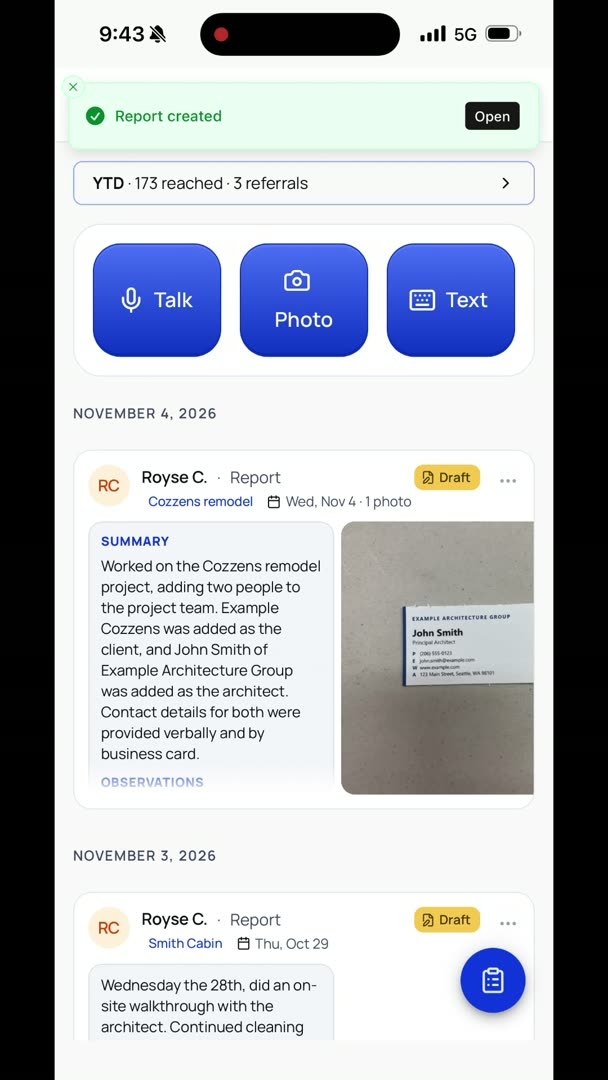
If there wasn't, or no pertinent information, it's not going to create it. It's pretty simple, pretty straightforward. There's really nothing that you have to worry about or do. So let's just say that you wanted to create a scrapbook right now. We're going to go to the plus icon, and right at the very top you've got Create Report or Create Scrapbook.
We're going to Create Scrapbook. Let's pick a project right now, and we're going to say, Cozzens remodel. I'm going to pick the period, and let's just do for an entire month just for fun.
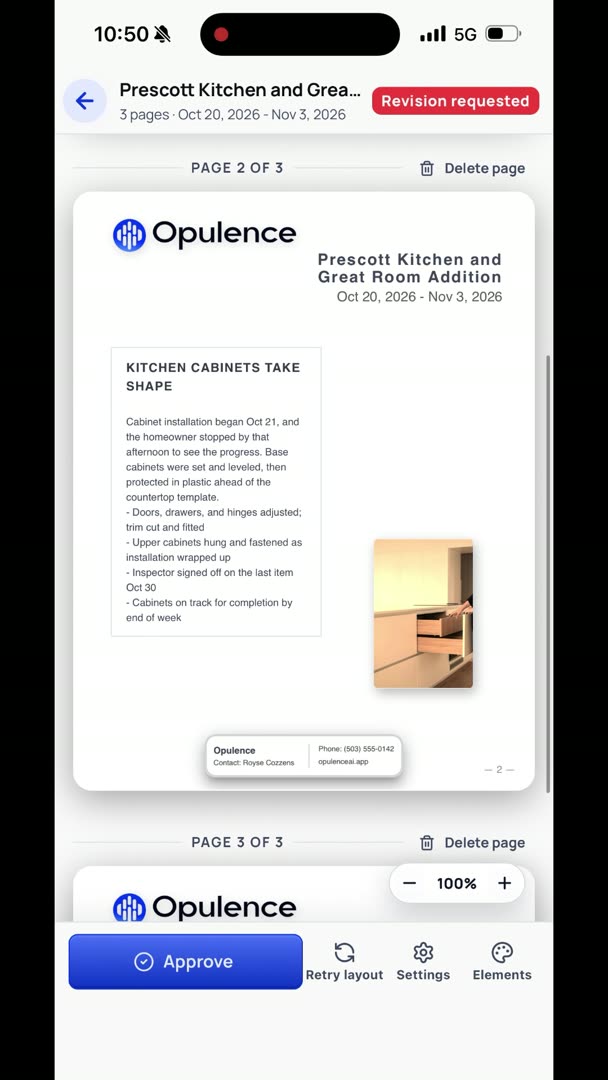
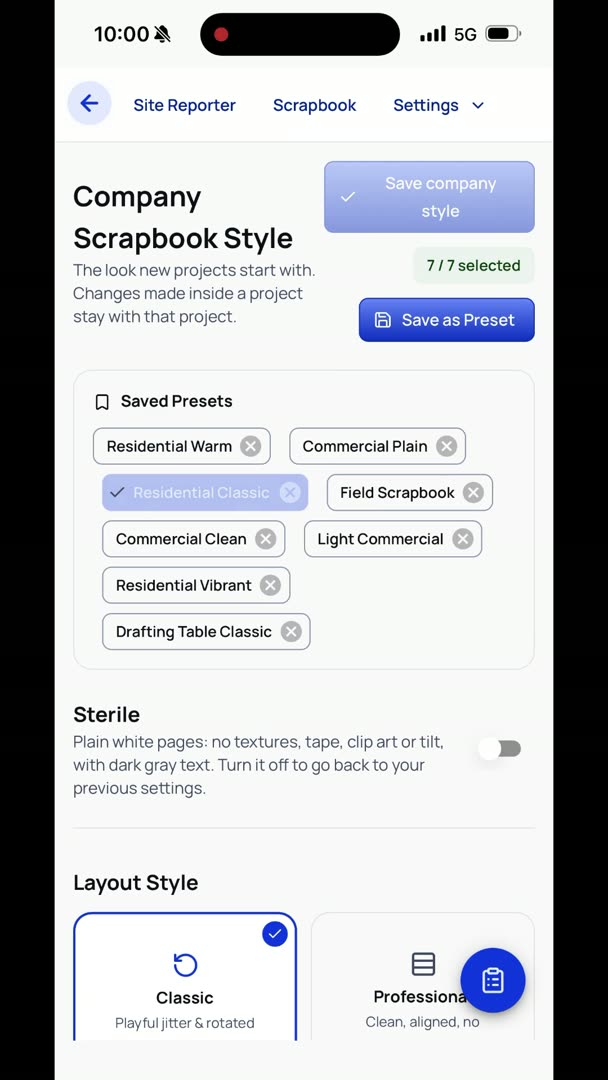
And it's going to generate it. So basically, it has an actual algorithm that it goes through. This is not just some AI just like, oh, willy-nilly, one week it looks like this, the next week it looks like that. It's actually pretty straightforward, pretty simple, but it basically does the same thing every time. All of this stuff, you can change how it looks and whether or not the pictures have frames, all of that.
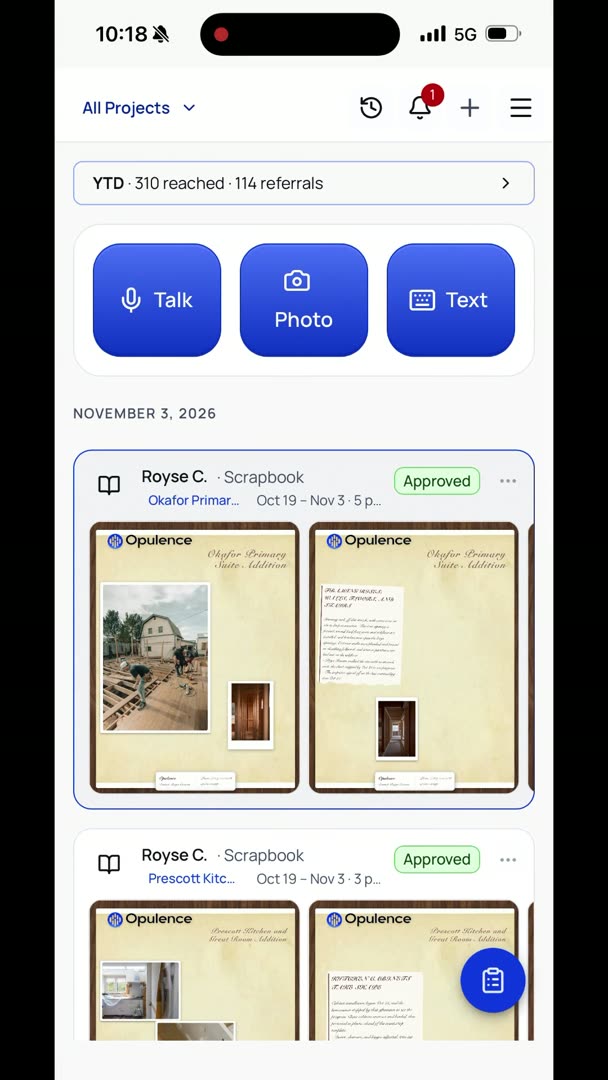
But just in terms of generating it, that is how it's done. And then as soon as you hit Approve, bam, it goes to the clients. So that scrapbook that I just sent went into my inbox. So here it is. So how does it actually get shown?
So this is the style that we chose. There are other styles we could do, like just the photos and keep it really sterile, or we can make it look kind of more traditional. Whatever your company wants, however you guys want to do it. But how easy is it for a client to actually share it? Show Off Your Project, right here.
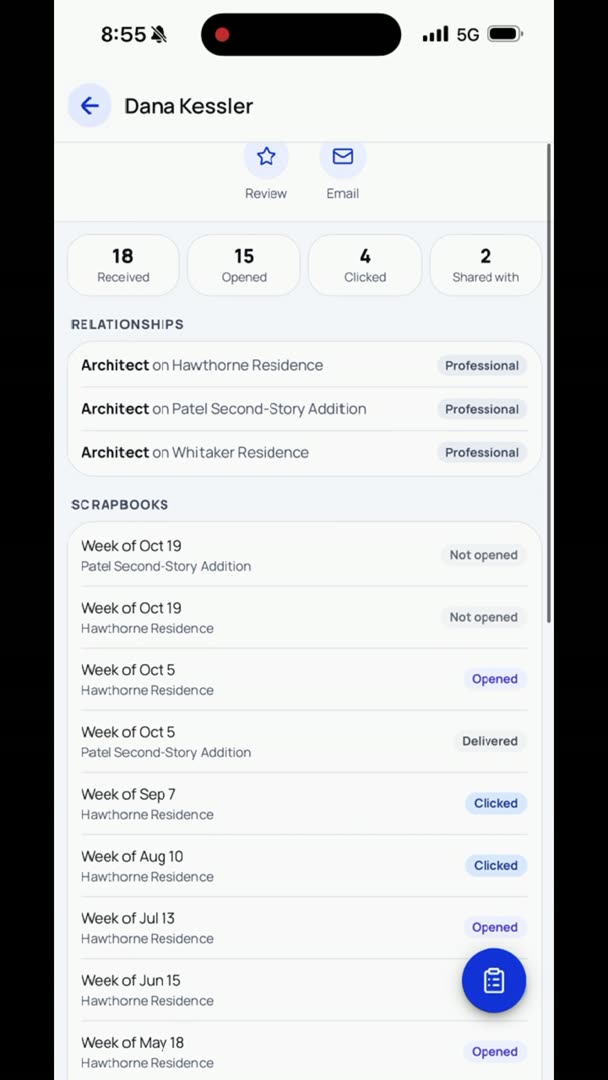
Bam. It's going to take them to their own portal where they can then put in all of their preferences and say, hey, this is how I want this to work. I want them to be able to send it to more people if they want to, or no, I want to restrict that, so they can't send it to more people, or however they want to do it, they can say, hey, I don't want to receive this anymore, but you can put in your recipient emails and your friends and family, and bam, add it. It is that simple. It is really clean, really easy for them to do.