Managing Your Team

0:41

Invite teammates from the Team page, add their mobile number so they can get texts, and give each person a role.

  • Find Team in the menu
  • Invite a teammate by email
  • Why to add a mobile number
  • Pick a role, from owner to user
  • See pending invitations
Up next · 1:16Your Feed: Publishing and Editing Reports
Read the transcript

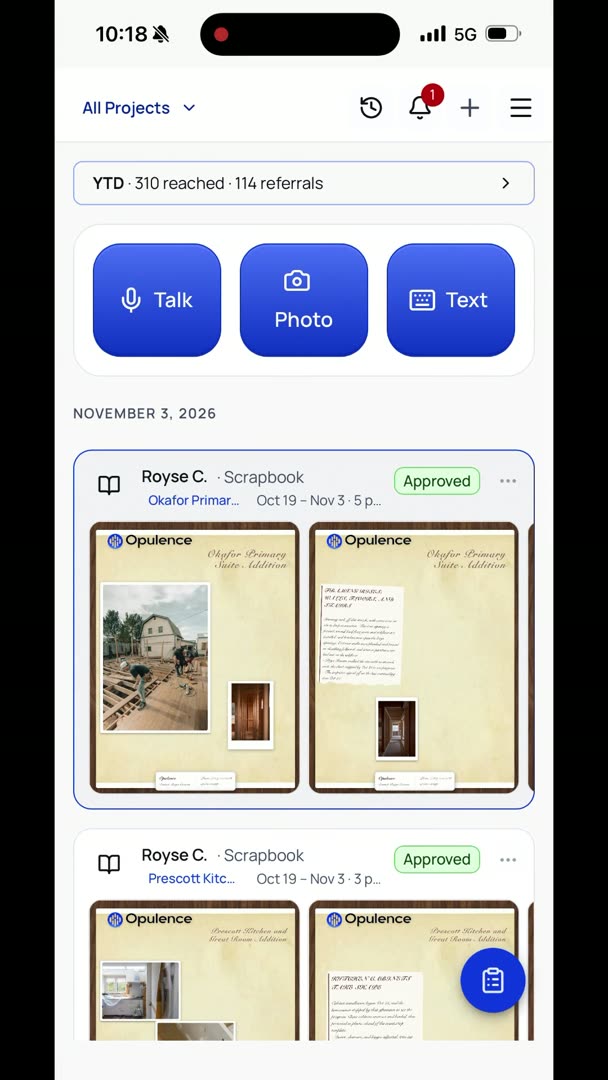
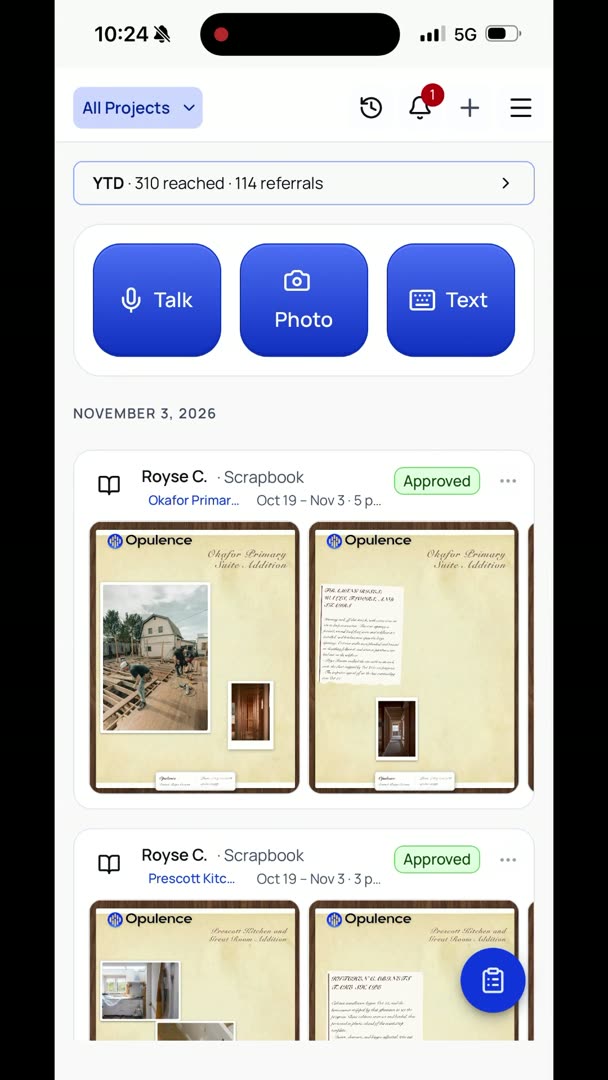
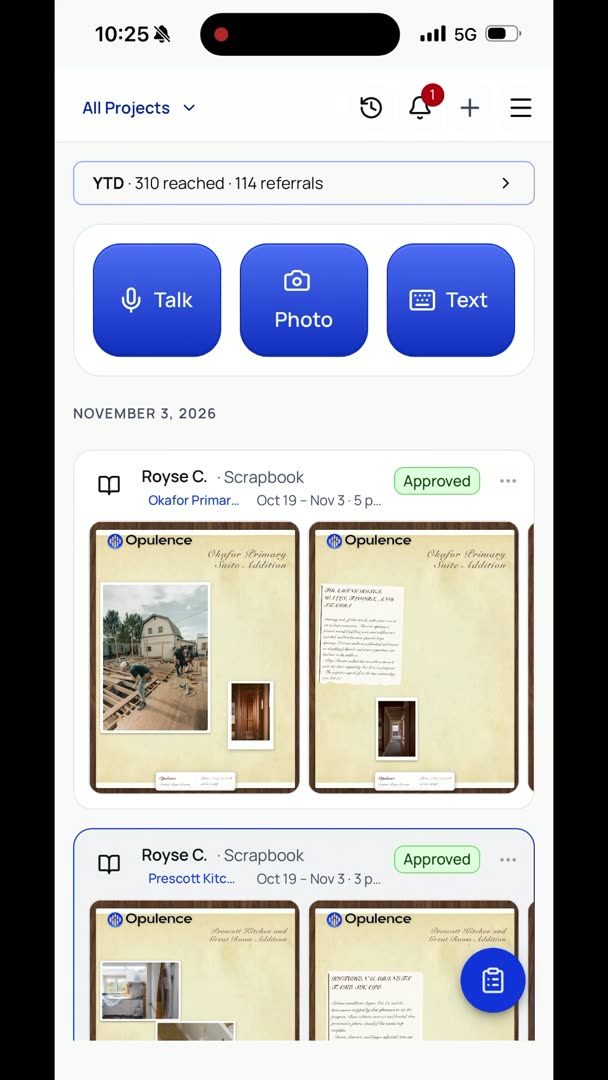
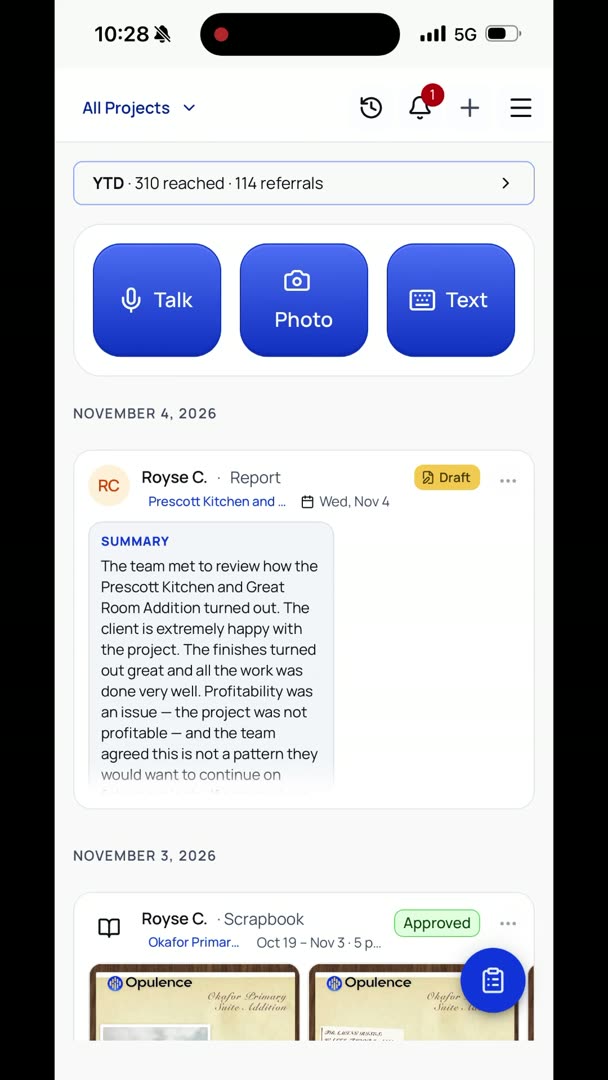
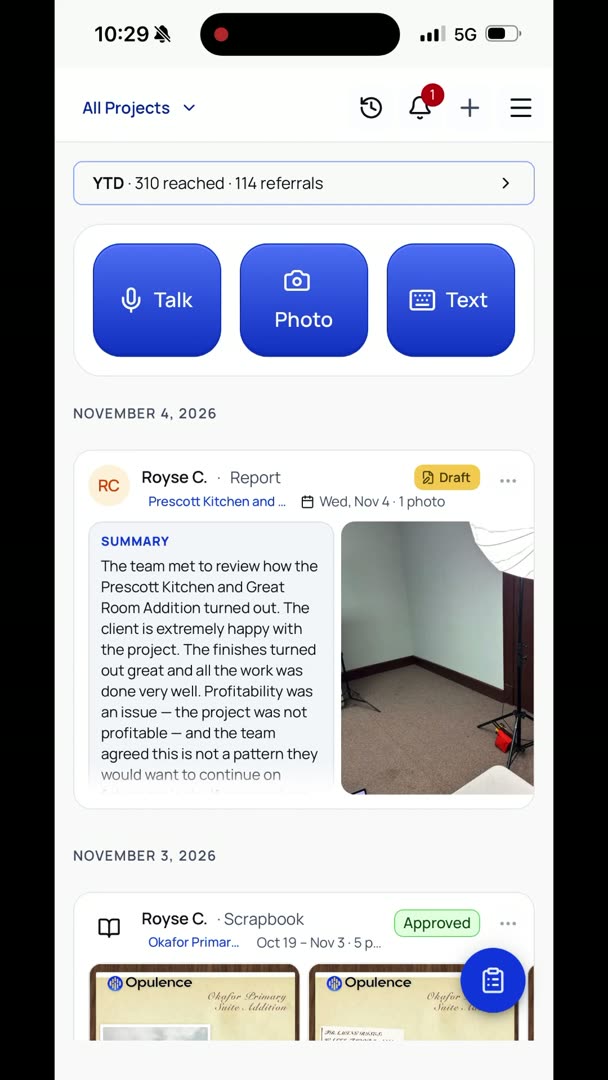
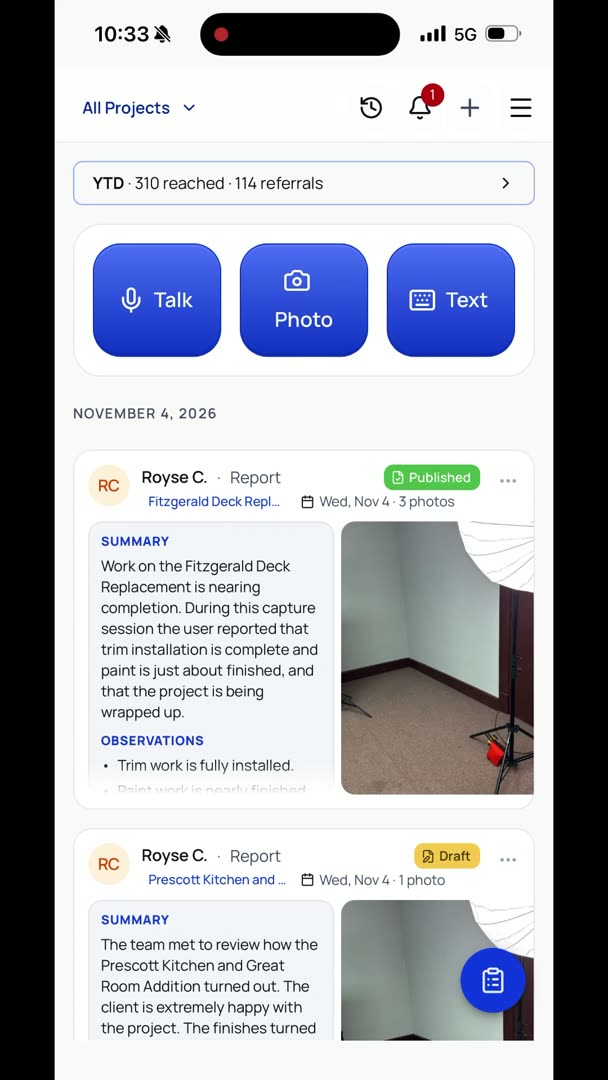
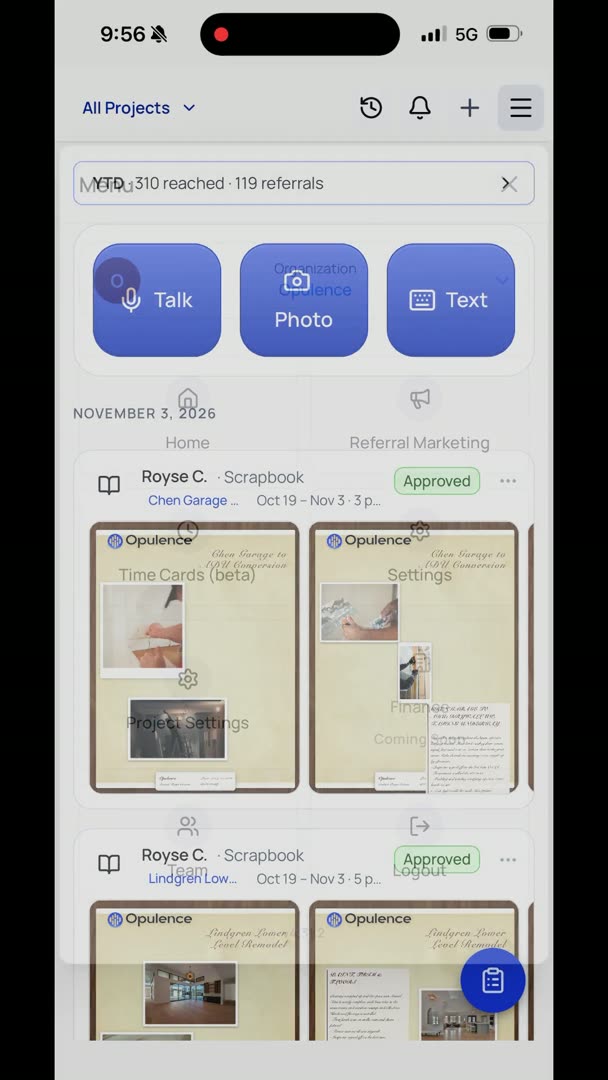
So how do you set up your organization? So we're going to go to the hamburger in the upper right-hand corner, and we're going to go all the way down to Team. So here at the very top, you can invite a new teammate. So if there's somebody that you want to invite, you don't have to put the mobile phone number in, but they'll probably appreciate it if they want to send themselves reminders. Also, if you want to send your team texts, you're going to need that, and then you can basically put their role.

So they can be an owner, admin, project manager, superintendent, foreman, or user. So we're just going to keep it on User, and here you have any pending invitations that you have out down at the bottom, and it's that simple.