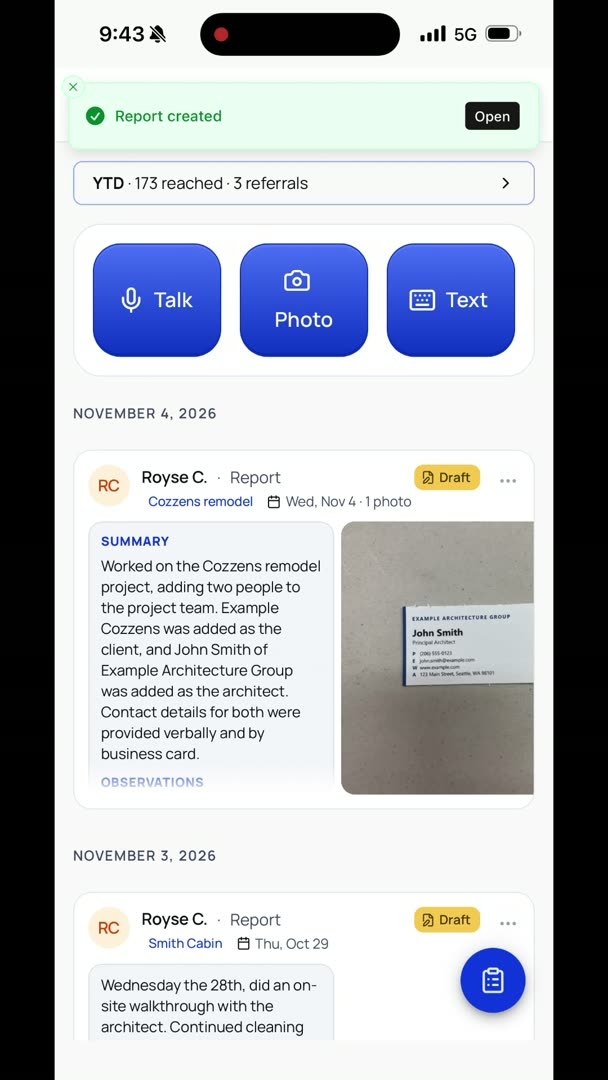
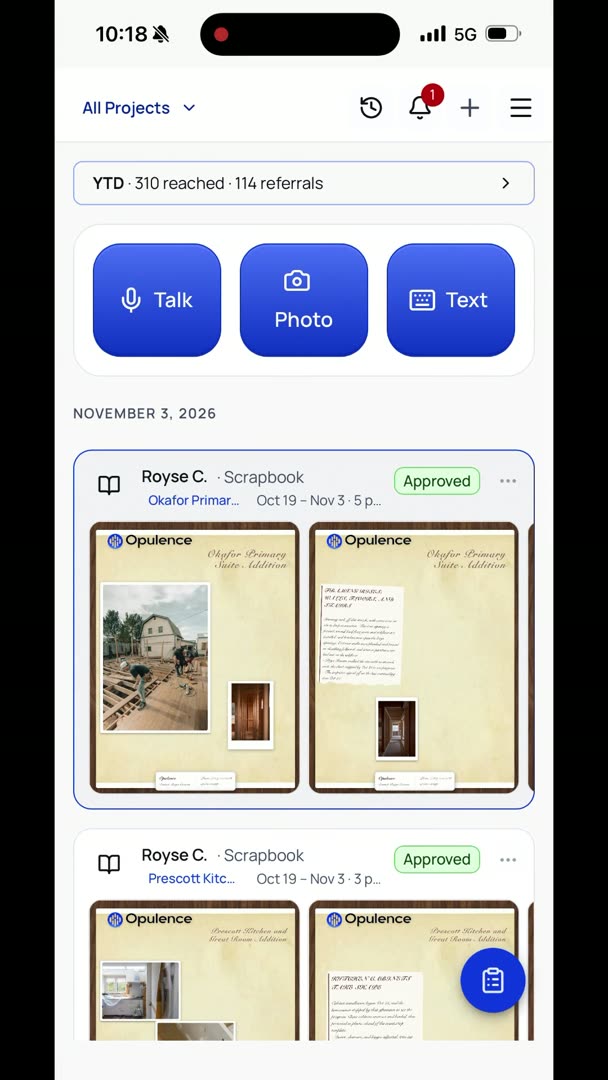
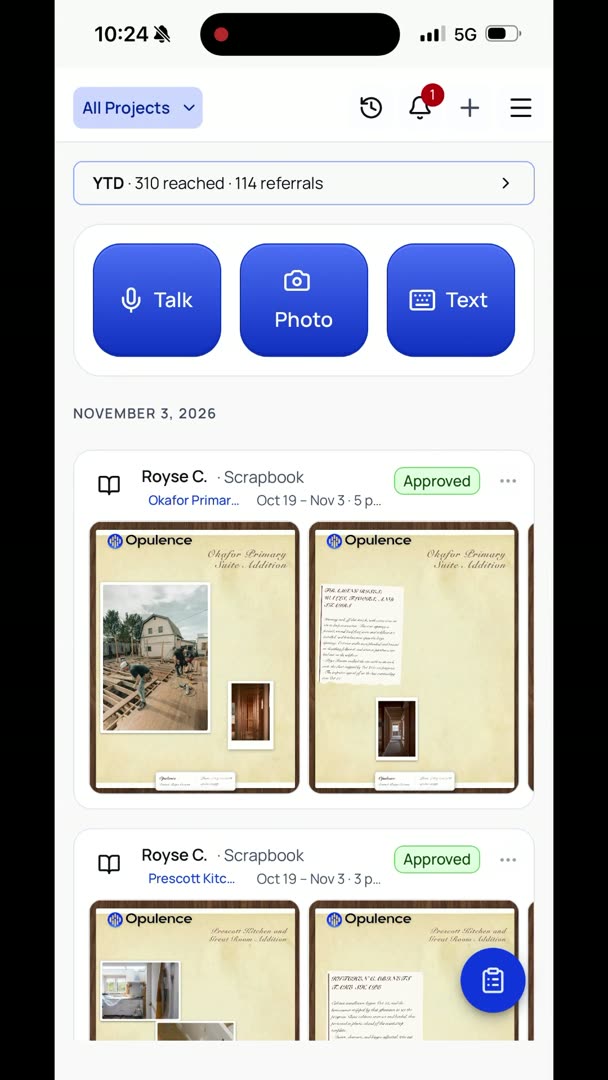
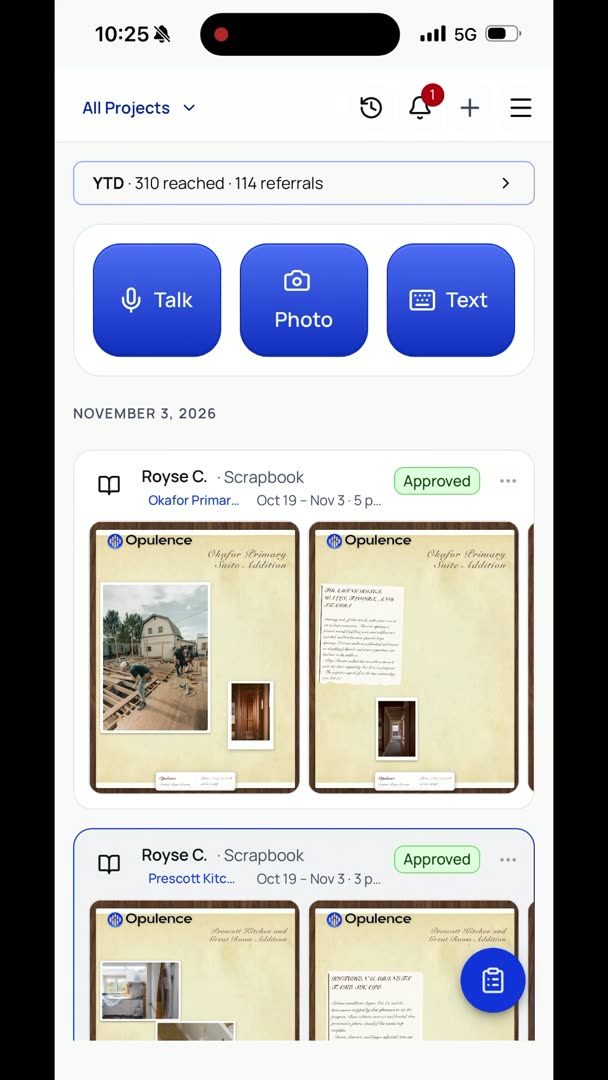
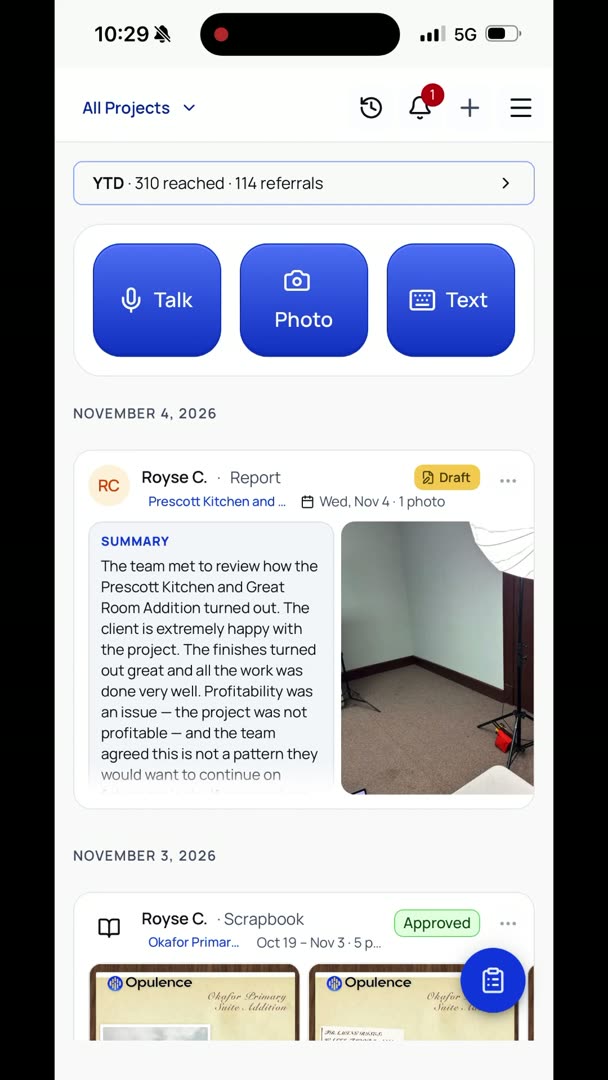
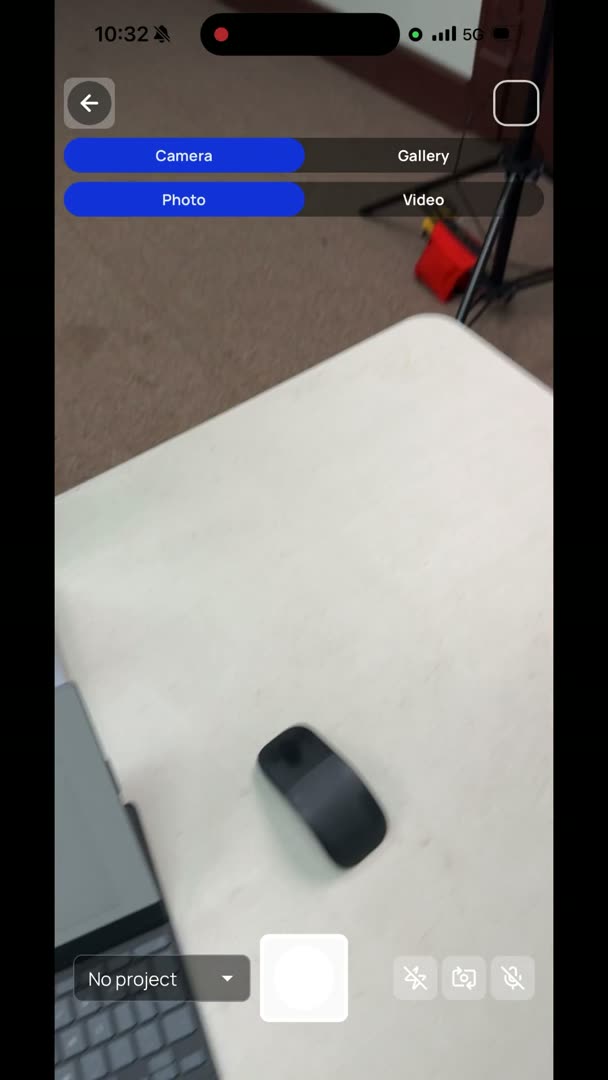
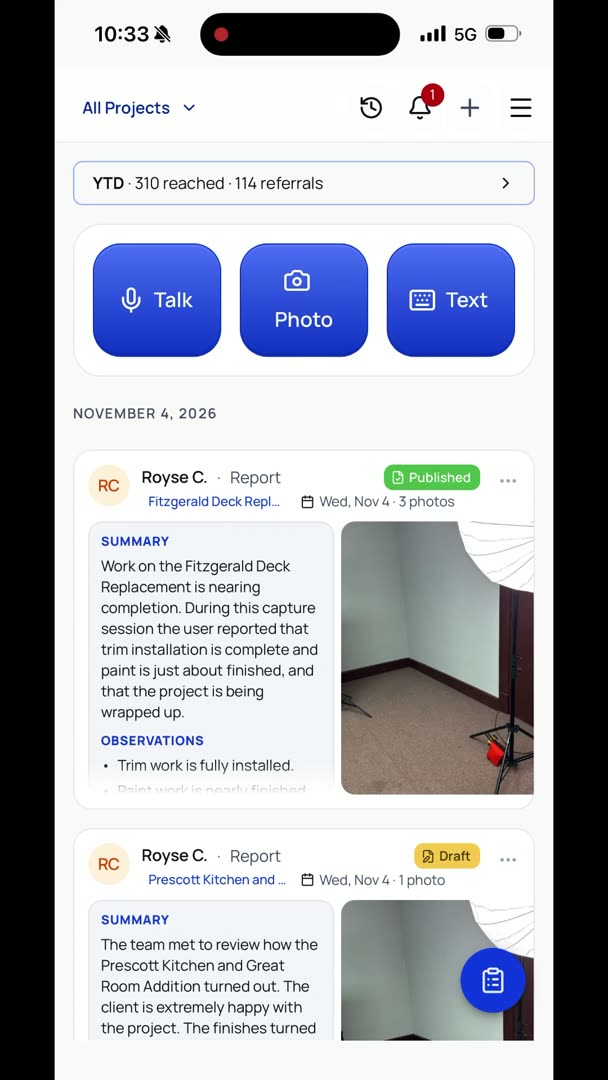
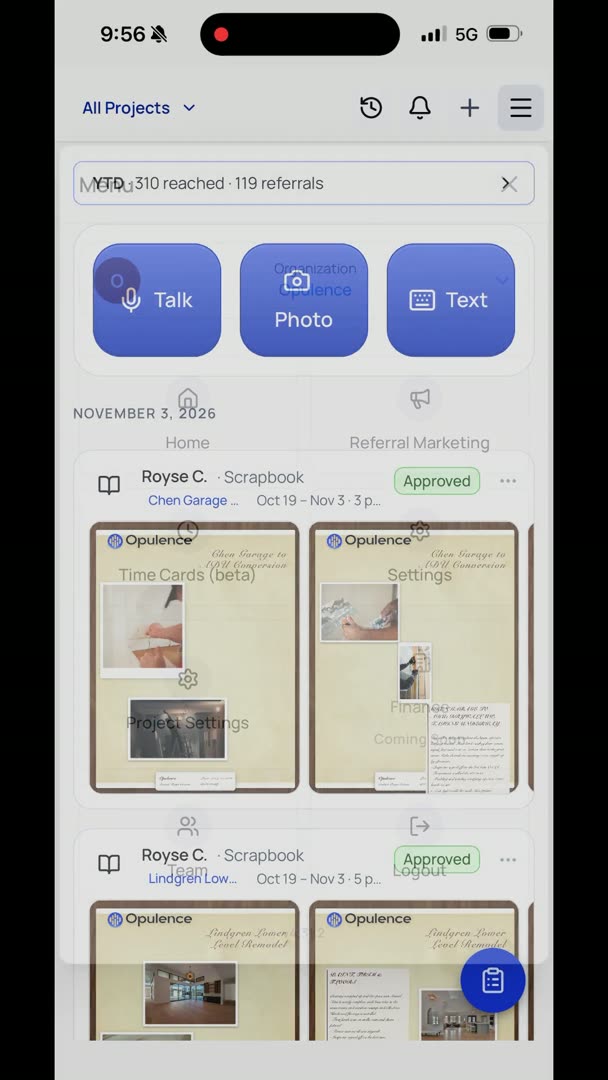
Let's say I wanted to continue that. I'm going to go up to my history button right up here, which is basically the little clock icon, and we're going to click on it again, and it's going to take us right back into it. I want to add some photos, so in the lower right-hand corner I have my Photo button, my Text button, my Talk button. So I'm going to click my Photo button, brings me into my camera, and we're going to take a photo right here. Just click back, adding the photo, and you're going to see in here it actually doesn't just add the photo, it takes a quick little summary of what it sees.
So I'm just going to click back, and it's edited. You can see that it's edited that report.