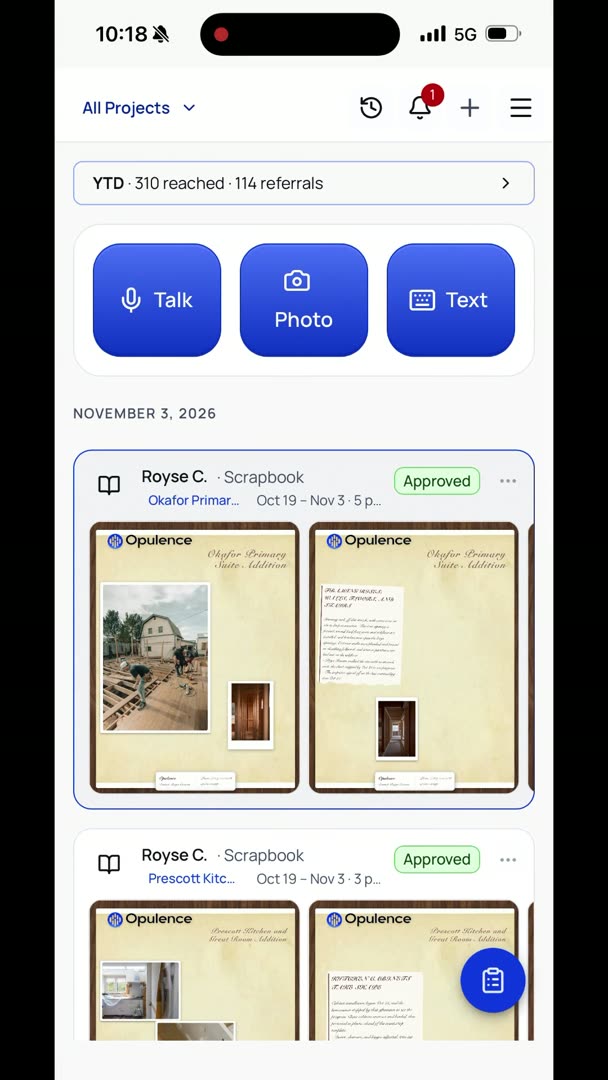
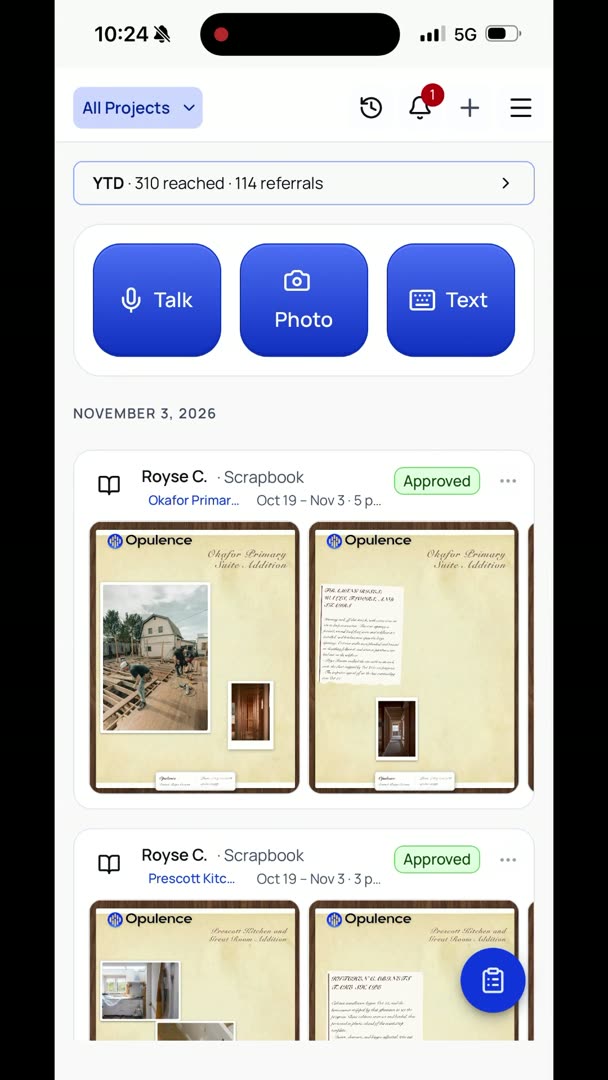
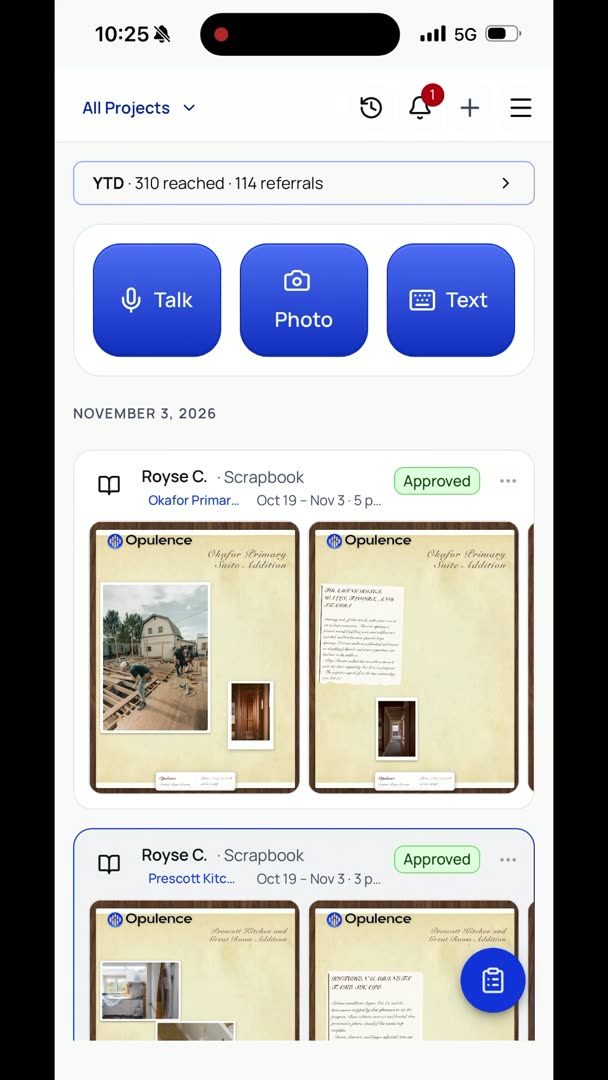
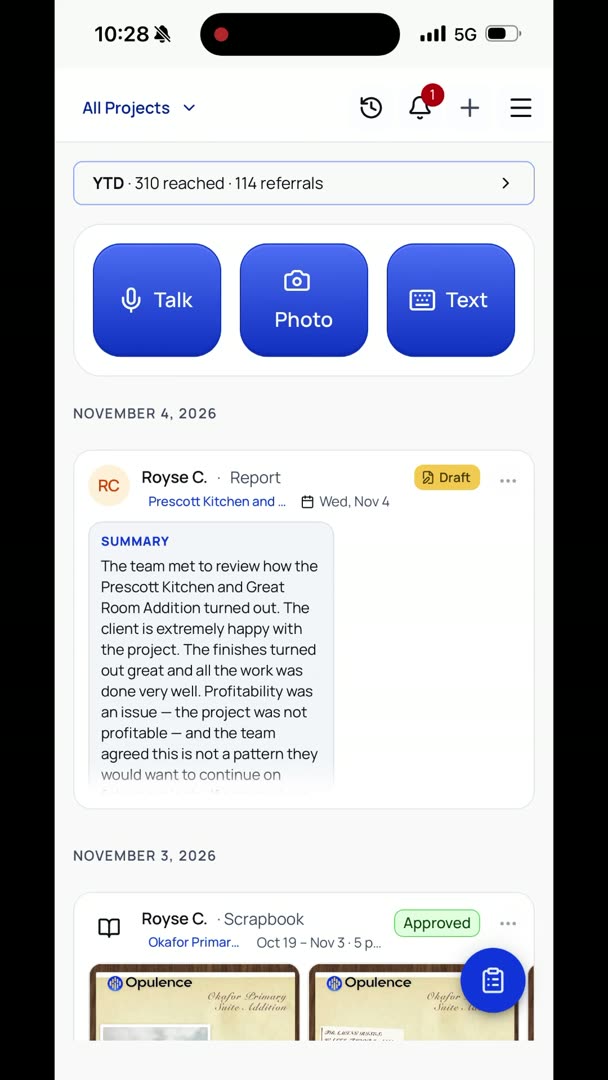
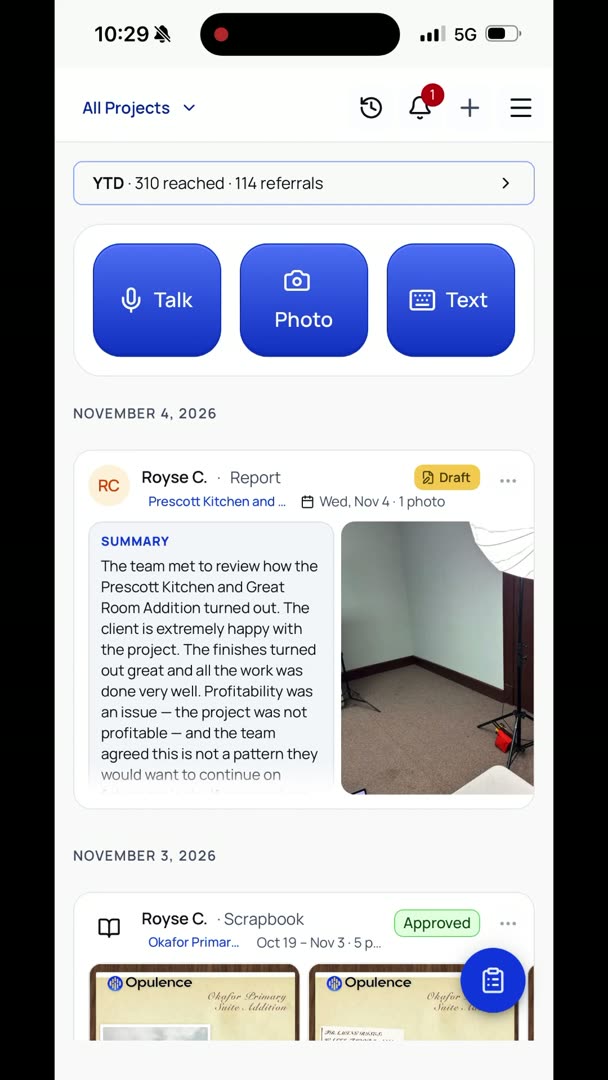
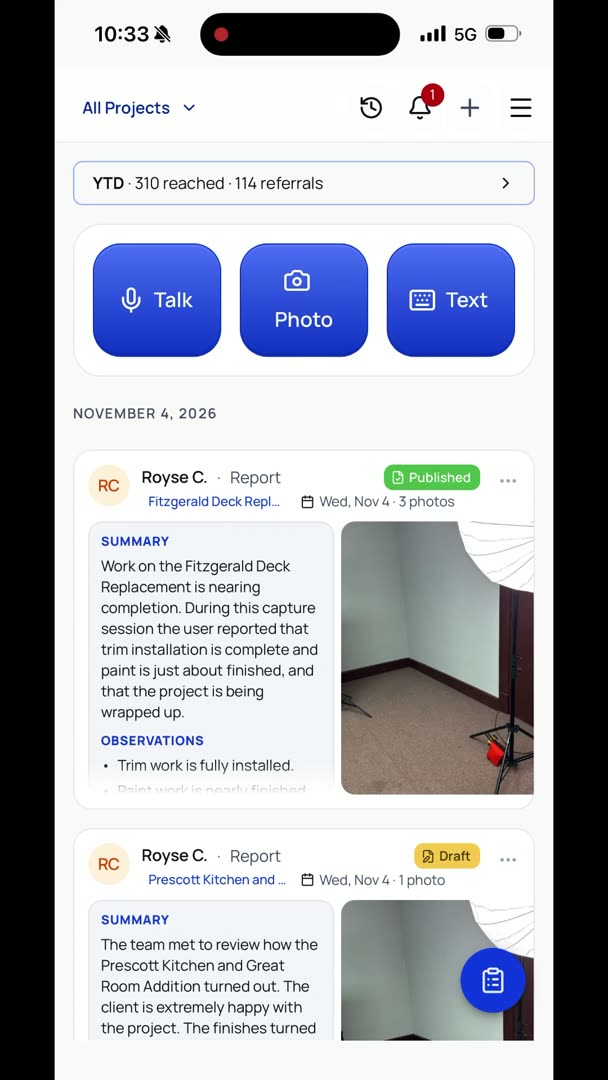
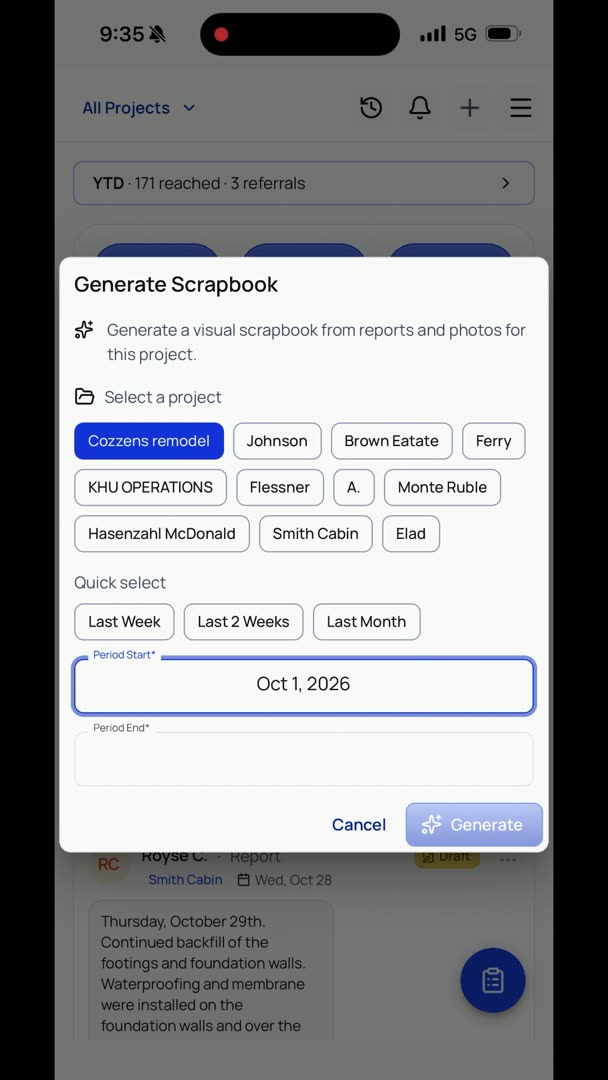
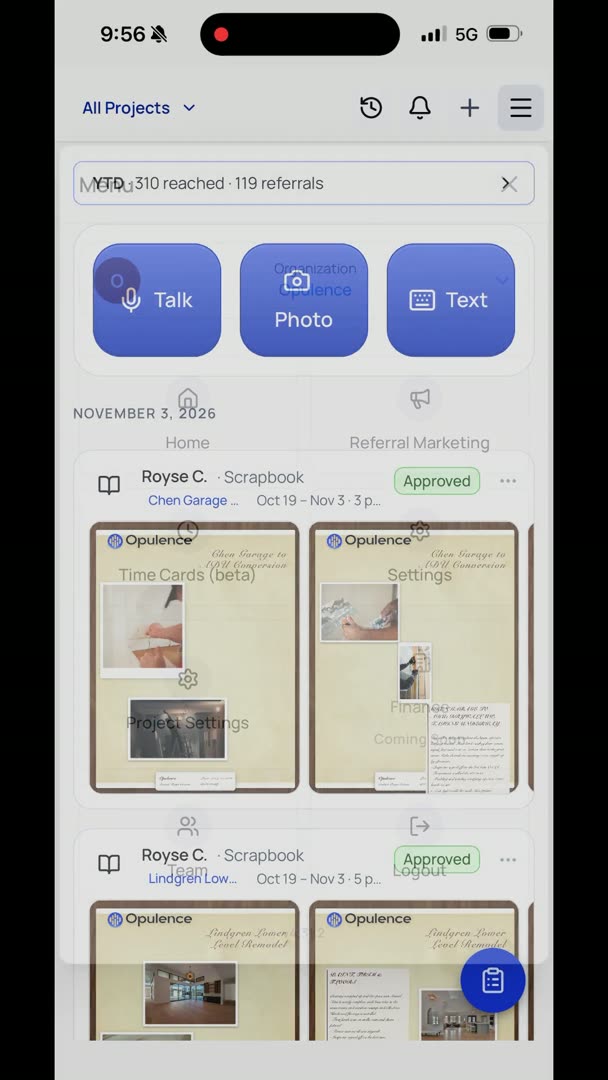
Let's say we want to add projects, add clients. We've made it super easy, so it's voice first. You don't have to sit there typing a whole lot or texting, or just sitting here with your phone out in the field trying to add a client. It's really simple. So we're going to go up here.
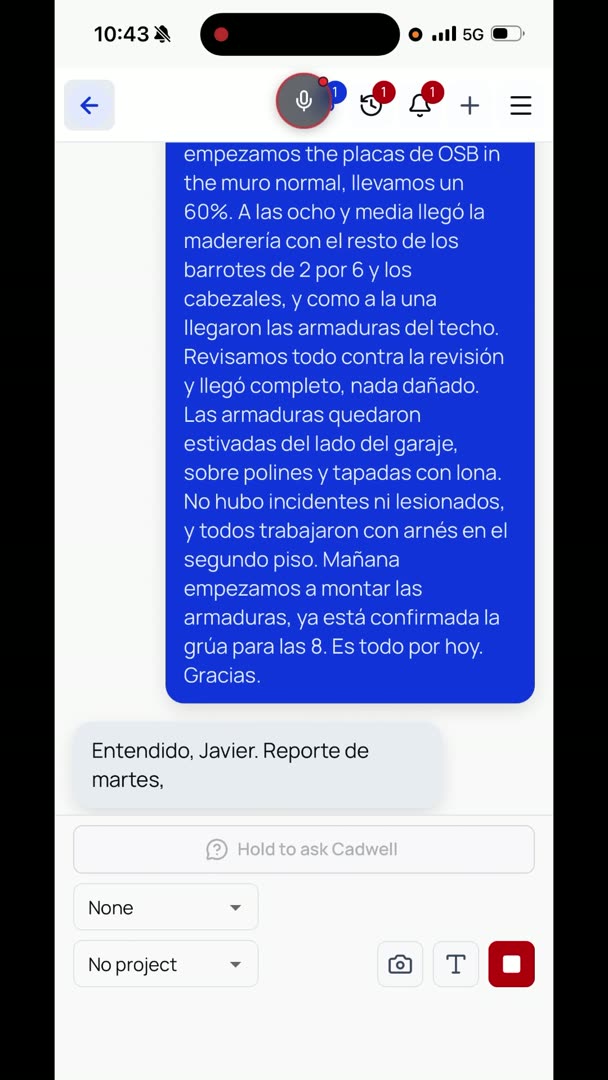
We're just going to hit the Talk button. "I need you to add a client to the Cozzens project. Her name is Example Cozzens. The last name is spelled C-O-Z-Z-E-N-S. Her phone number is 360-555-1234, and her email address is example.cozzens@example.com."
"Yes, that's correct. Cozzens remodel. She is the client.
Yes, that's the correct name and spelling."
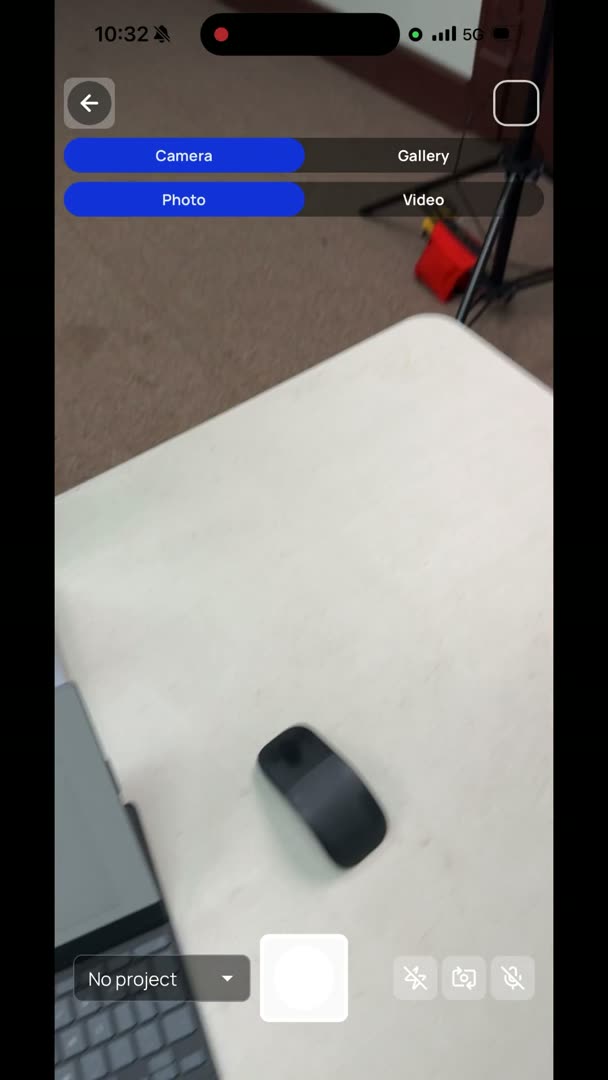
Okay, let's say I want to add an architect to the project, and I got their business card. Let's keep it really simple. So I'm going to go to the photos.
I'm going to snap a photo, hit back, and it's automatically going to assume that I want to add a person to the project and just read everything. John Smith, Example Architecture Group, phone number, adding him to Cozzens remodel, scrapbook updates only. Yes. What does he do on the project? "He's an architect."
Simple. Done.
Now let's say I want to add an entirely new project. Really simple. I'm going to do the same process again, where I just hit Talk. "I need you to add a project for me, brand new project. I think we're going to call it the Jones remodel, and it is at 123 Main Street in Sedro-Woolley, Washington.
It's a commercial remodel project, 700 square feet."