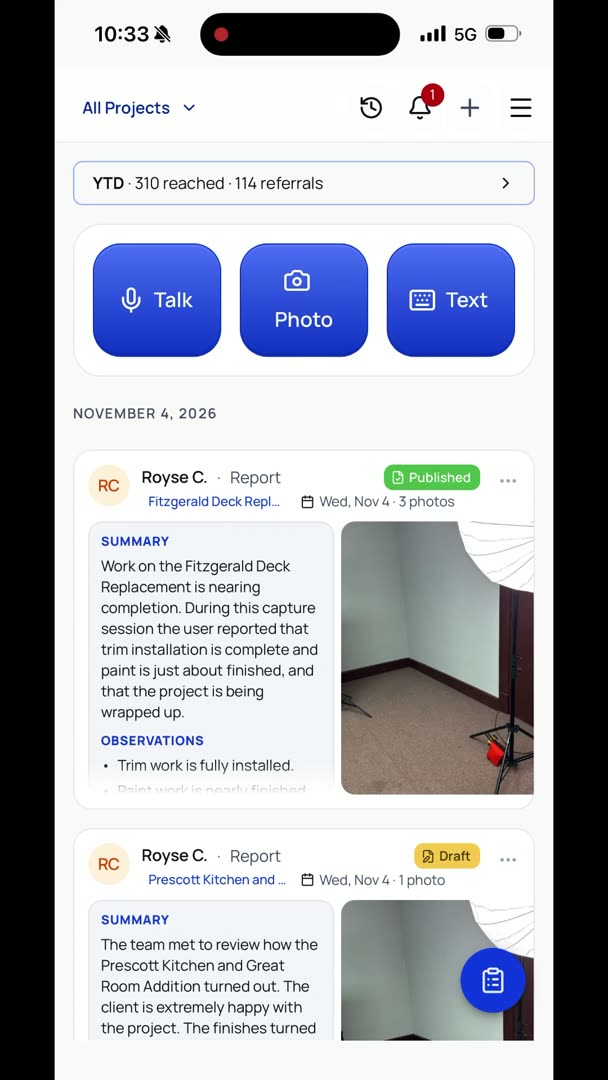
So let's say that I want to document a meeting that I'm having with my team about how a project turned out. So let's pick the Prescott Kitchen when we do this. "Okay, so I'm here with my team. We are discussing the Prescott Kitchen, and we're going to talk about how it actually turned out. It sounds like the client is really happy.
We did a fantastic job. The finishes turned out great. All the work was done very well. We do have a little bit of issues with the profitability side on this one. We weren't unprofitable, but it wasn't something that we would want to continue to do as a pattern moving forward on projects.
But the client is extremely happy. If we have to make any concessions, I would rather do quality work and not make as much, so I think we did the right thing on this project."
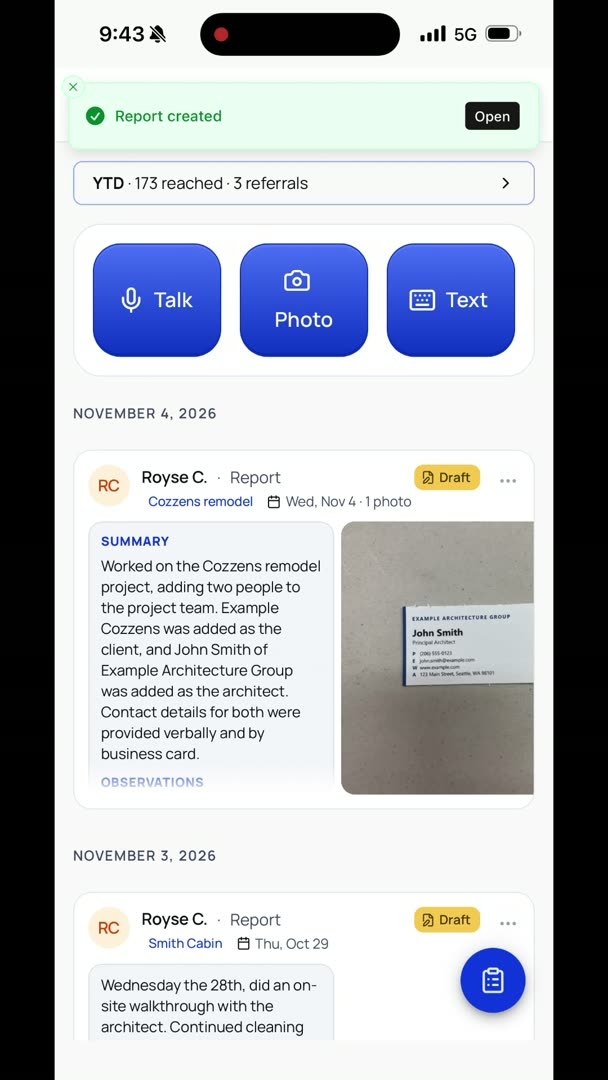
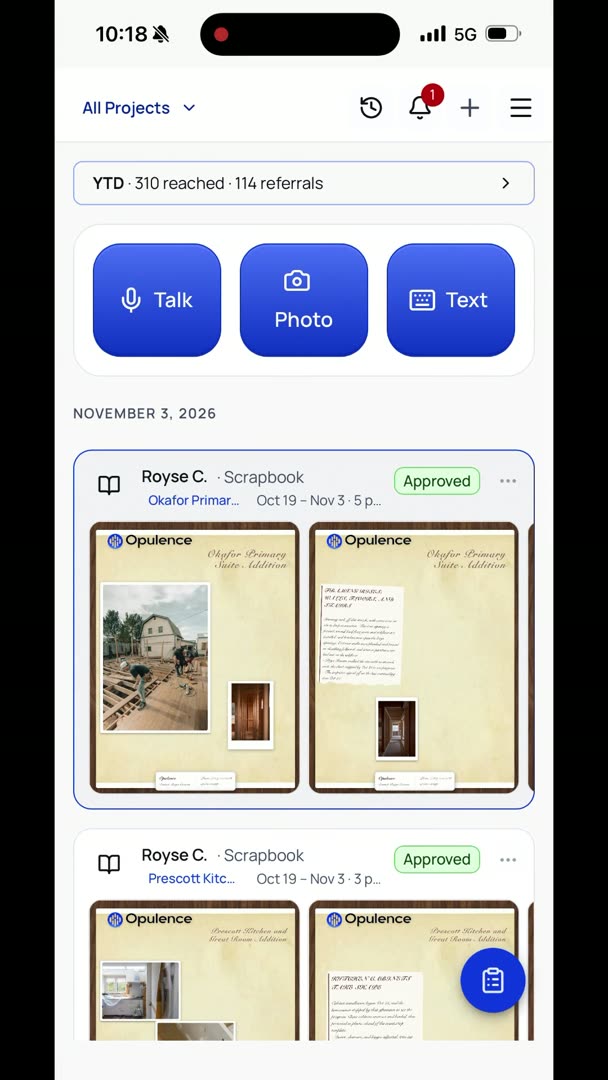
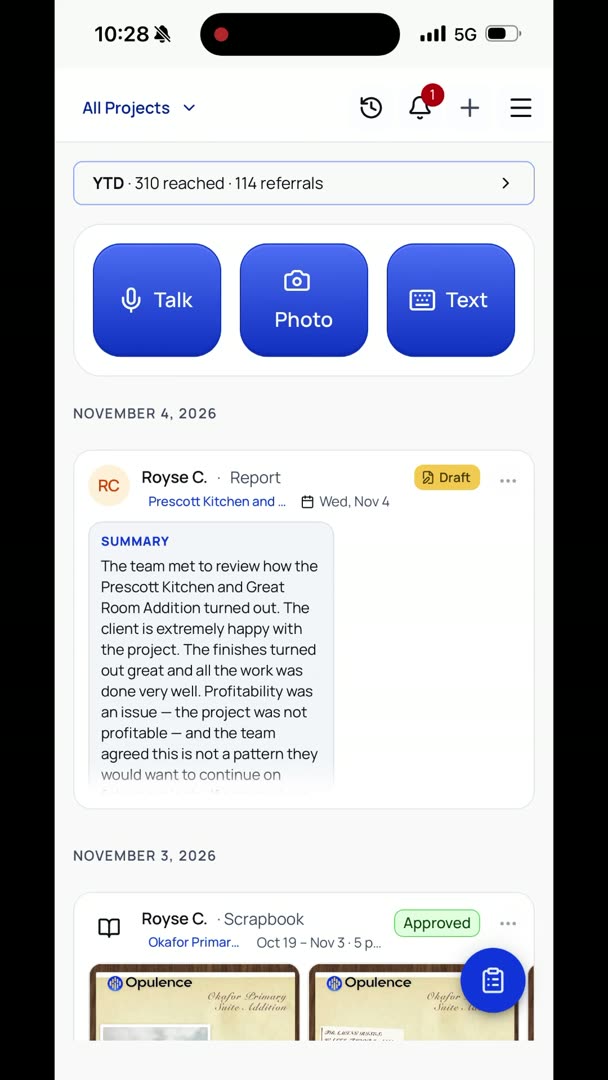
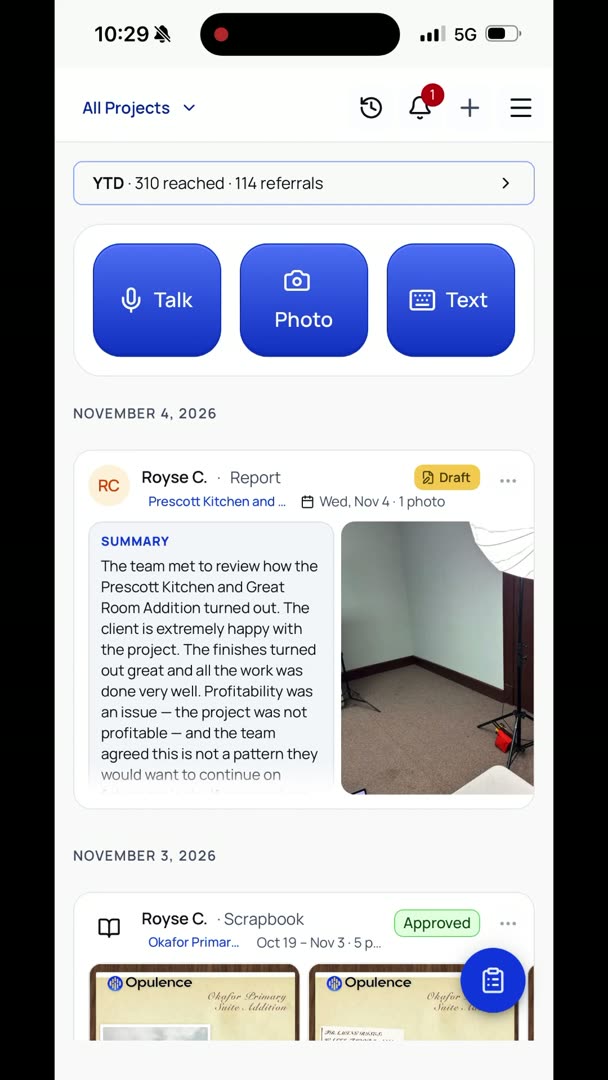
So here I made a report for the Prescott Kitchen, and all I have to do now is hit back. It's automatically going to do this in the background. So it's creating a report, and it took all of my information and it turned it into a nice clean summary, even though you could hear me say a bunch of ahs, ums, all that kind of stuff.