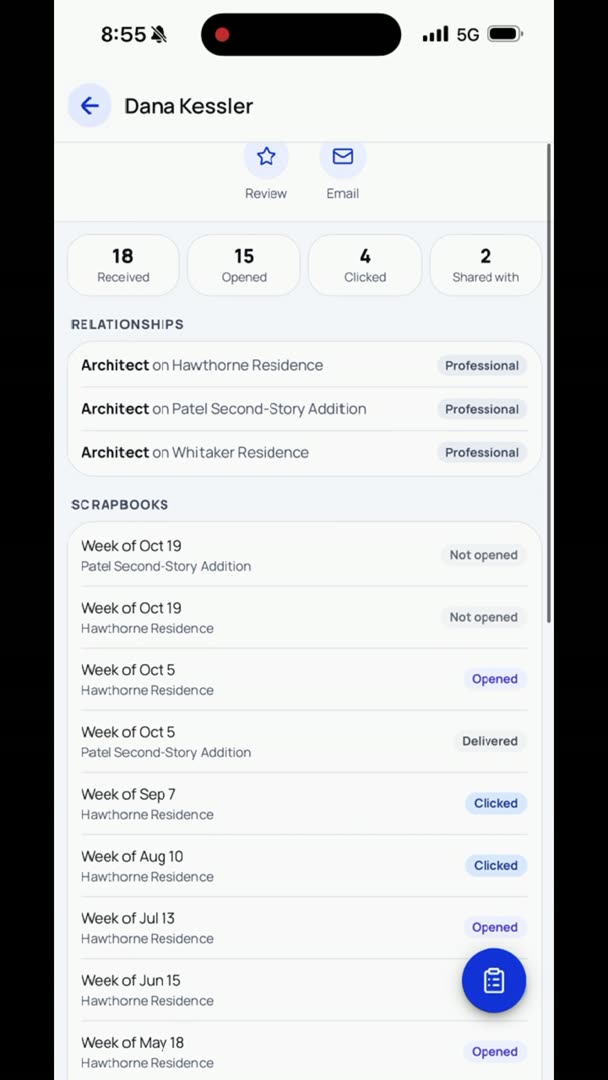
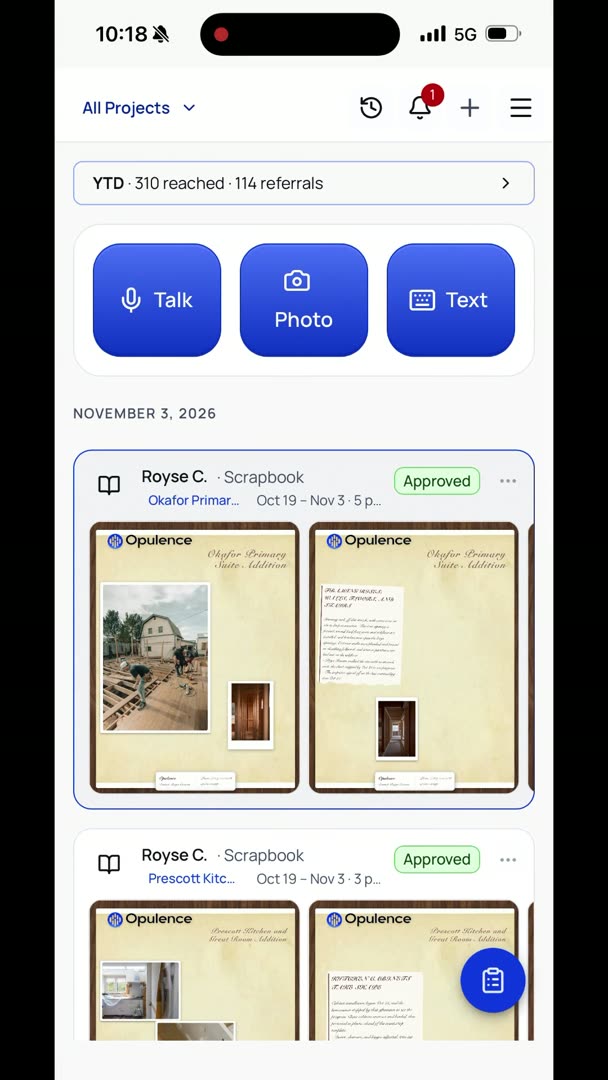
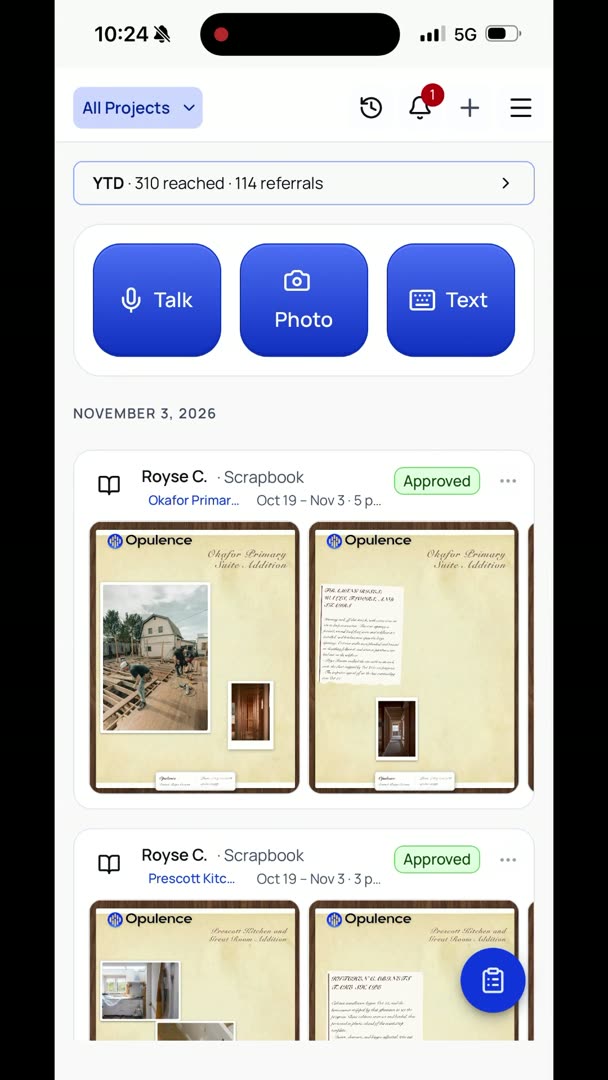
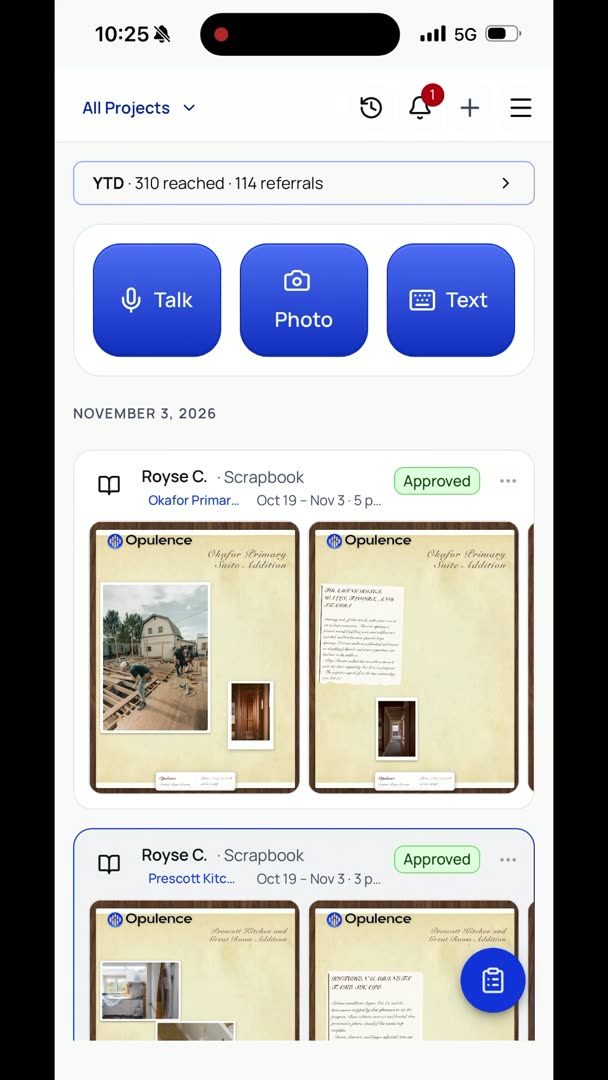
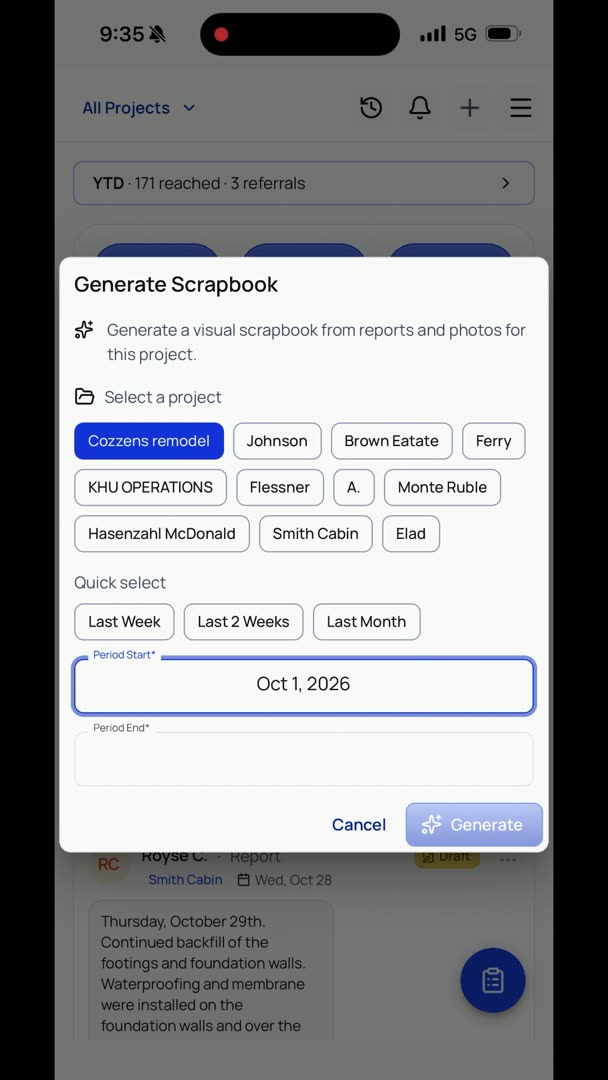
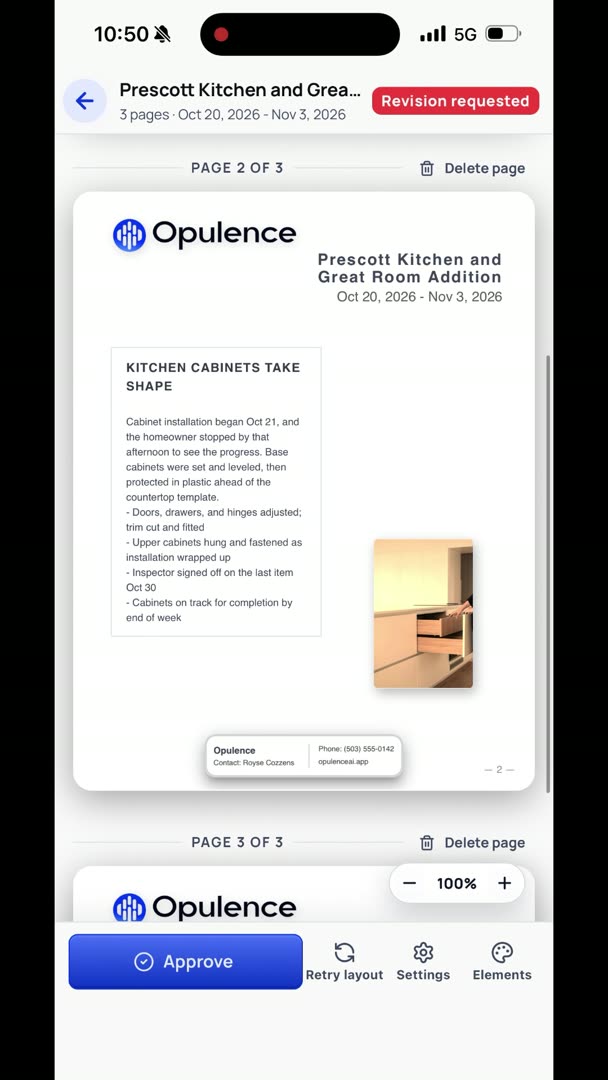
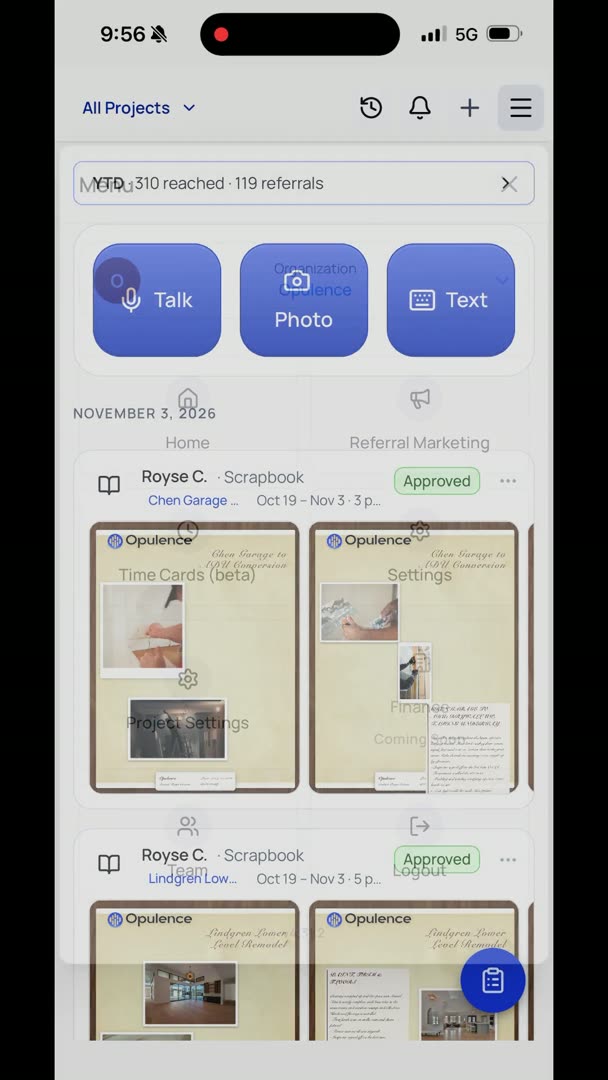
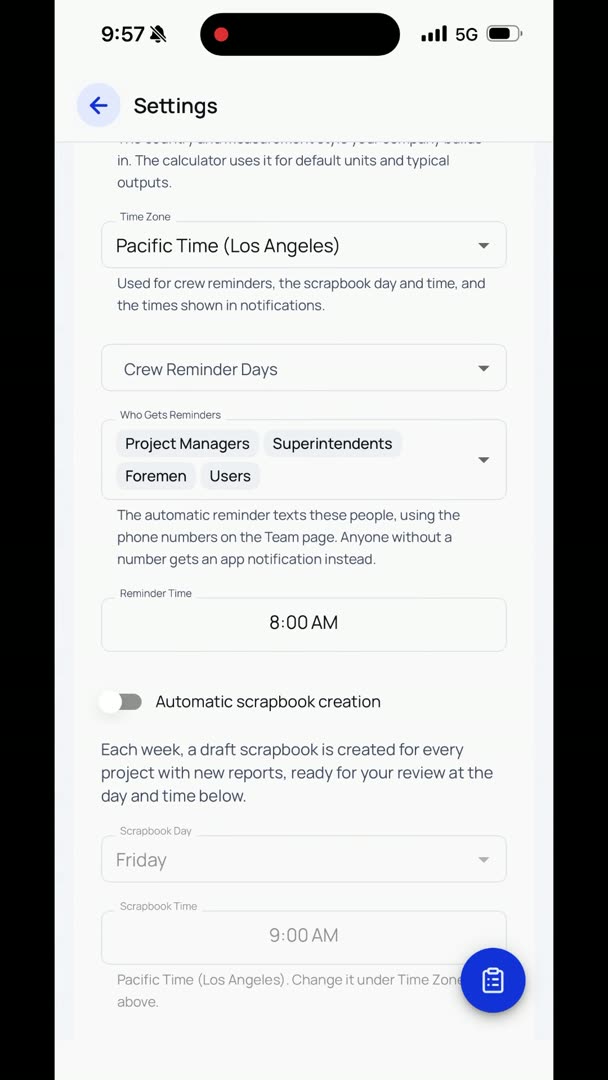
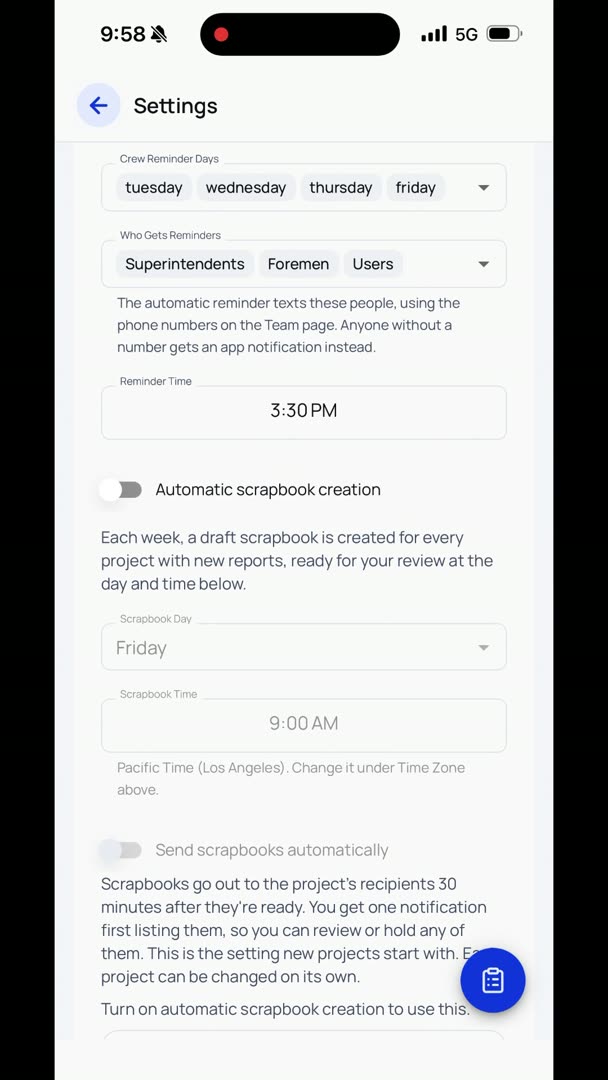
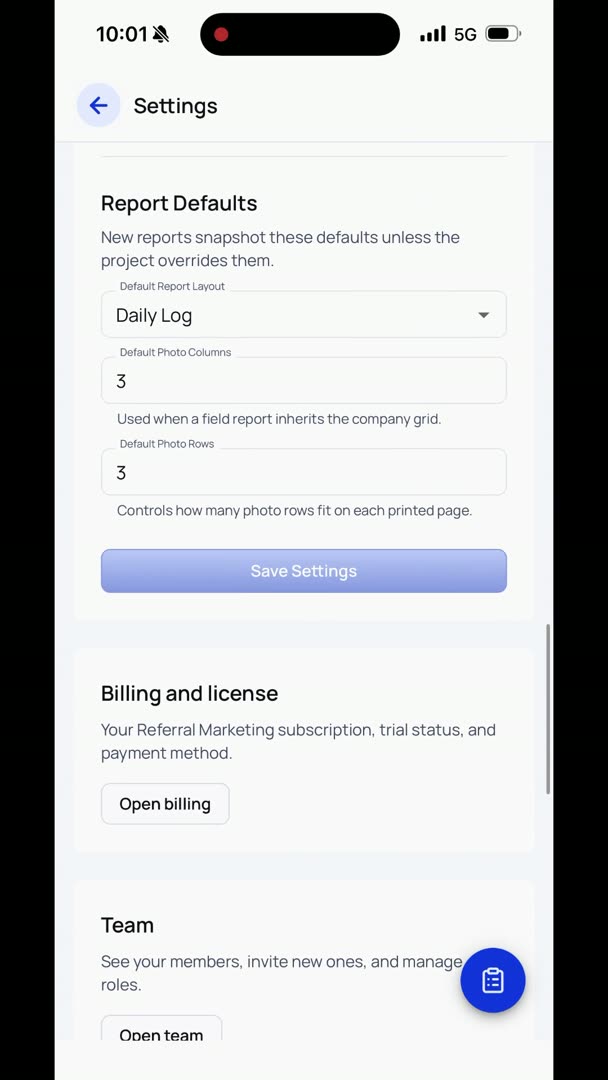
Sending a scrapbook is incredibly simple. There are a couple of ways to do it. You basically click in the upper right-hand corner of the scrapbook, you just hit Send, and it'll send it to whatever people that you have in the list for that project. It's even easier than that, though, if you want it to be. We're going to go up here to Settings, and we're going to scroll down here to Automatic Scrapbook Creation, and then Send Scrapbooks Automatically.
So, turn on automatic sending for new projects. We're going to hit Turn On for New Projects. And basically, we can have it send automatically every single week. We're just going to turn that off for now. We can go back into Project Settings for any one of the projects, and we're going to say, okay, we're going to be on the Cozzens remodel.
What do we want to do?
We're going to turn on automatic sending for just that one project. However it is that you want to do that, if you want to say, as a company, as a rule, this is how we want to do this, that is all it takes to set it up to where it happens automatically.