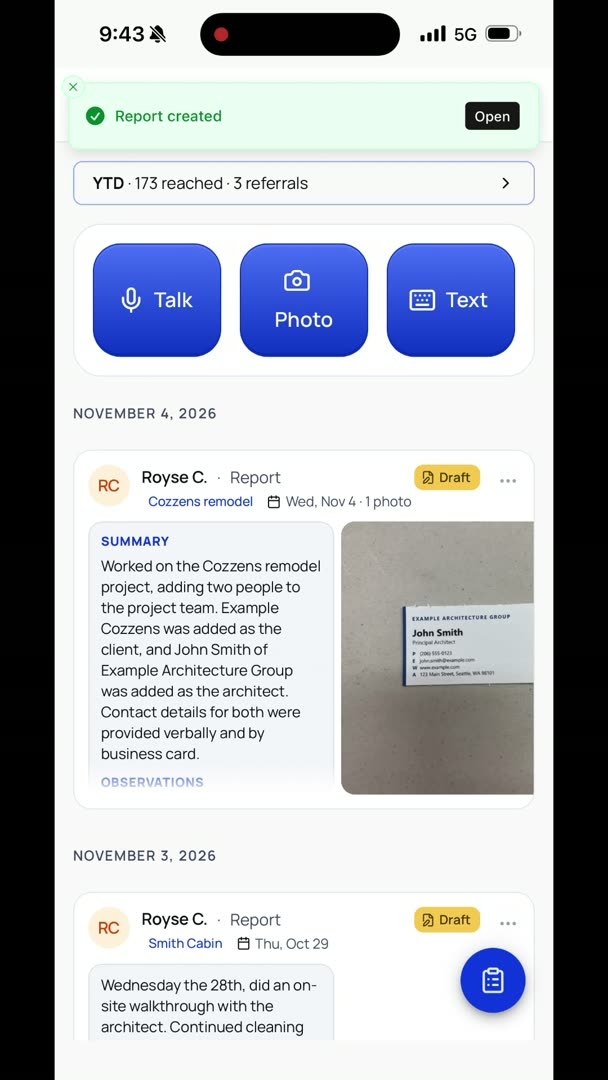
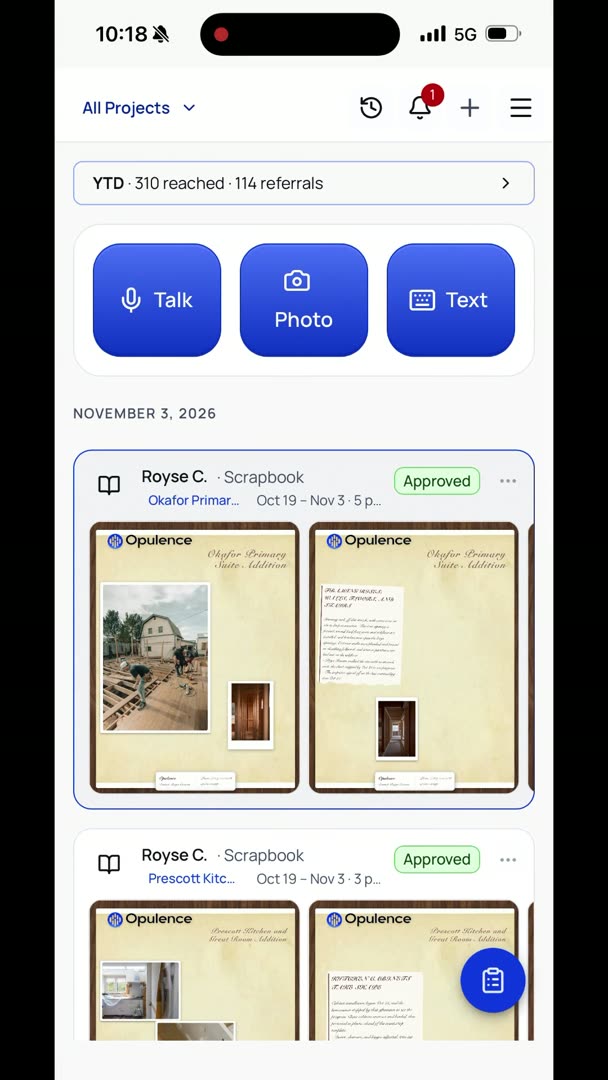
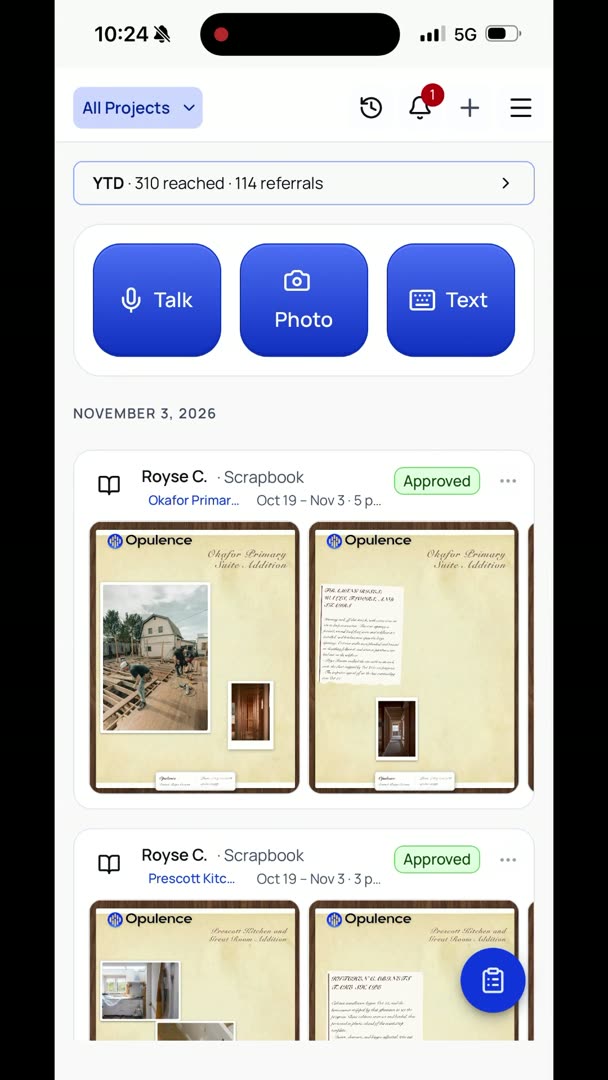
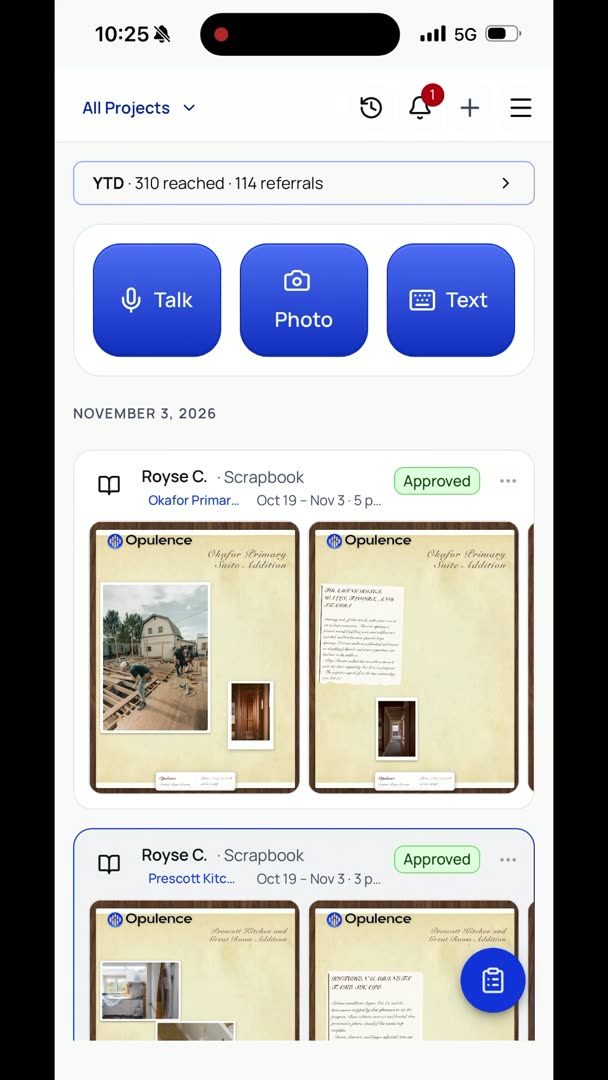
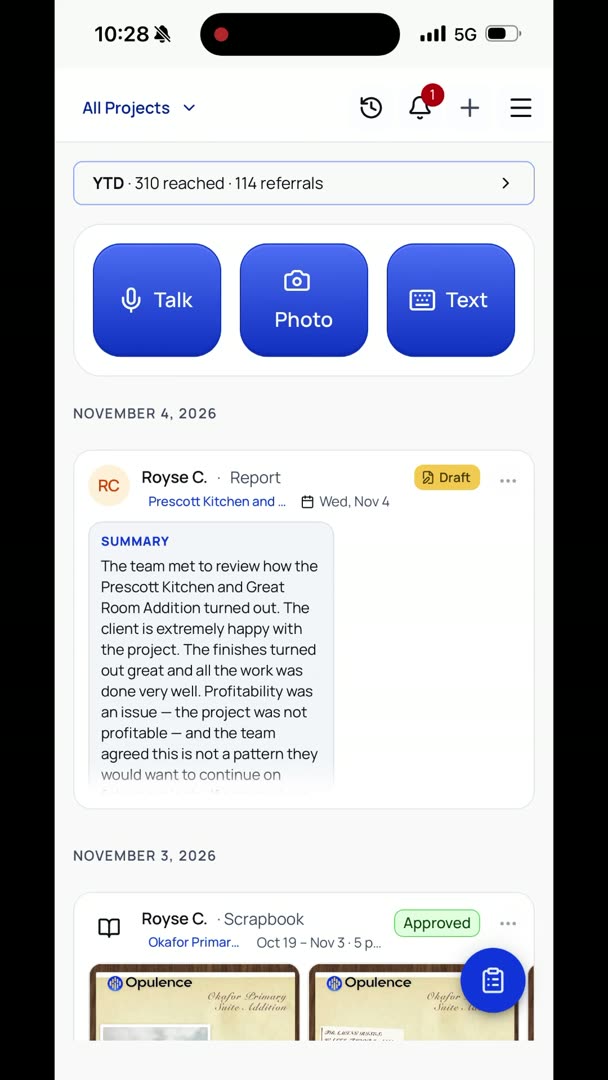
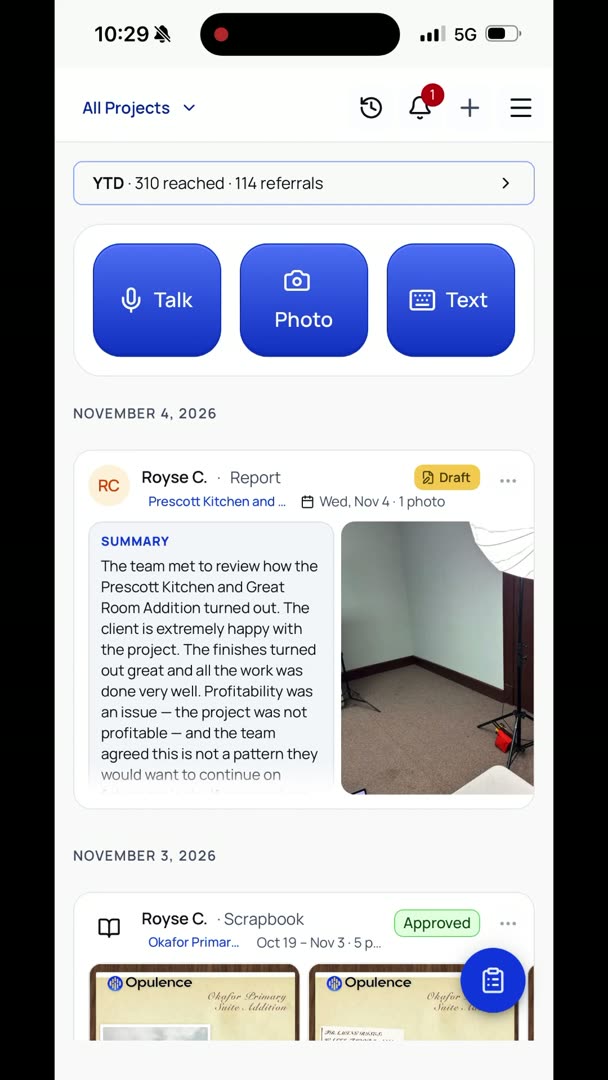
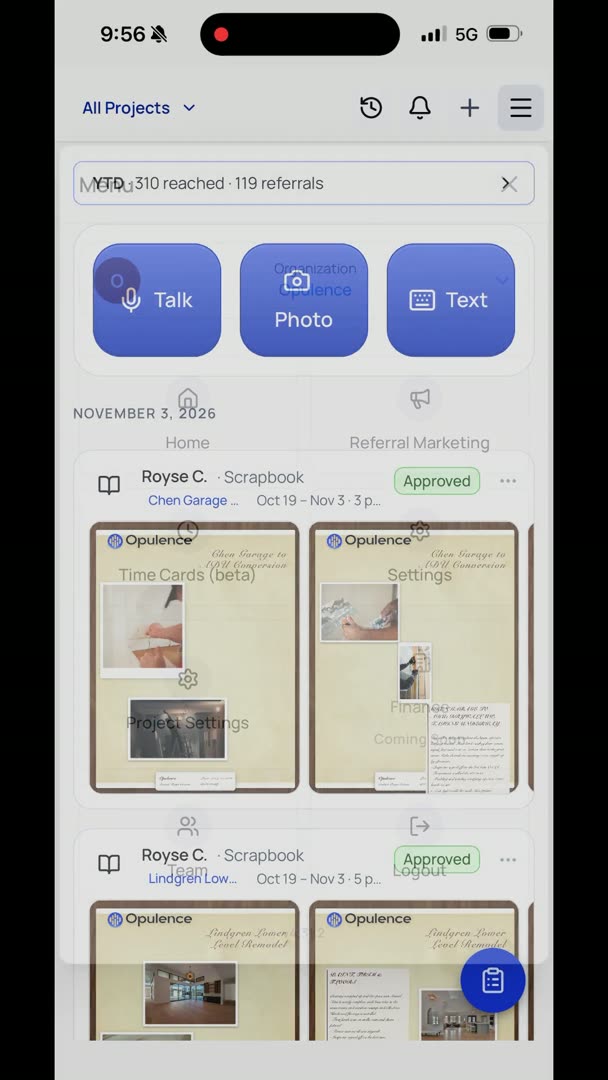
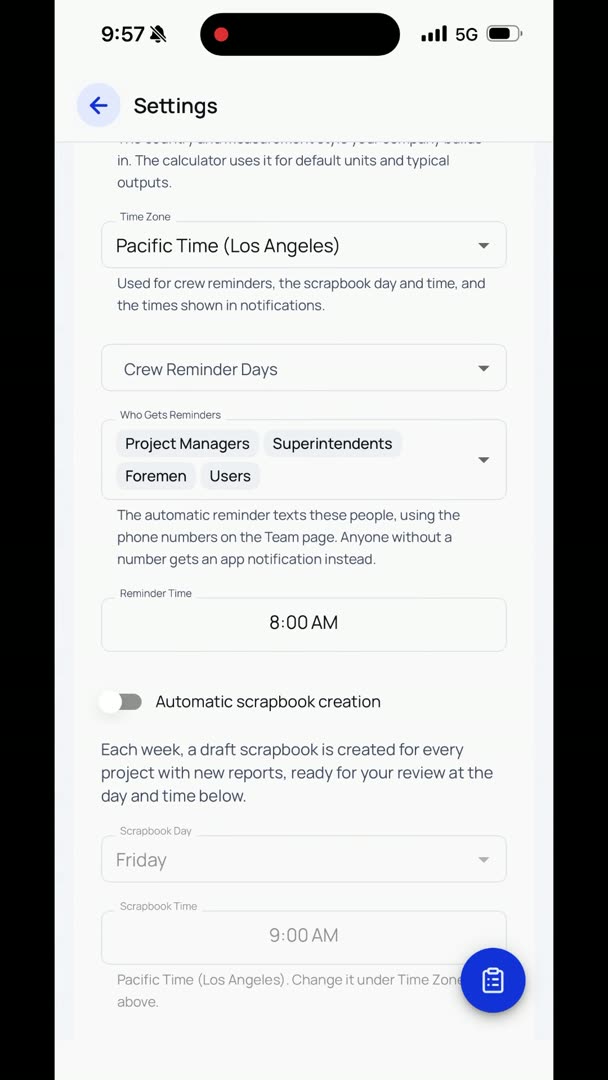
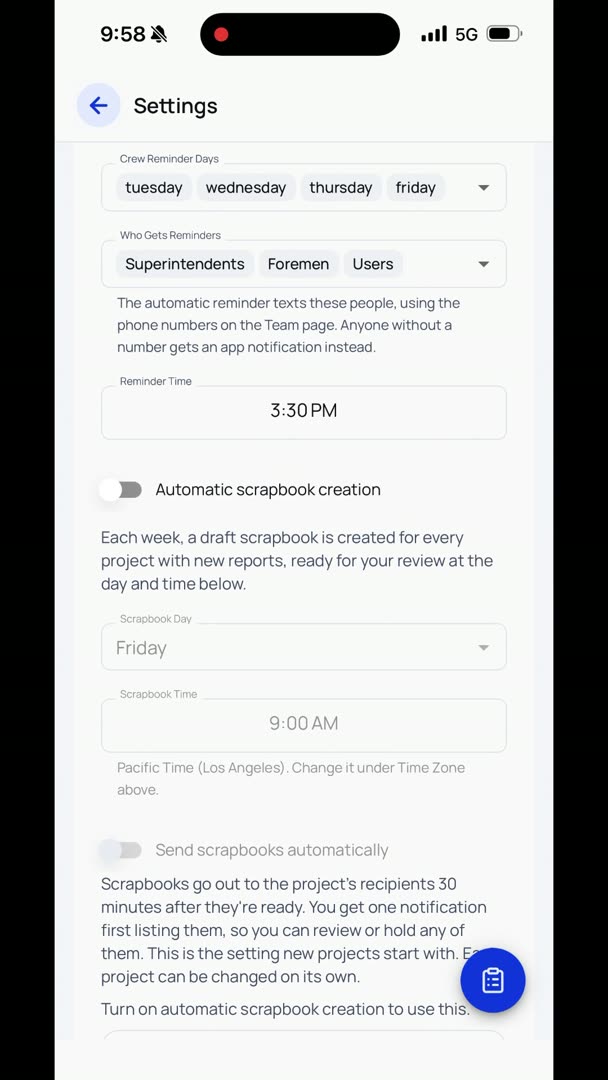
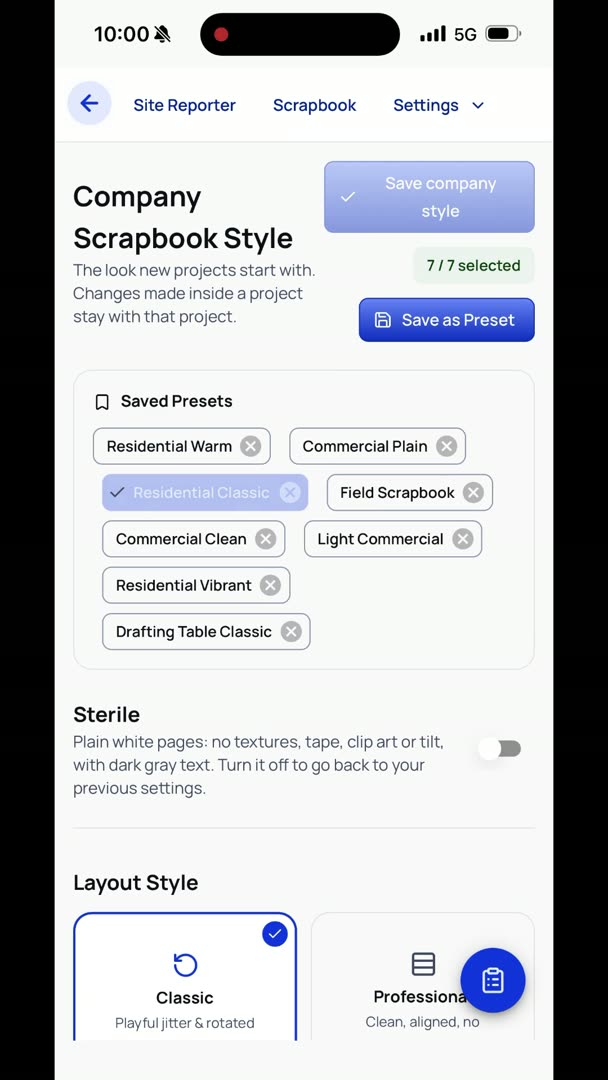
Let's say we want to edit a scrapbook. If I click on a scrapbook, it's going to load it, and you basically get into a screen where you can just take a look at it, and you can click Reopen down here. And another way to do this is to just click the Edit button in the three dots in the feed. So here I can do all kinds of things, but I'm going to go down here to my Settings at the very bottom. So let's just say I want to make a big jump, and I want to make it just Sterile.
I like this style. So you don't have to hit Save or anything, you just, in the upper right-hand corner, hit the down caret. So, nice, clean, nothing really to it, pretty straightforward. This actually turns out really nice on an email. Let's go check out some other options.
Say I want to do Classic. Say I want to change the background from a dark wood grain to a light wood grain. So we're going to do a bright white photo, and let's say I want all my photos to be Polaroid or plain photo. I like that. You can do handwritten.
Let's do Architect Hand on that, and warm tone on the photos. Here you can click what type of notes you want on there. Torn white is kind of nice. It's a little bit playful, but if you want it just a plain square, you just uncheck it. If there's anything in here that you don't want at all, you just uncheck it, but we're going to go with torn white.
I don't really want anything on here like binder clips or Scotch tape or anything like that, like taping the photos in place. So we're going to check that out, see if that's what we like. So here we just adjusted that. Well, that's interesting. All right, what if I want to add something to it?
I have all these elements that I can play with. If I want to add clip art to anything, kind of play with it a little bit, it's there. Not necessarily required that you do anything like that, but there are options that you have. Let's say I want to move some of these things around. I'm just going to click on the element itself, and then I'm going to drag it around.
Let's say I want to edit the text for some reason. So I'm just going to double-click on it, and then I can change anything that I'd like to. I just don't love it at all, and I'm just like, oh, let's just start over. There's a Retry Layout button at the bottom in the center. Click that button, and it basically just does a whole new attempt at it.
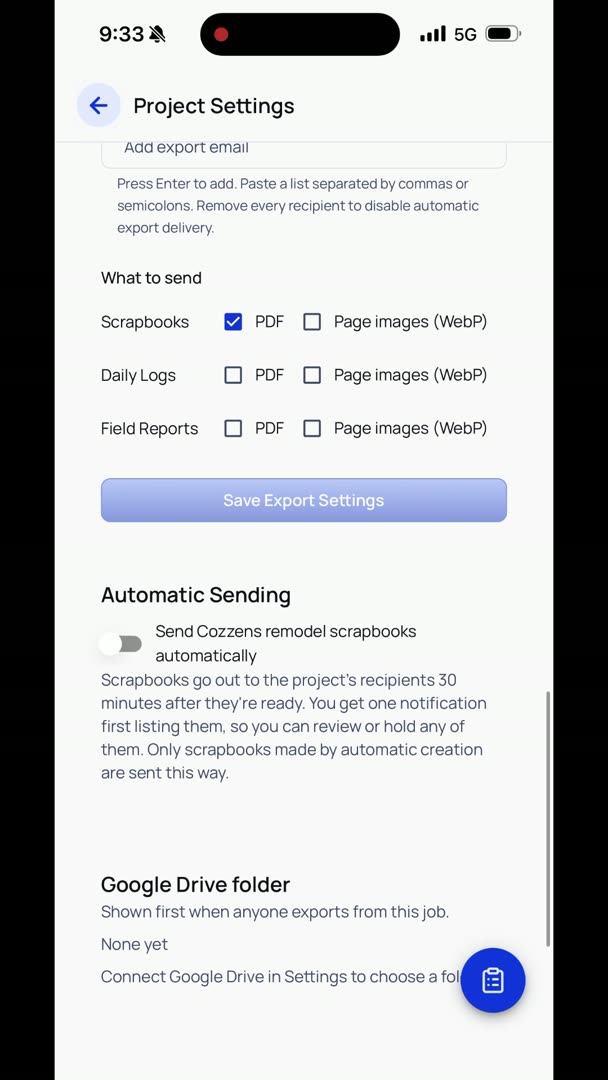
When I'm done, I just hit Approve, and it's finished. If you have it set to automatically send to your clients, it'll automatically send when you hit Approve.