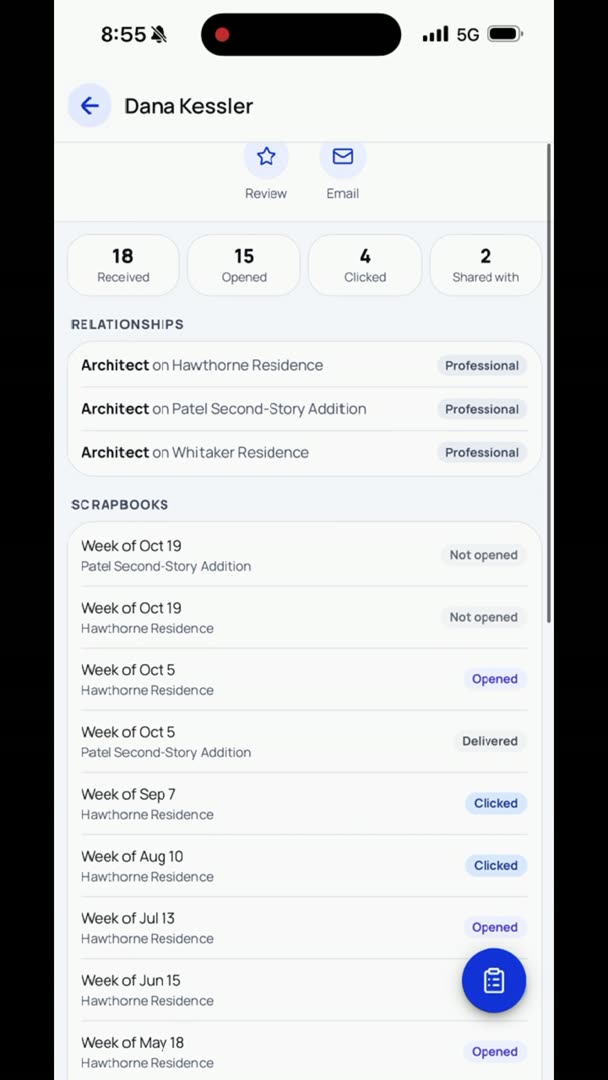
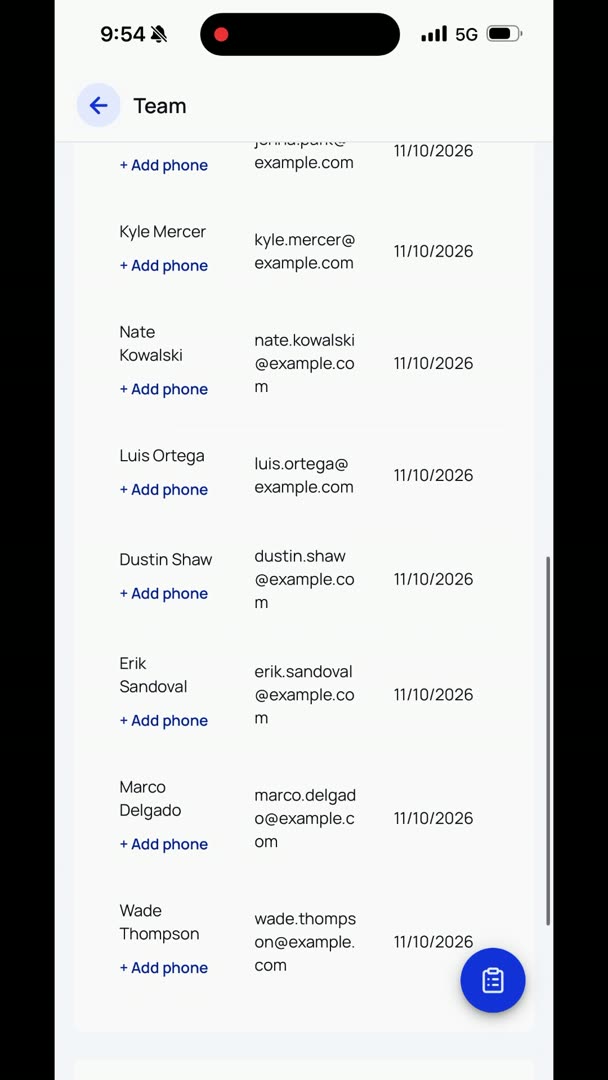
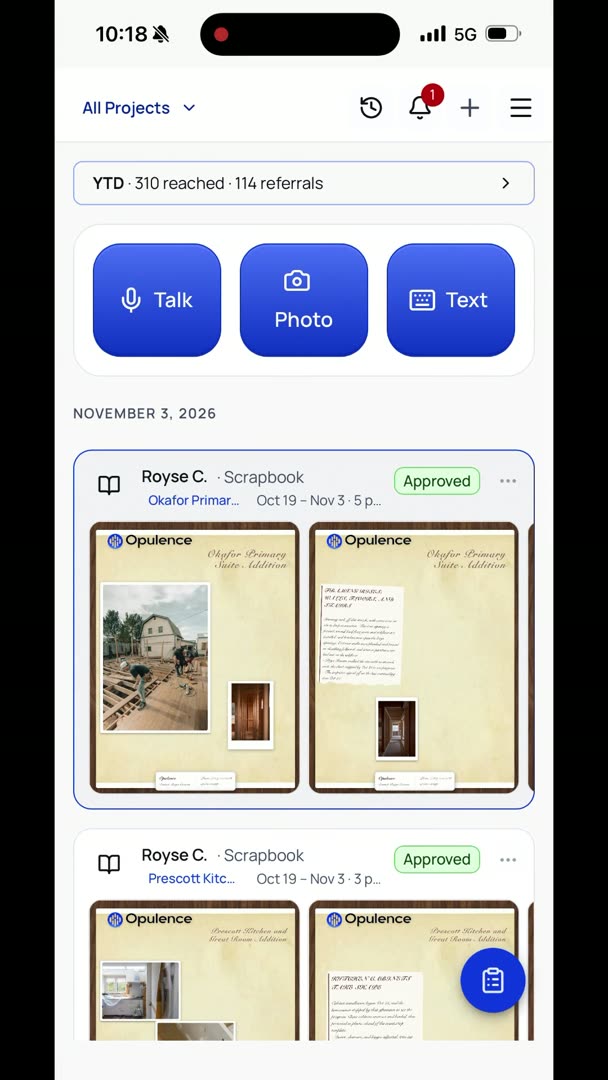
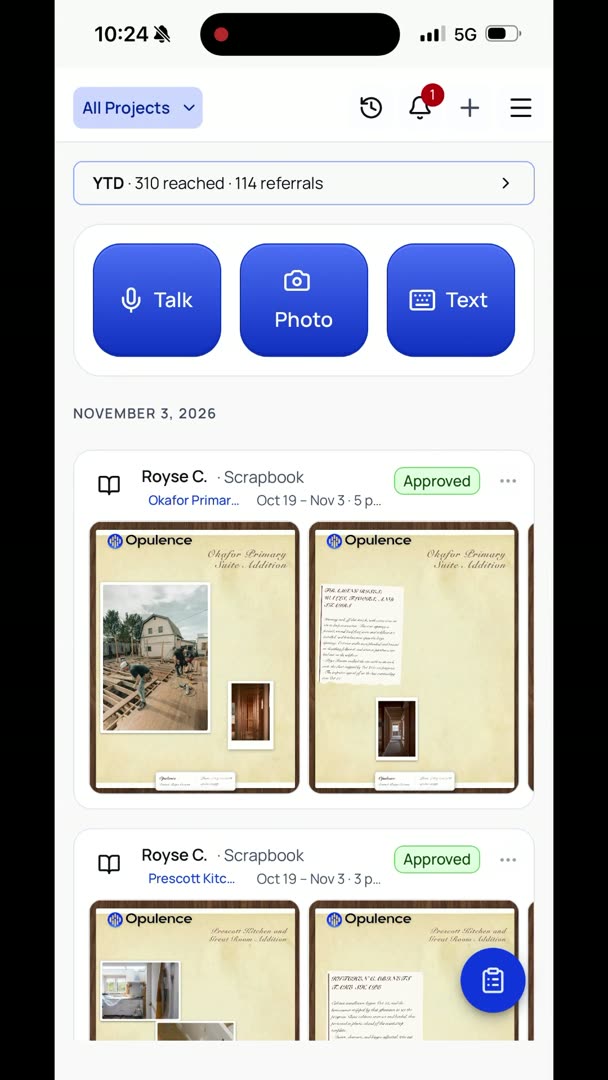
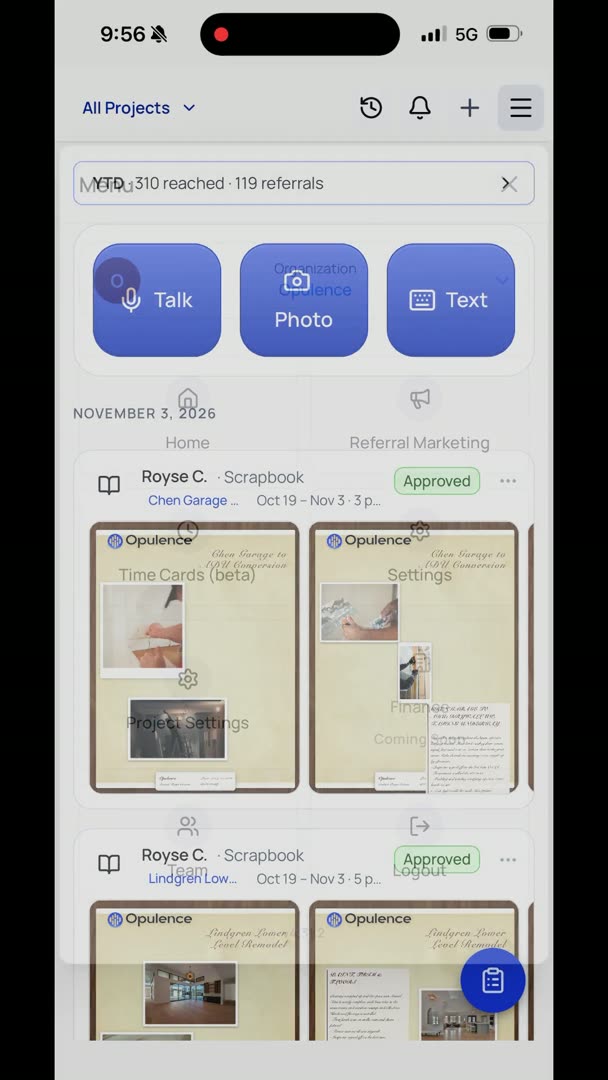
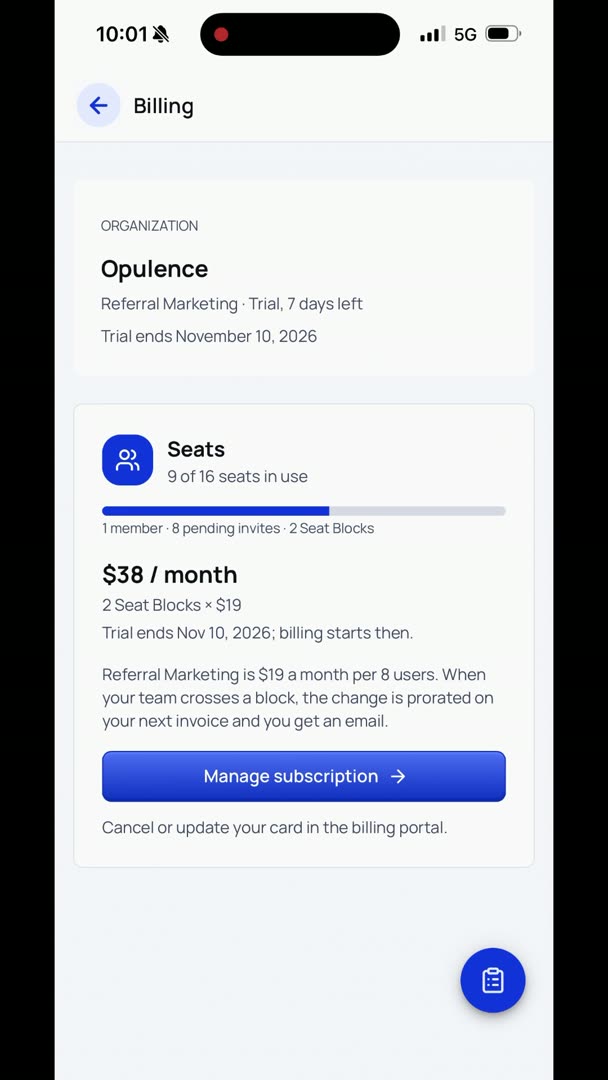
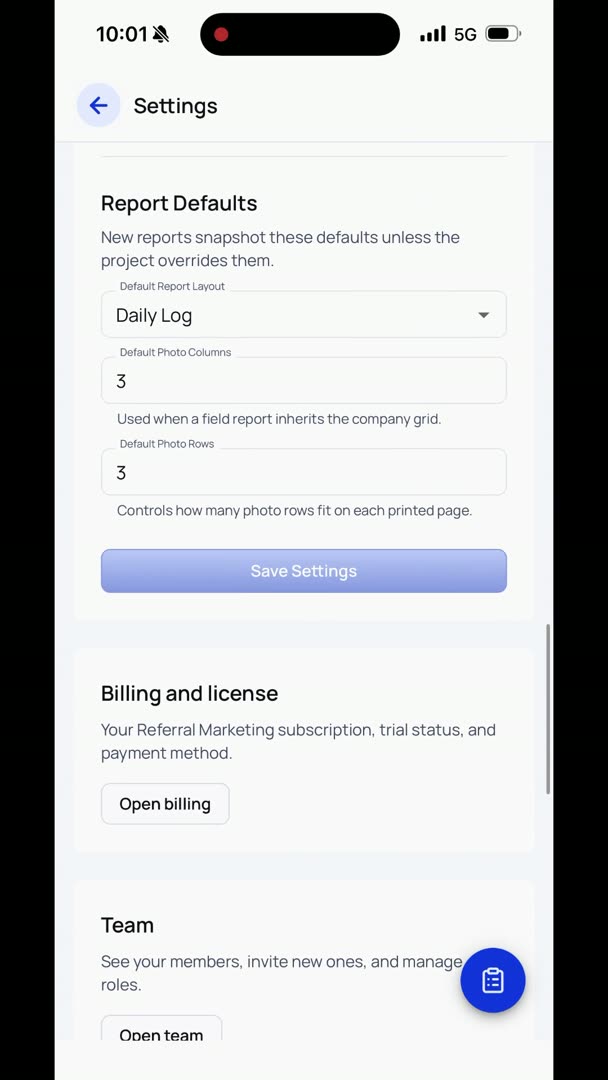
How do I get to the Review Farmer, and what is it, and how does it work? Go to the hamburger menu in the upper right-hand corner, and you're going to go to Referral Marketing. In the very lower left, you're going to see Review Farmer. Here you're going to need to allow access to your contacts in order for it to work.
Once you find your business name, then you're going to go into your contacts. You're going to click the contacts that you want to have reviewed. You're going to go to Ask the Client for Review. New custom home built on Blakely Island right on the waterfront. Then it suggests a message.
We're going to open it in our messages, and there you can edit it, tweak it. If there's anything that you want to say a little bit differently, no big deal, super easy, but right there at the bottom is a link for them to just click it and go do a Google review. Your Google reviews are a big deal, because all of your SEO and your AI, if they're going to refer you for anything, they basically check that, and they want to know if they're going to put you at the top of the list or even include you in the list at all.